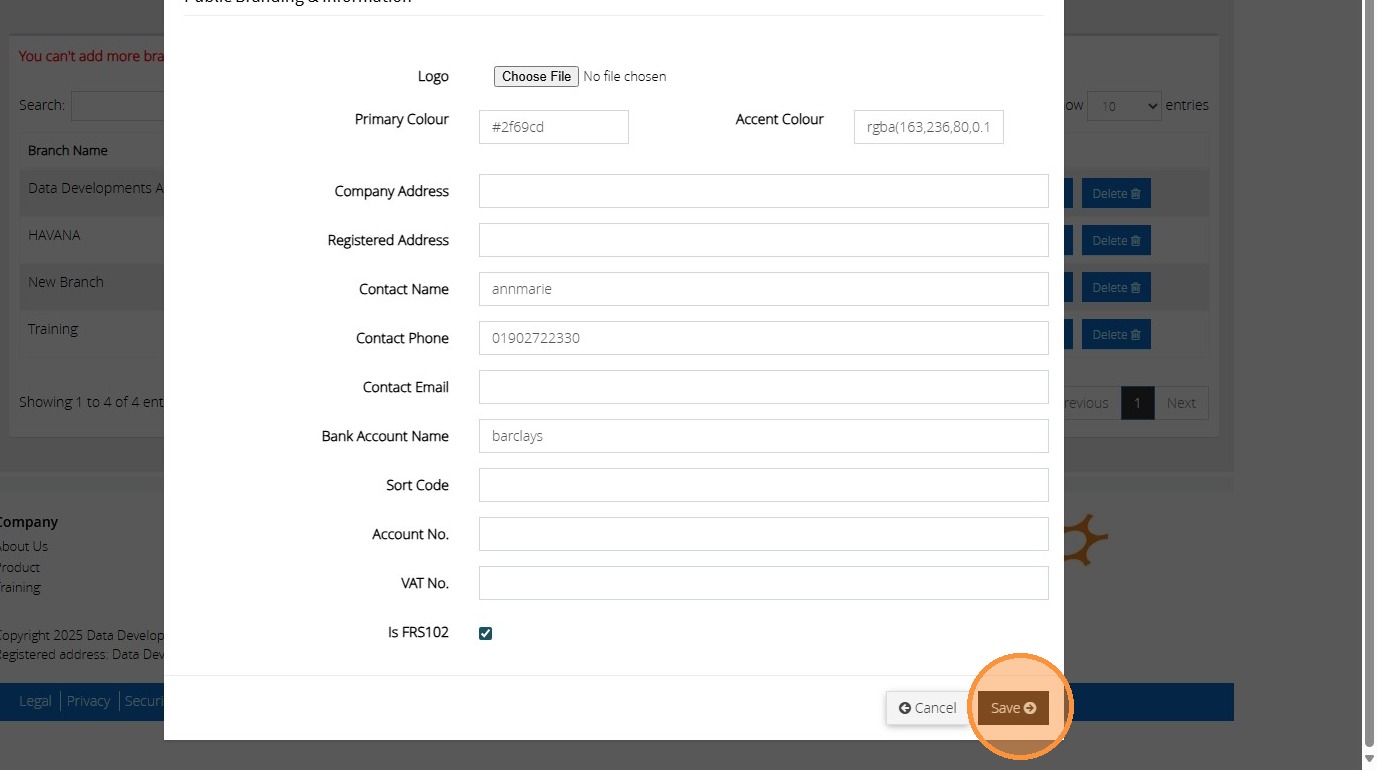
Tip: When the FRS102 is enabled, this will move the Gains and Losses Code below the Other Gains and losses heading on the SOFA reports so that this is not included under the Total Expenditure for the accounts. Please see the below steps to enable FRS102 on your account.
1. Click "Admin"

2. Click "Branches"

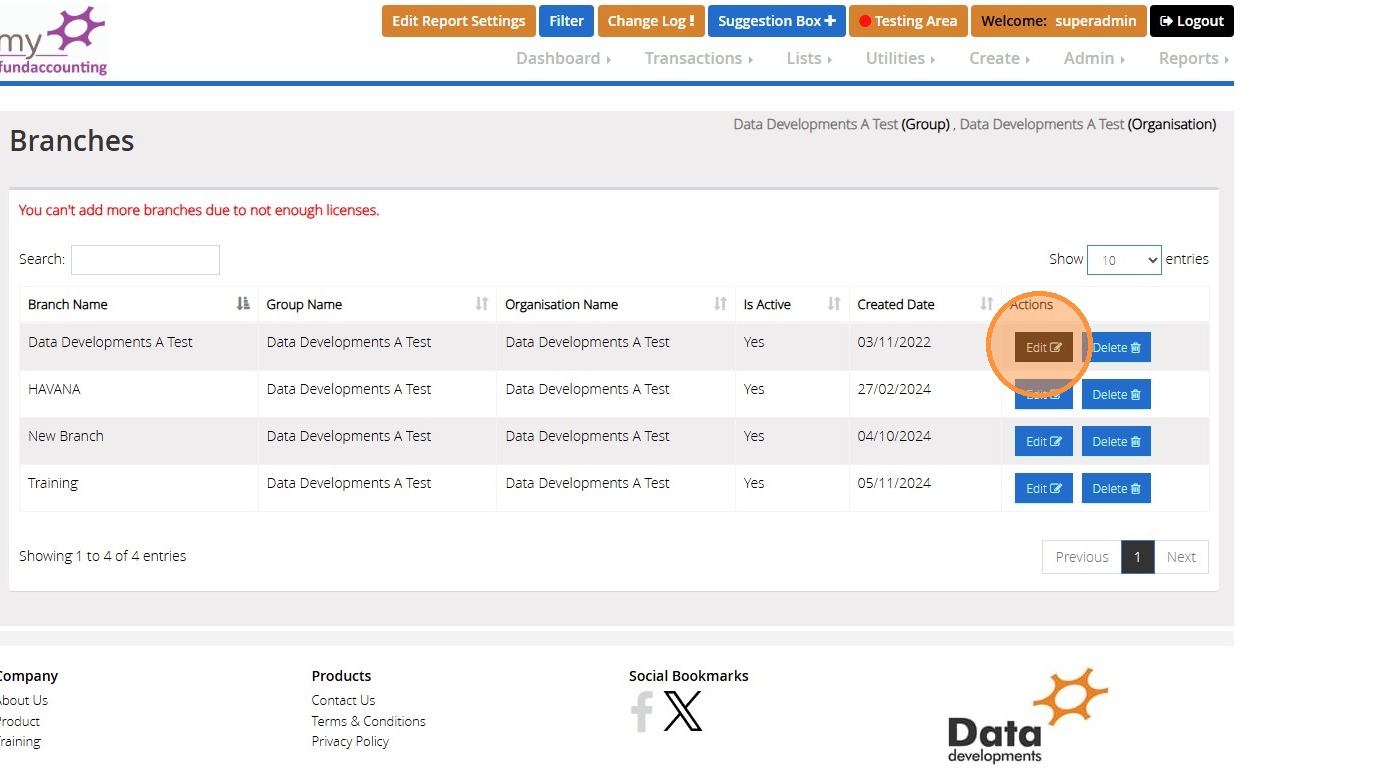
3. Click "Edit" next to your branch name
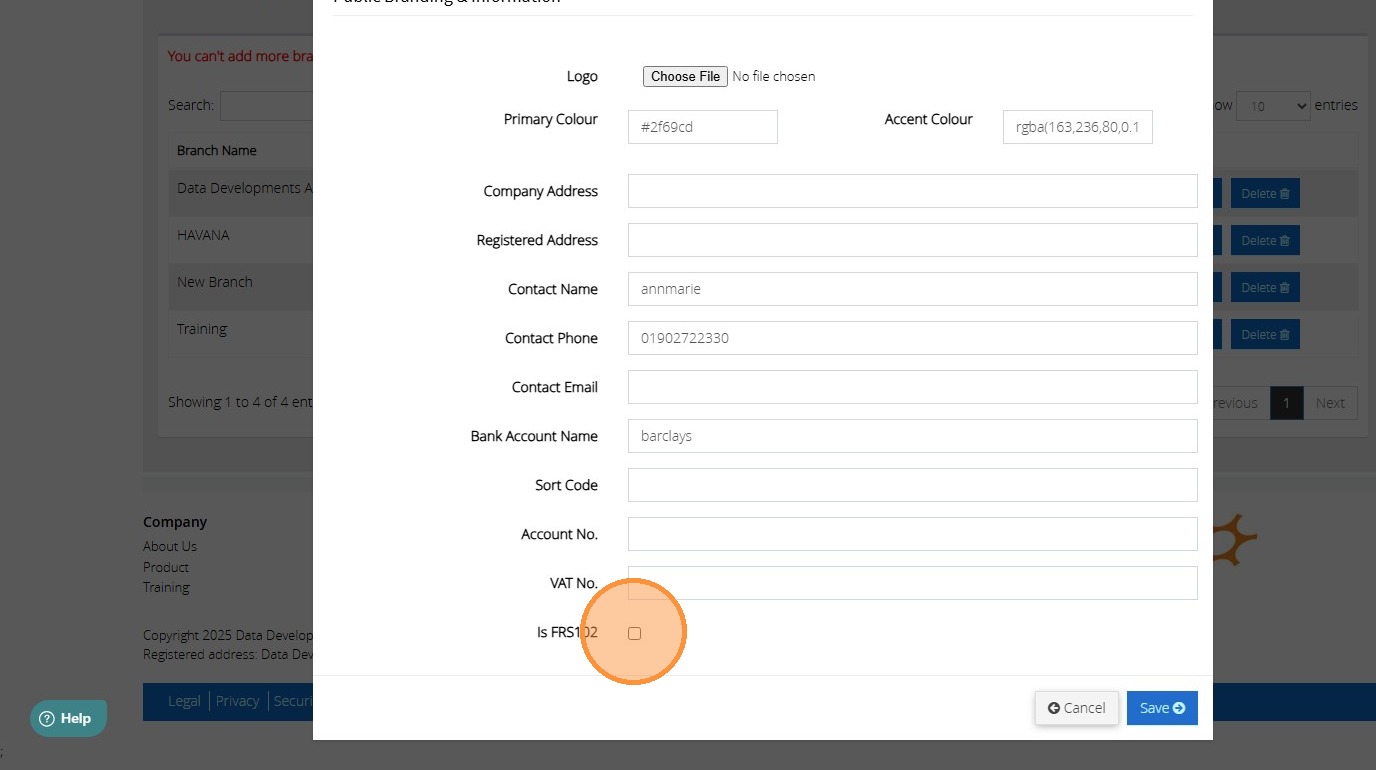
4. Click the box next to "Is FRS102" field.
5. Click "Save"