

Tip! The below steps will show you how to produce a combined report of more than one branch.
1. Navigate to https://www.myfundaccounting.online
2. Click "Reports"

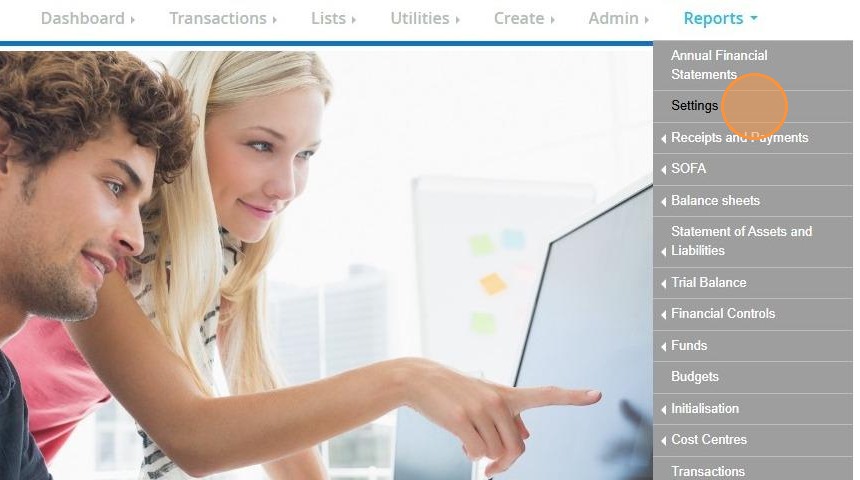
3. Click "Settings"
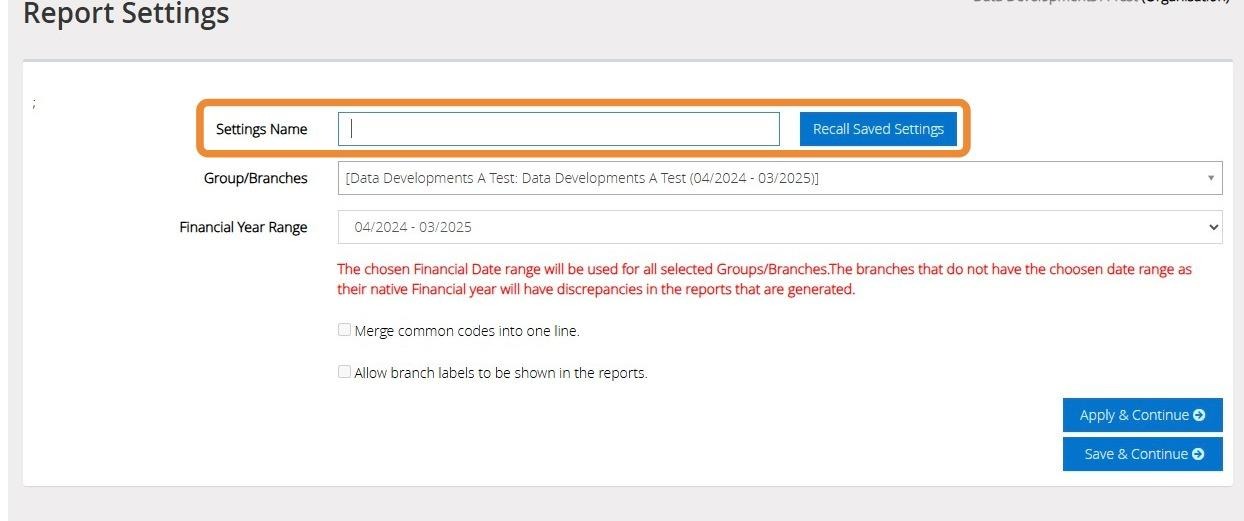
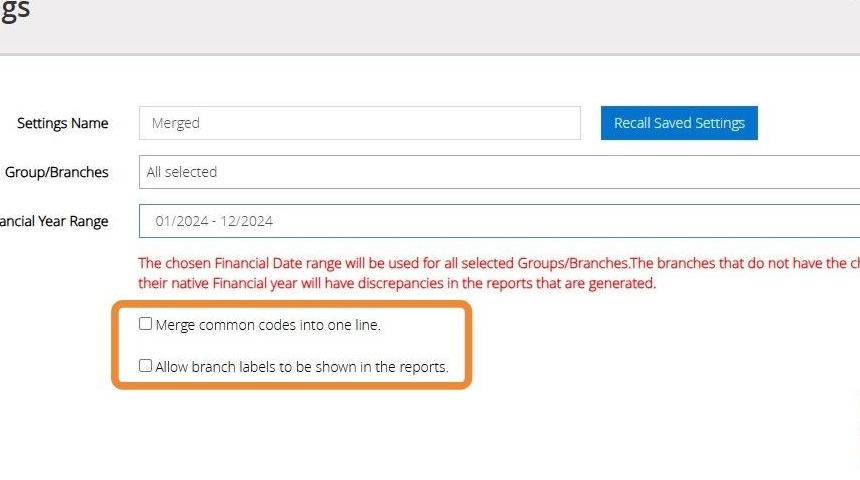
4. Enter a name for your report setting. To recall a previously saved setting click on "Recall Saved Settings"
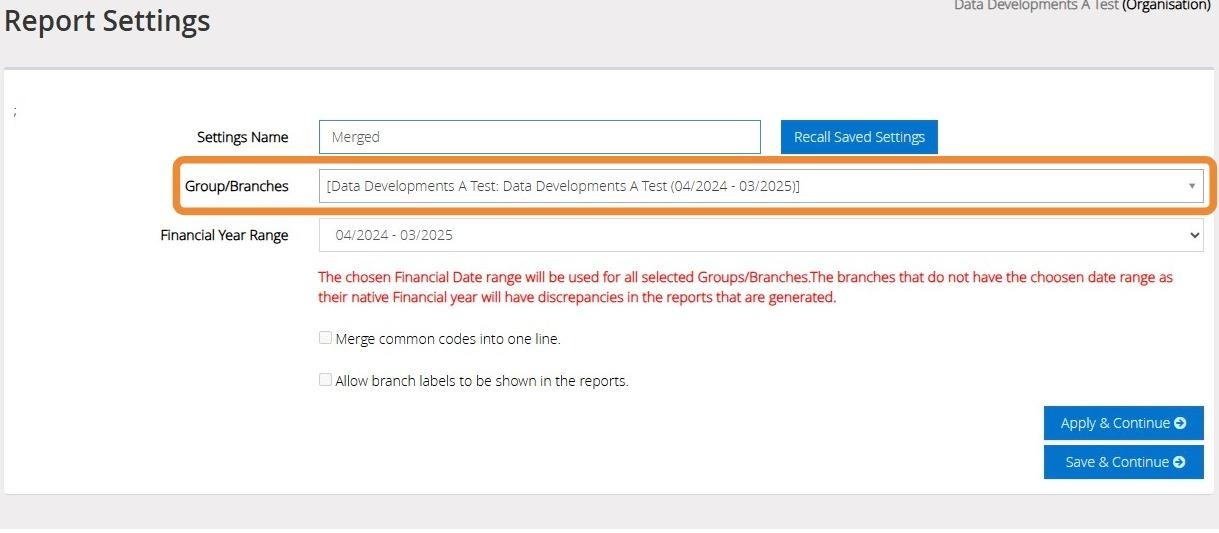
5. Tick the check boxes next to each of the Branches you wish to report on from the drop down menu provided.
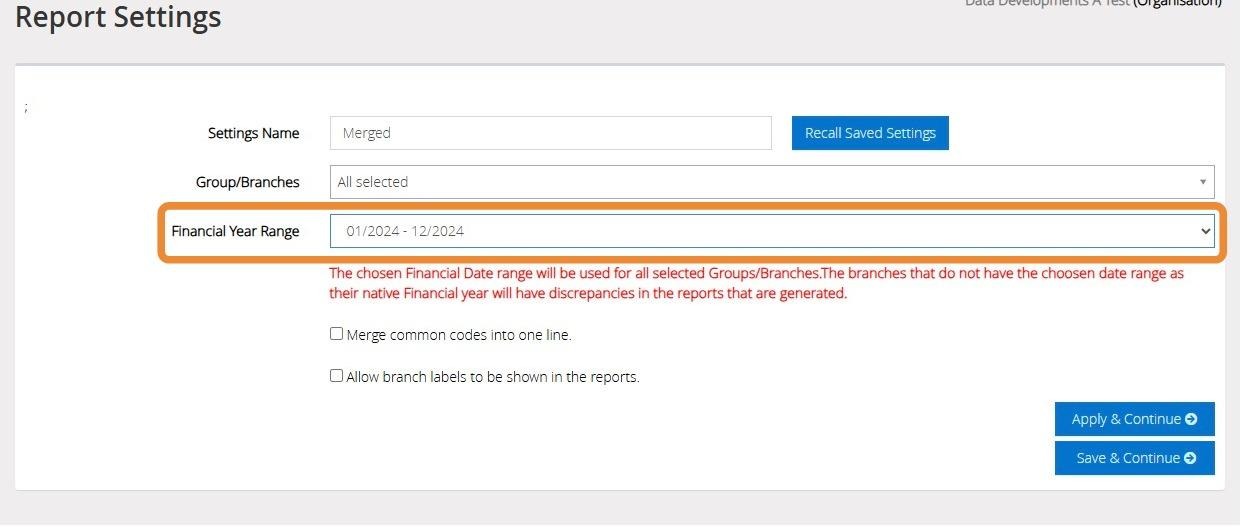
6. Select the Financial Year dates you wish to report on from the drop down menu provided.
7. Tick the check boxes if you wish to "Merge Common Codes into one line" or "Allow branch labels to be shown in the reports"
8. Click "Apply & Continue" to apply the settings and continue to generate your merged reports.
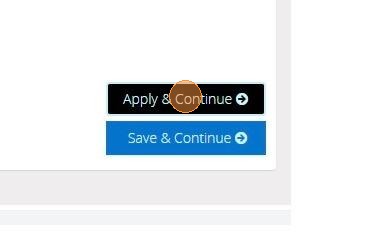
9. Click "Save & Continue