1. Click "Member".
">
2. Click "View and Edit Members".
">
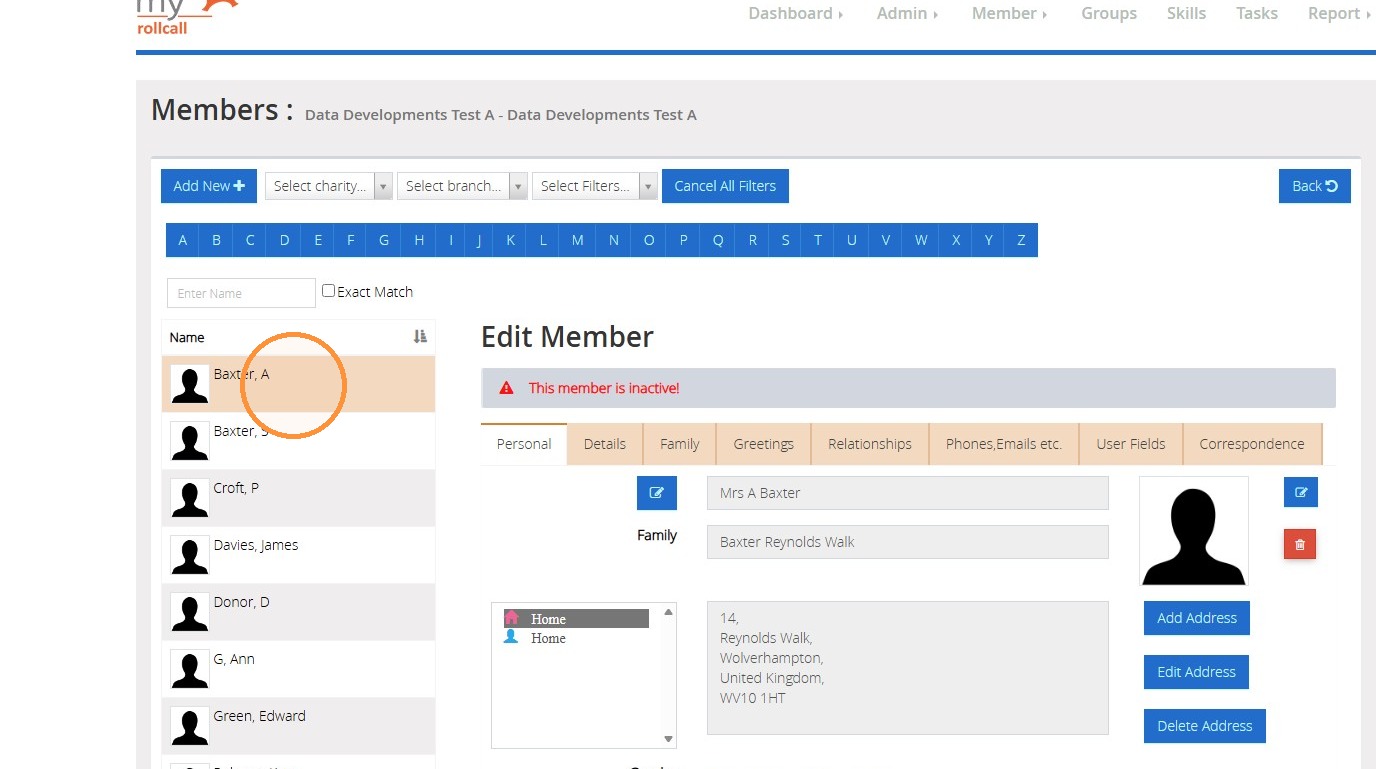
3. Click on the member record.
">
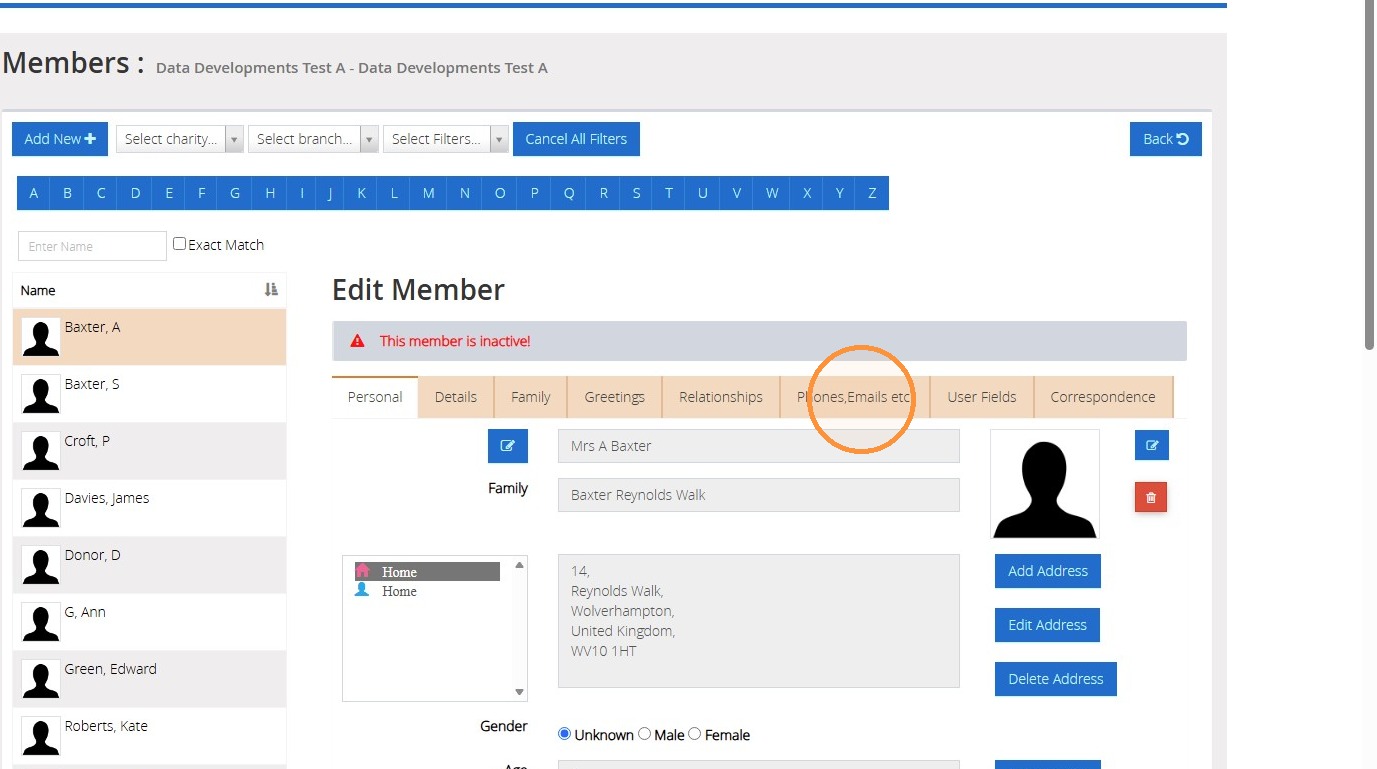
4. Click the tab "Phones, Emails etc."
">
5. Click on the contact.
">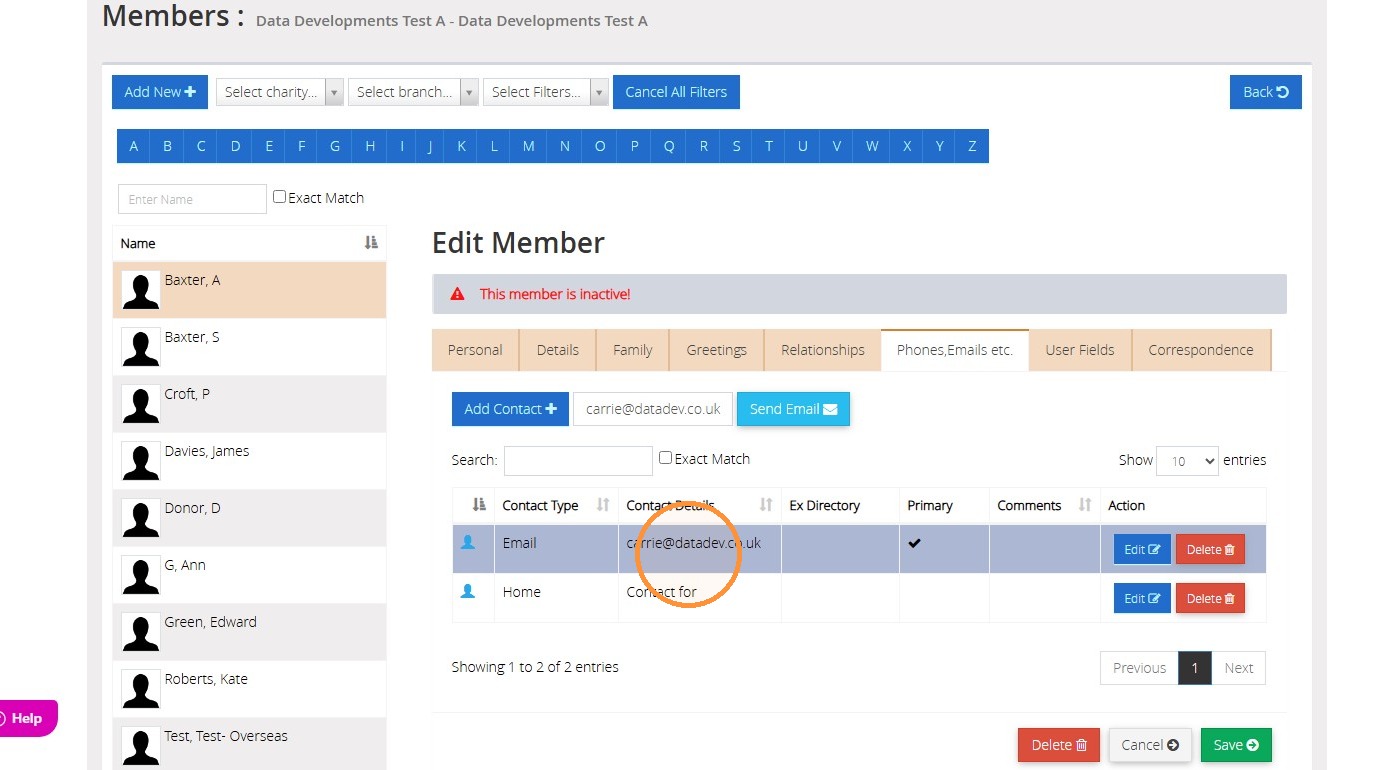
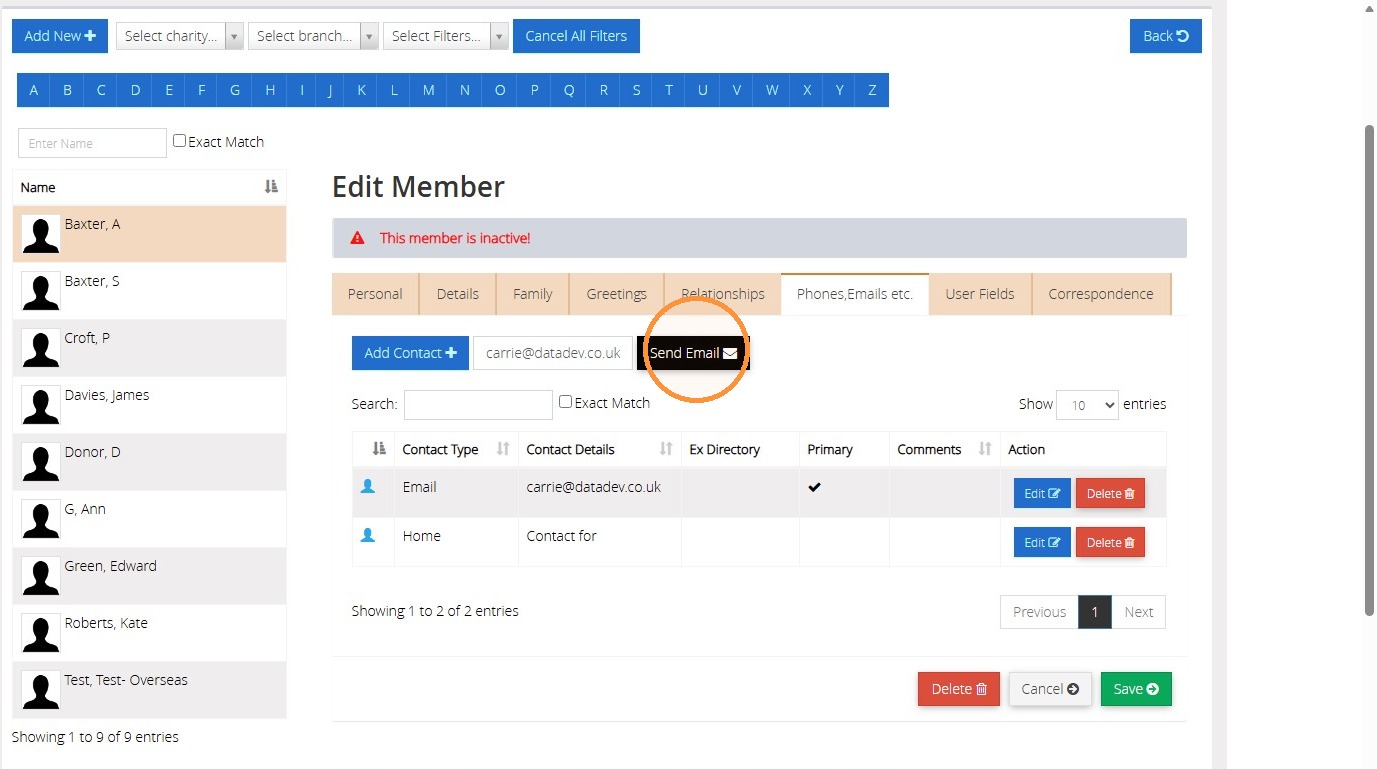
6. The contact's email will populate into the box. Click "Send Email".
">
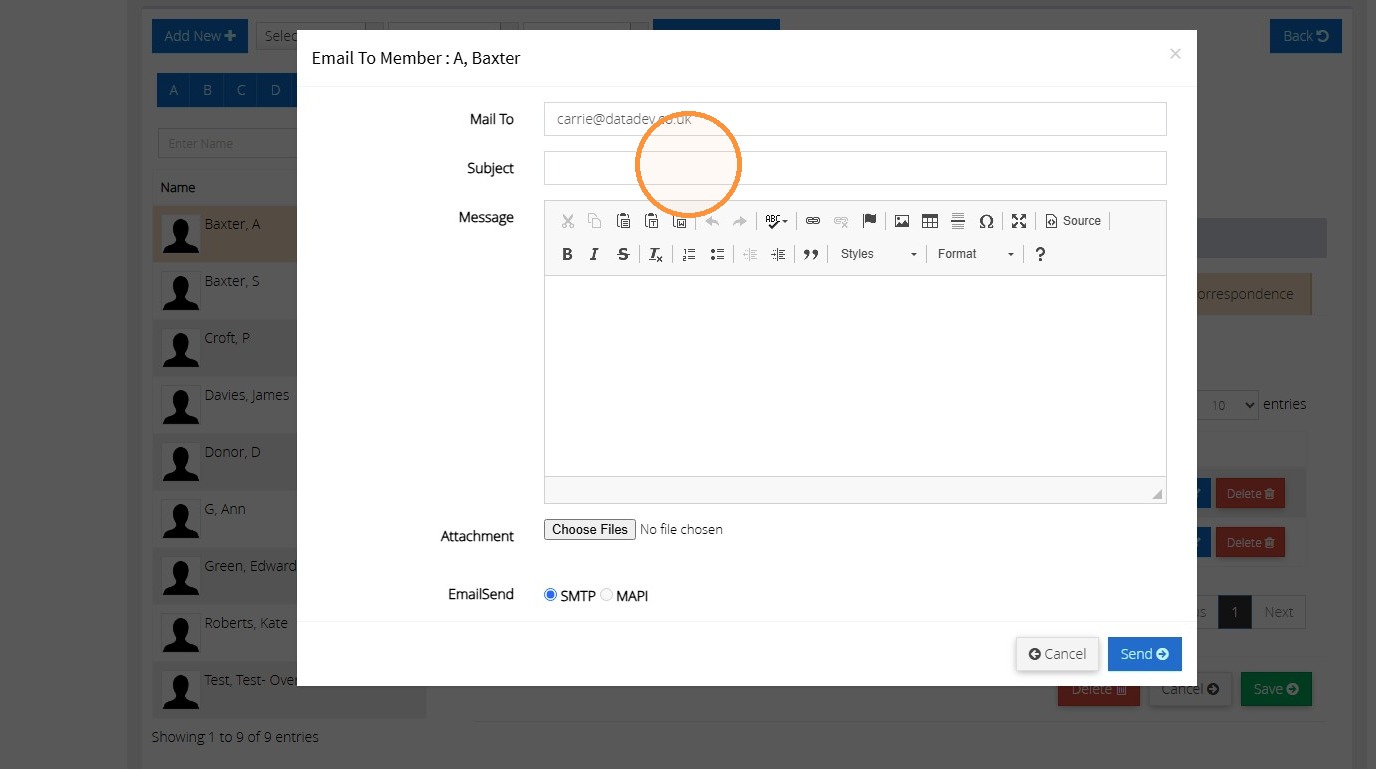
7. Click the "Subject" field to enter the subject of your email.
">
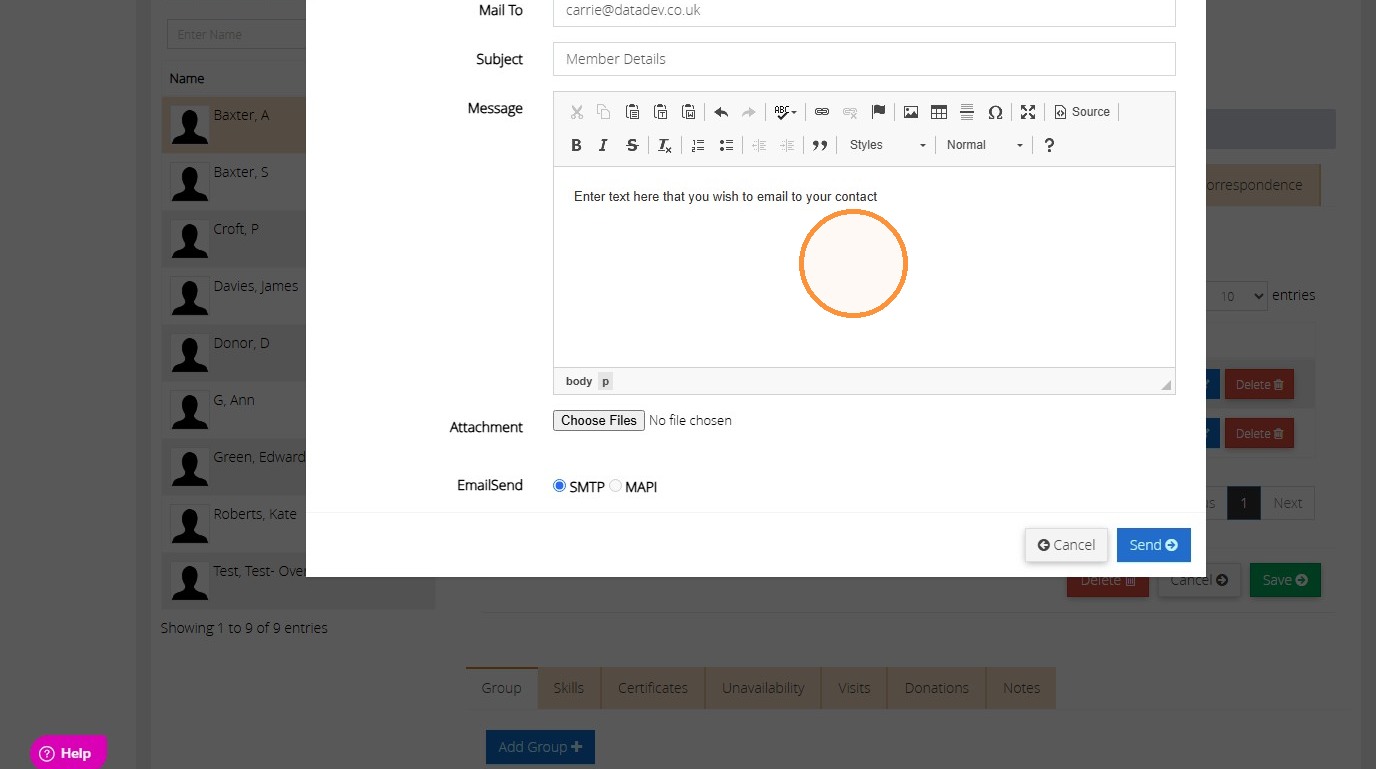
8. Enter your email text within the message body.
">
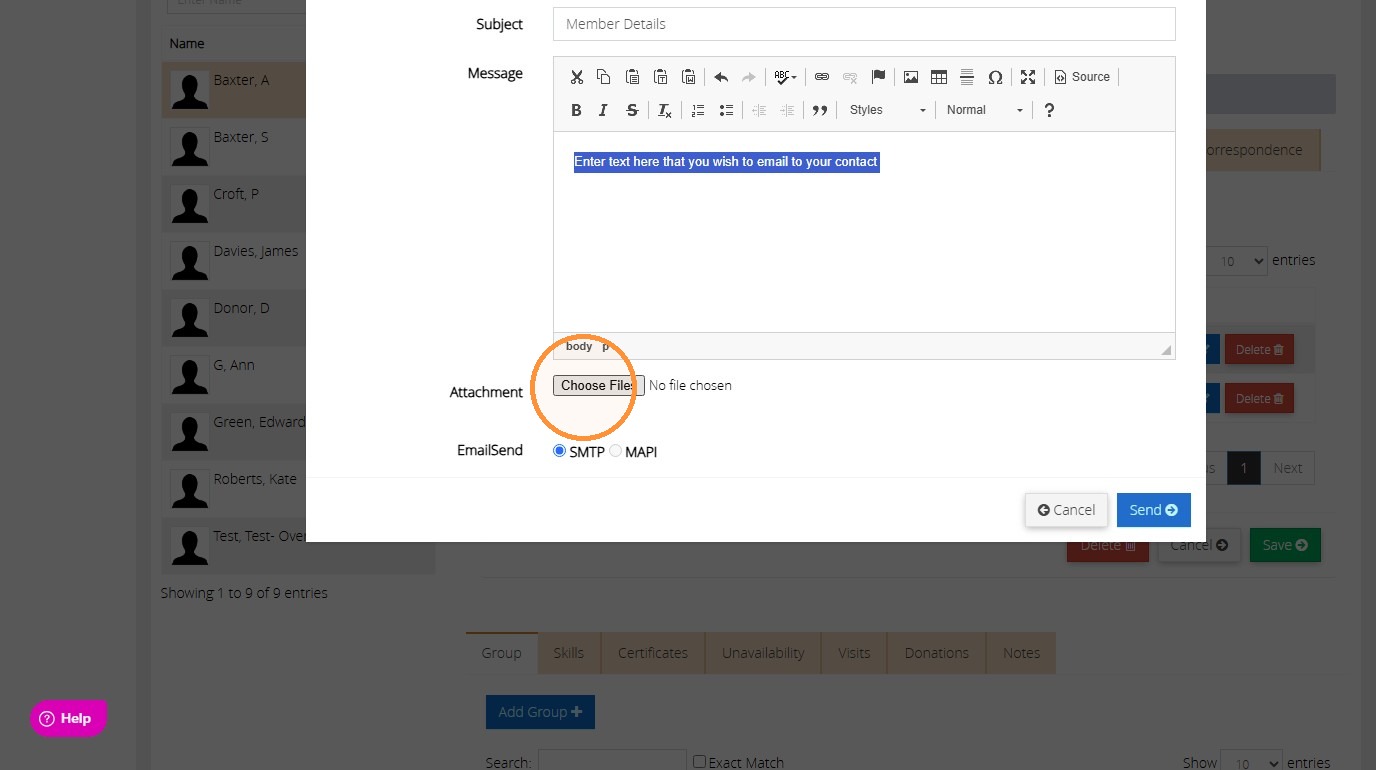
9. To add an attachment to the email, click "Choose Files".
">
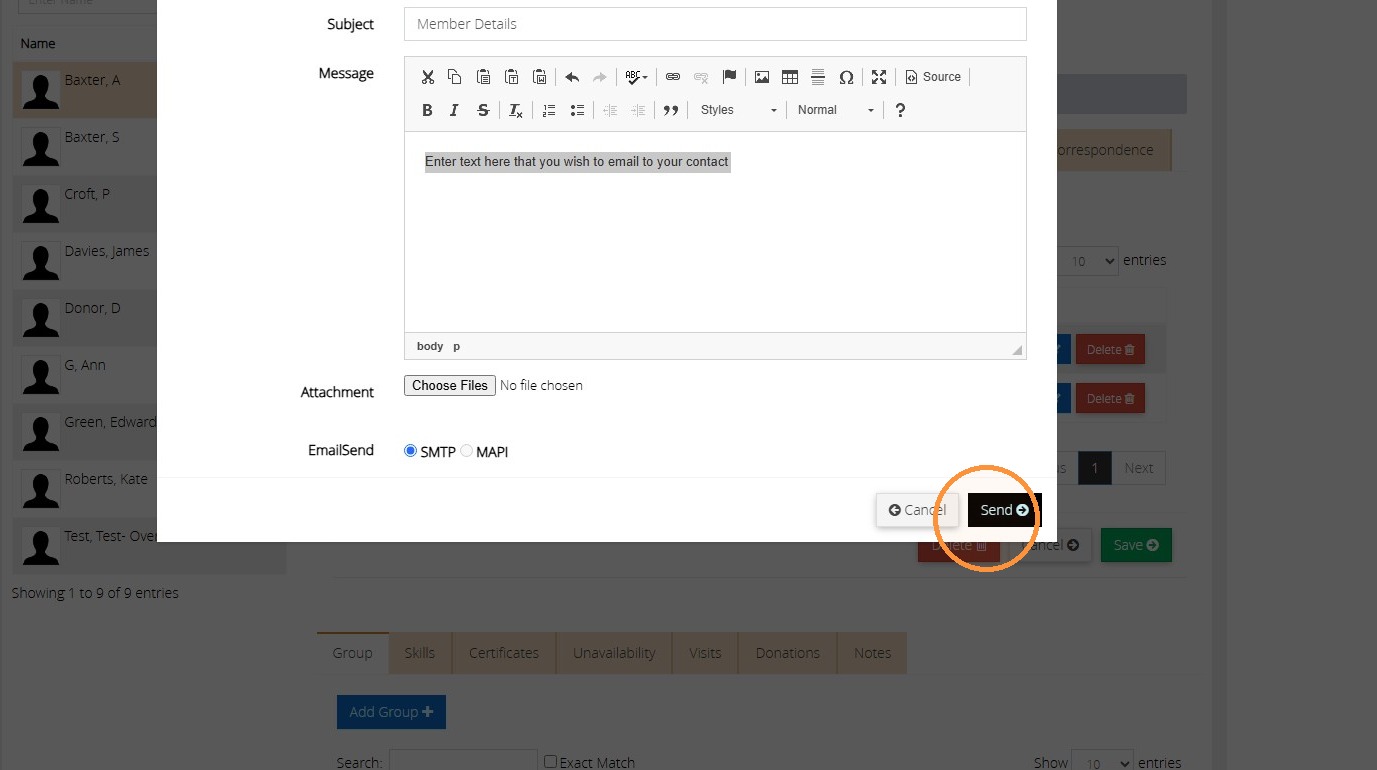
10. When ready to send the email, click "Send".
">
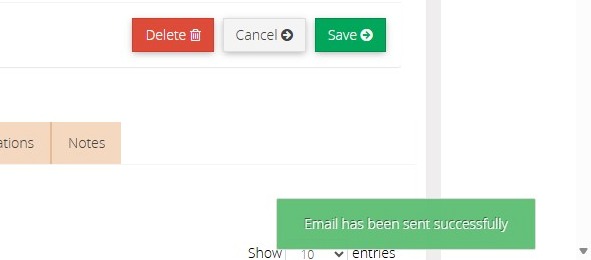
11. The message "Email has been sent successfully" will appear once sent to the contact.
">