
Report Navigation
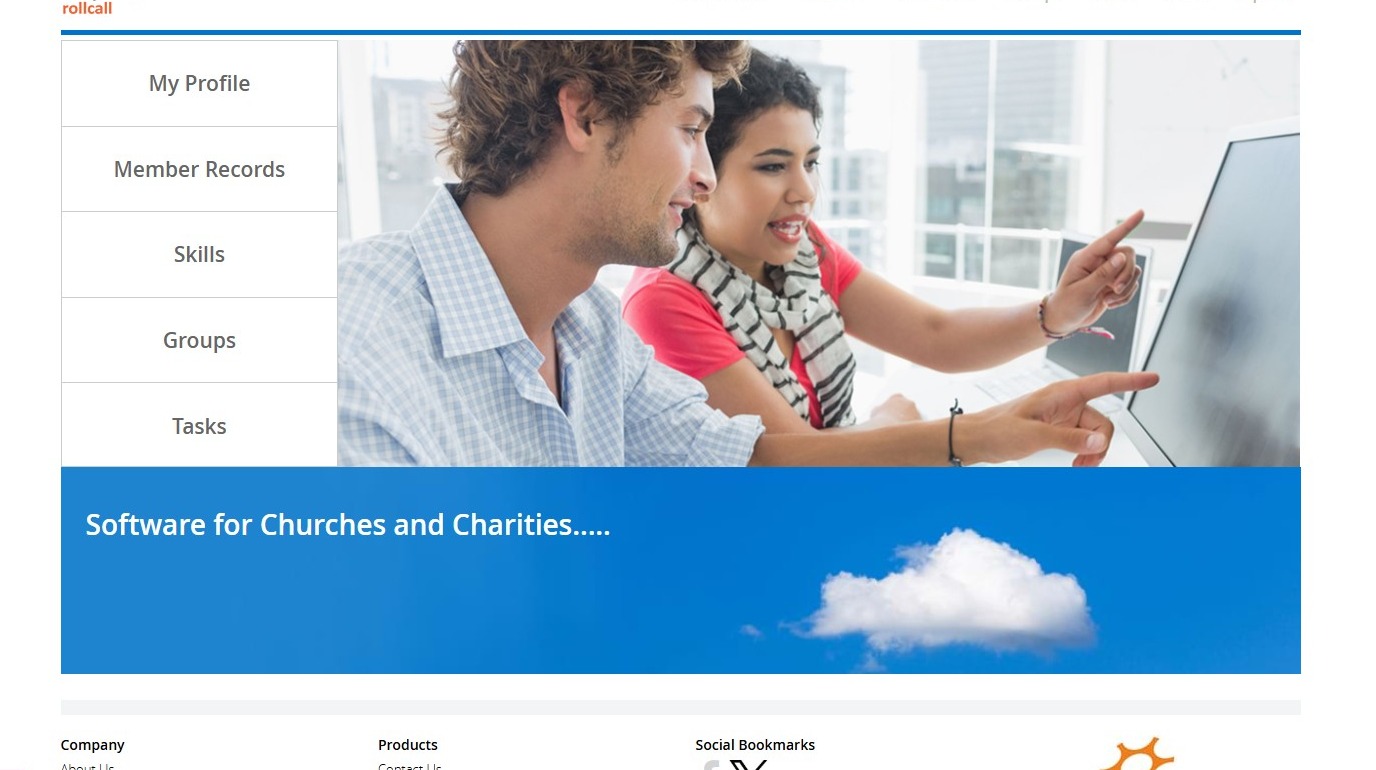
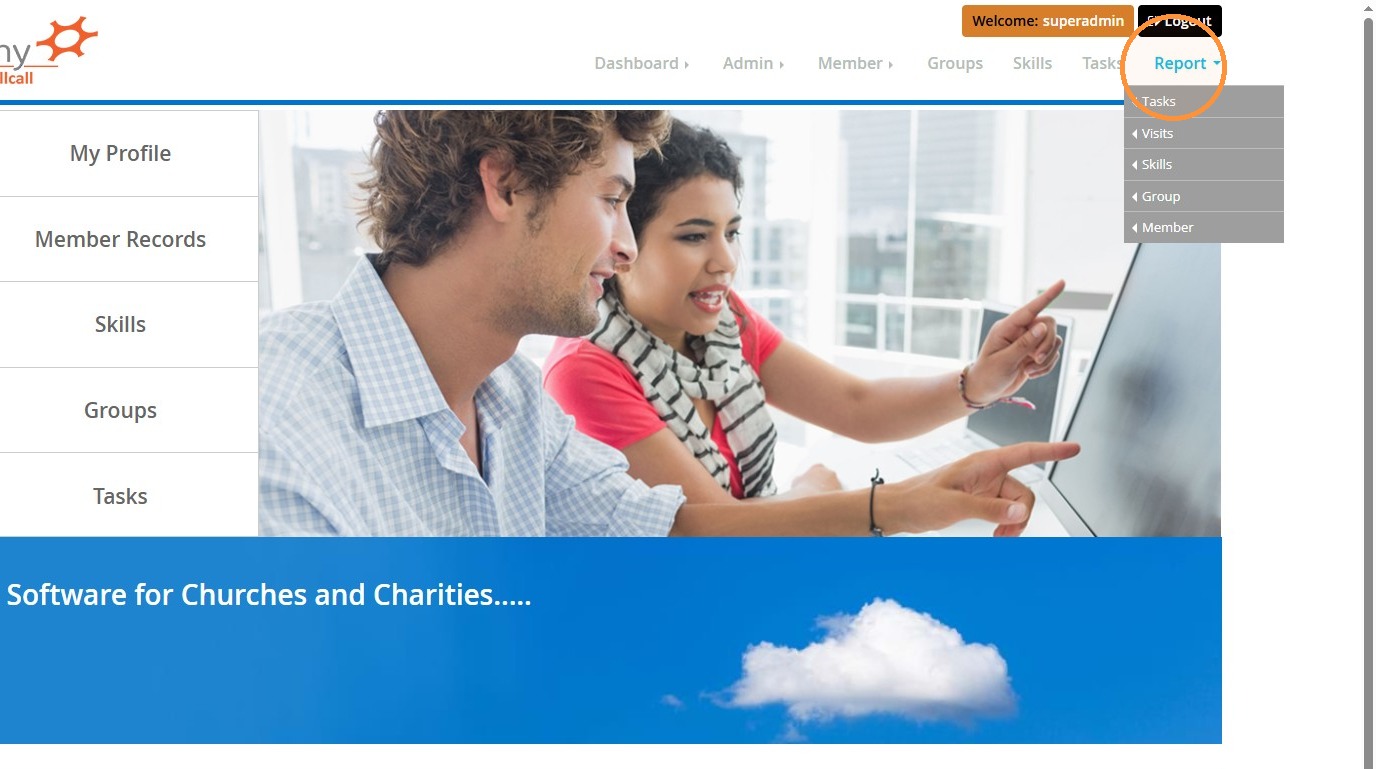
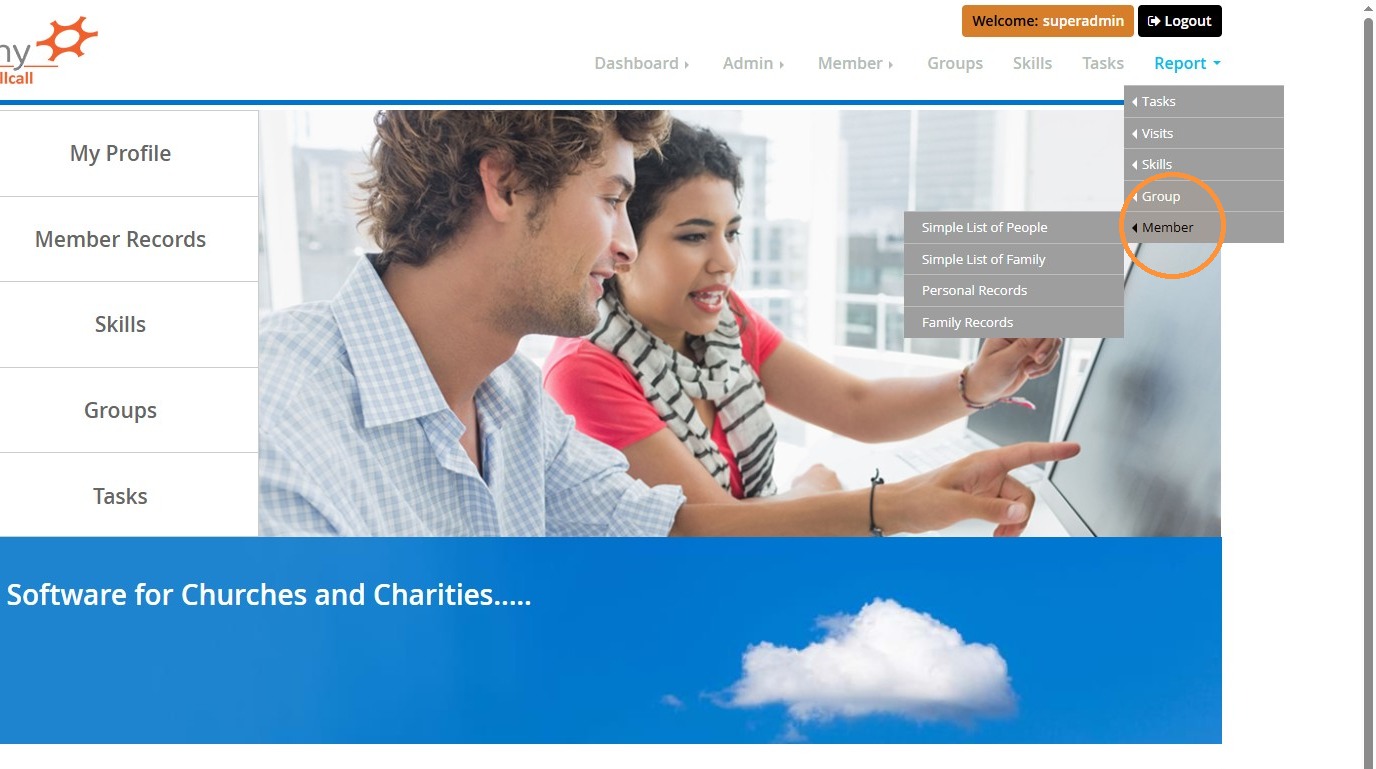
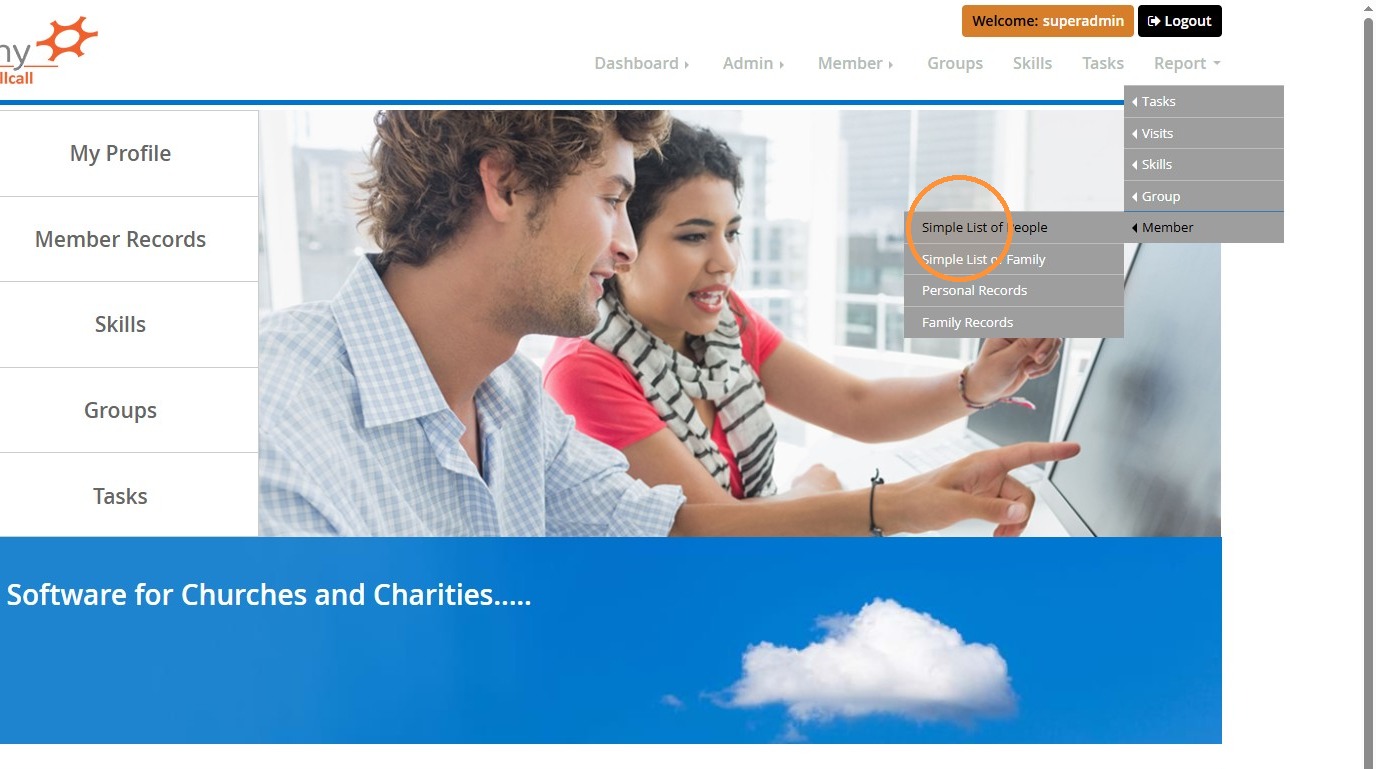
2. Go to Report > Member > Simple List of People
Report Configuration
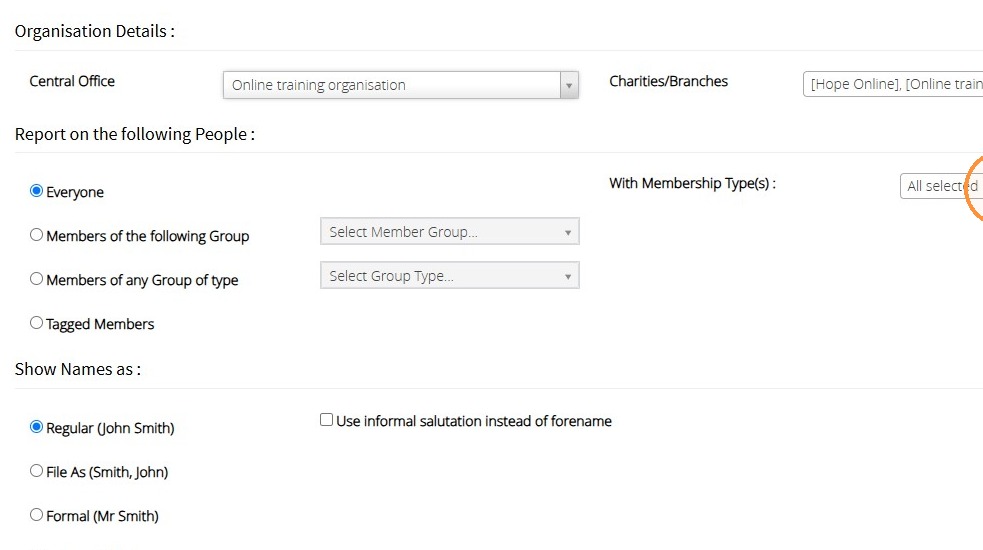
3. Select your charities and branches if they are not automatically selected.
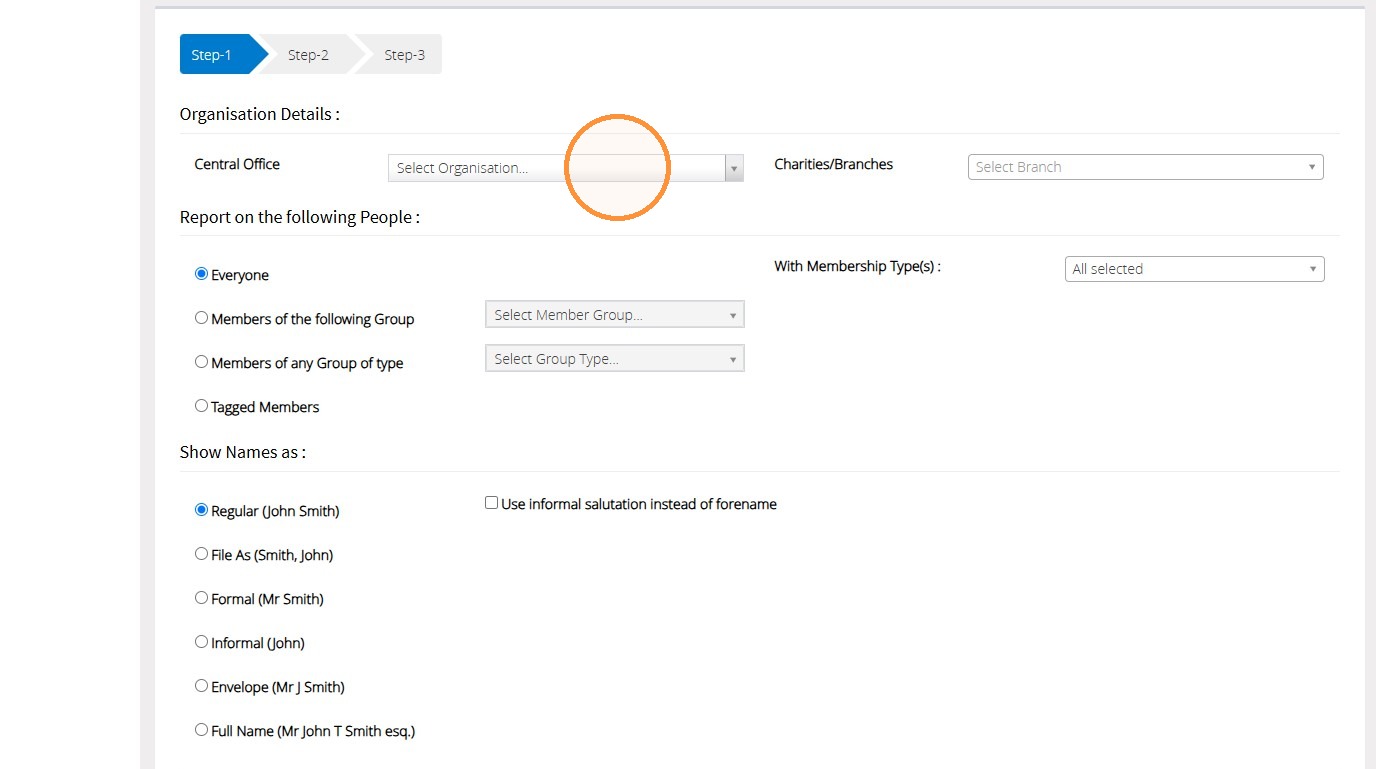
4. Select any filters that you may need, for example, members of a particular group, group type, or membership type.
5. You are able to set how the names of people in the list will appear by selecting from the list shown below.
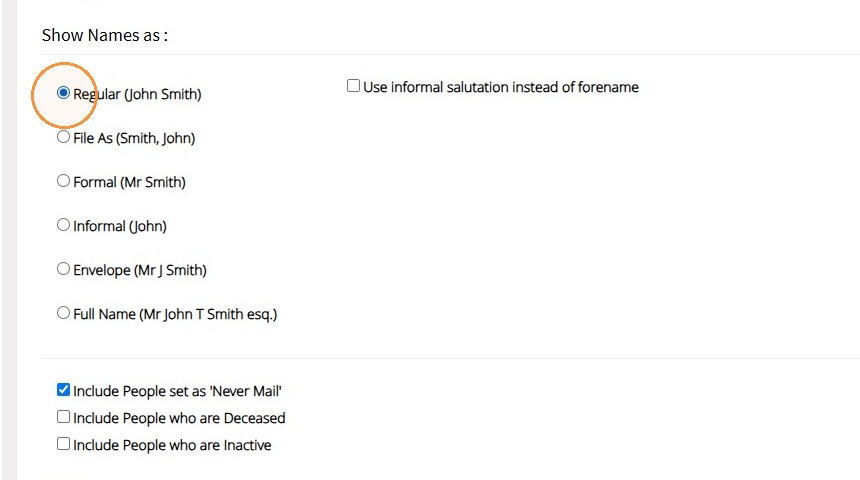
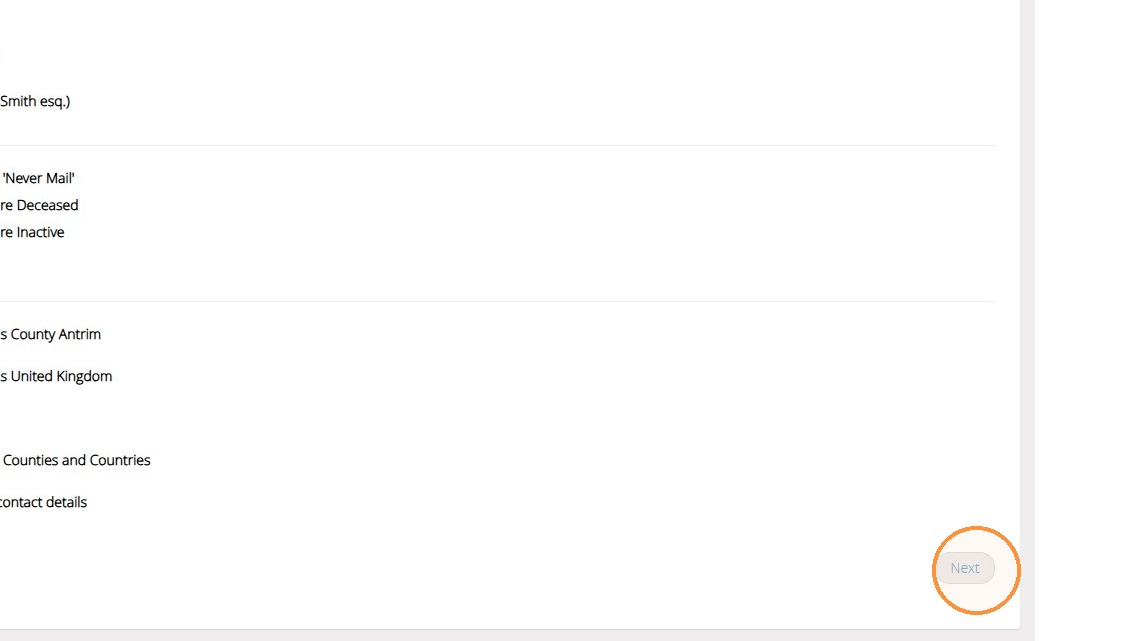
6. You can set to include people who are set as 'Never mail', those who are deceased, and those who are inactive.
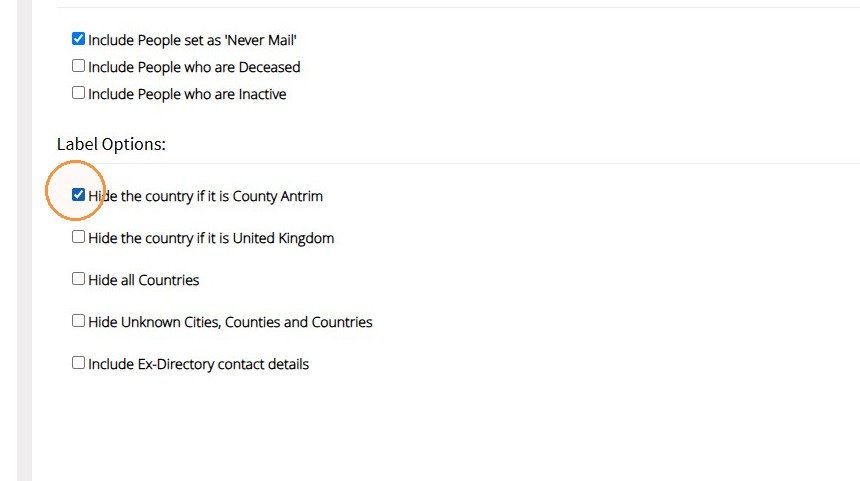
If you are using this report to generate labels, you also have a list of label options to select from.
7. Click "Next" to advance to people list preview
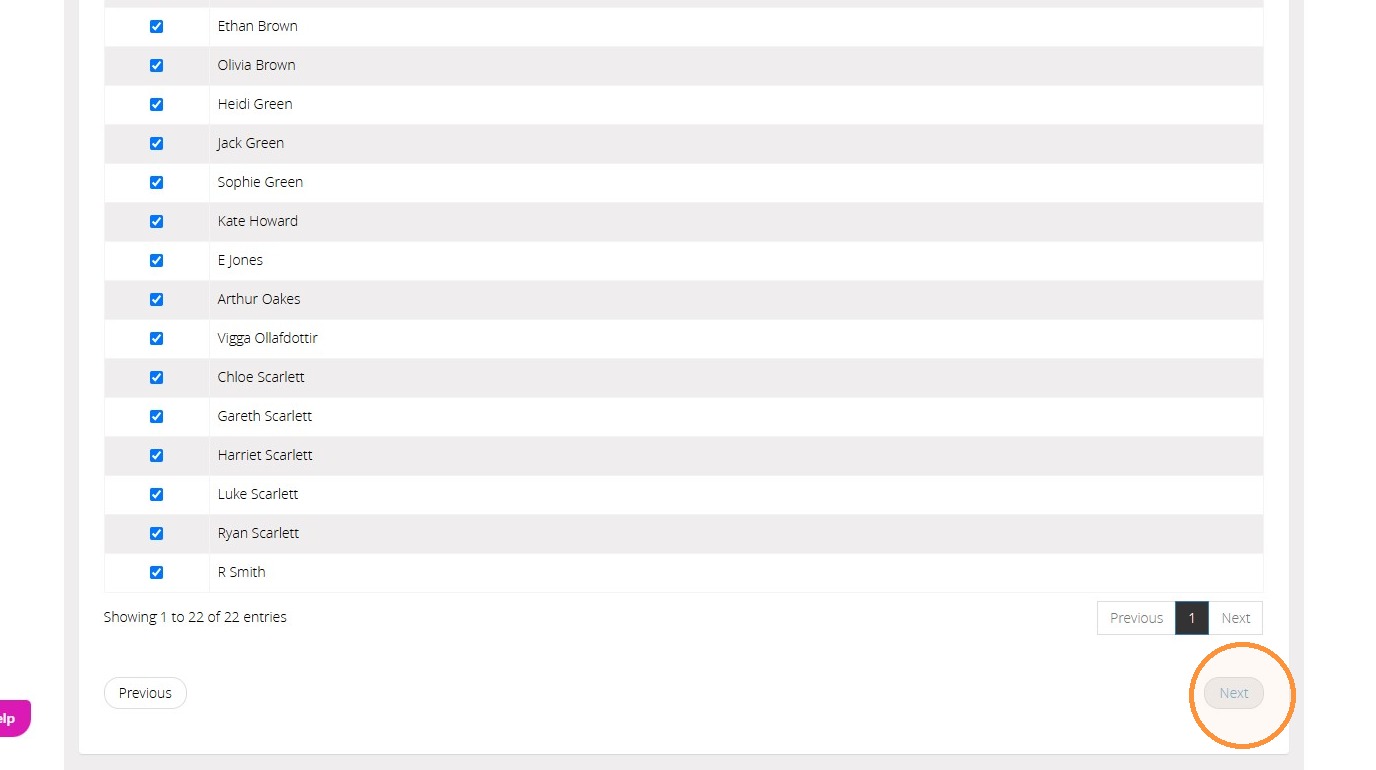
8. You will then be able to preview a list of all of the people that are to be included in the report. If there is anyone at this point you do not want included, you can untick them.
Click "Next" to proceed to field selection
Field Selection
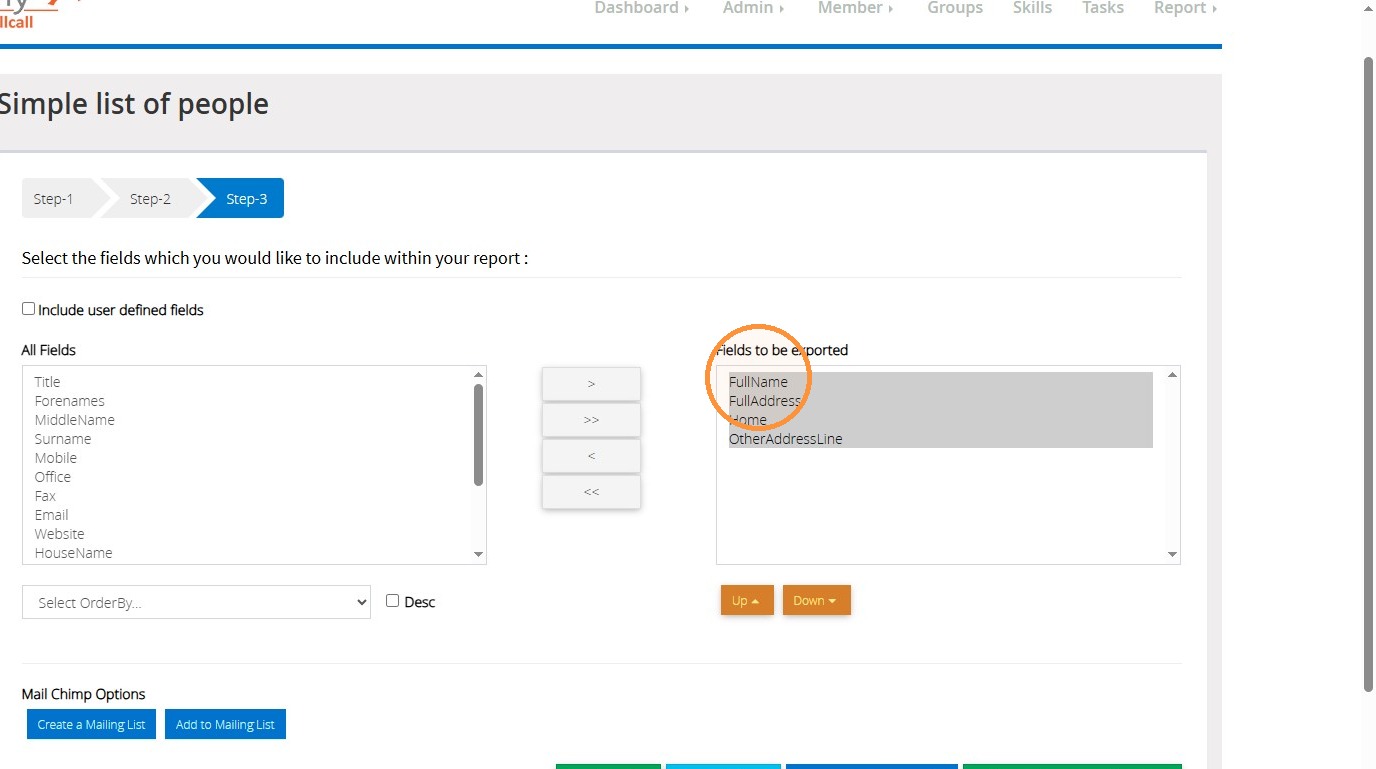
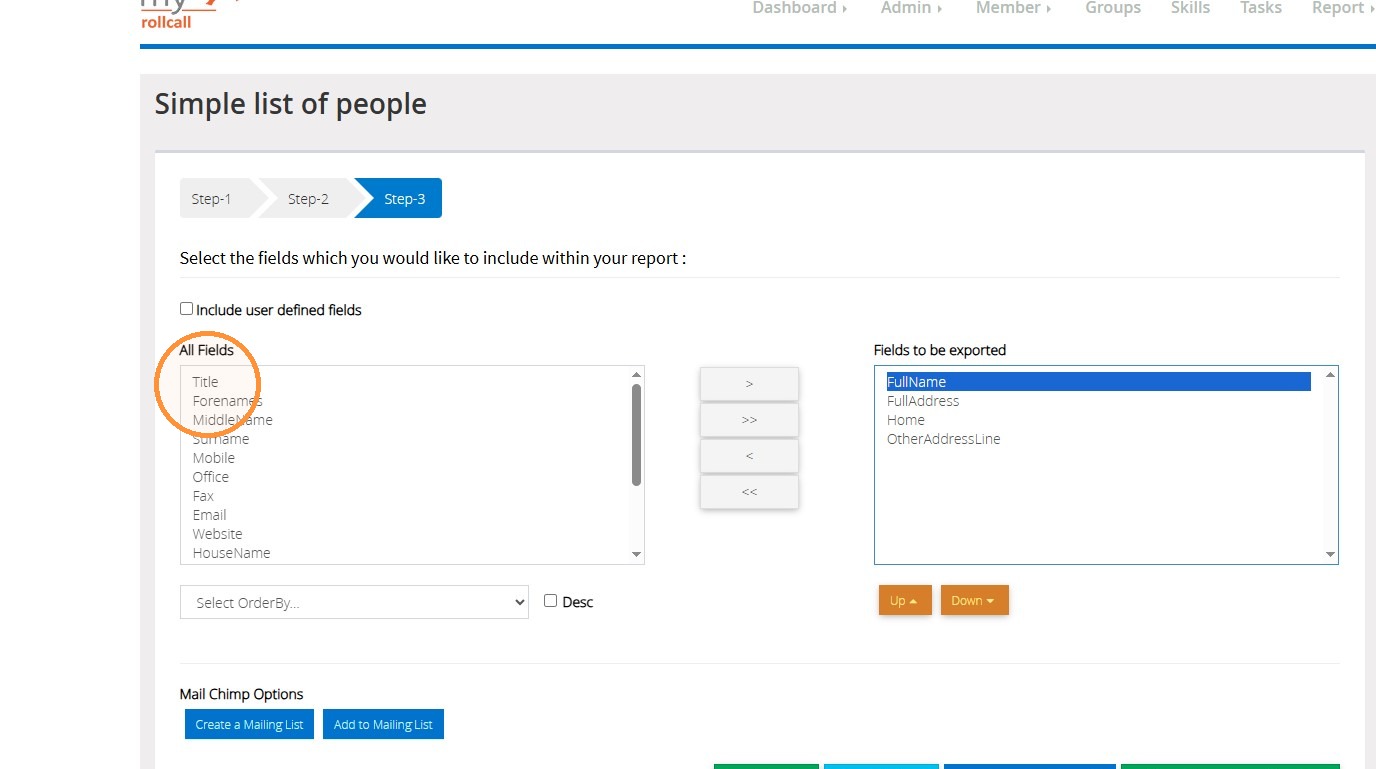
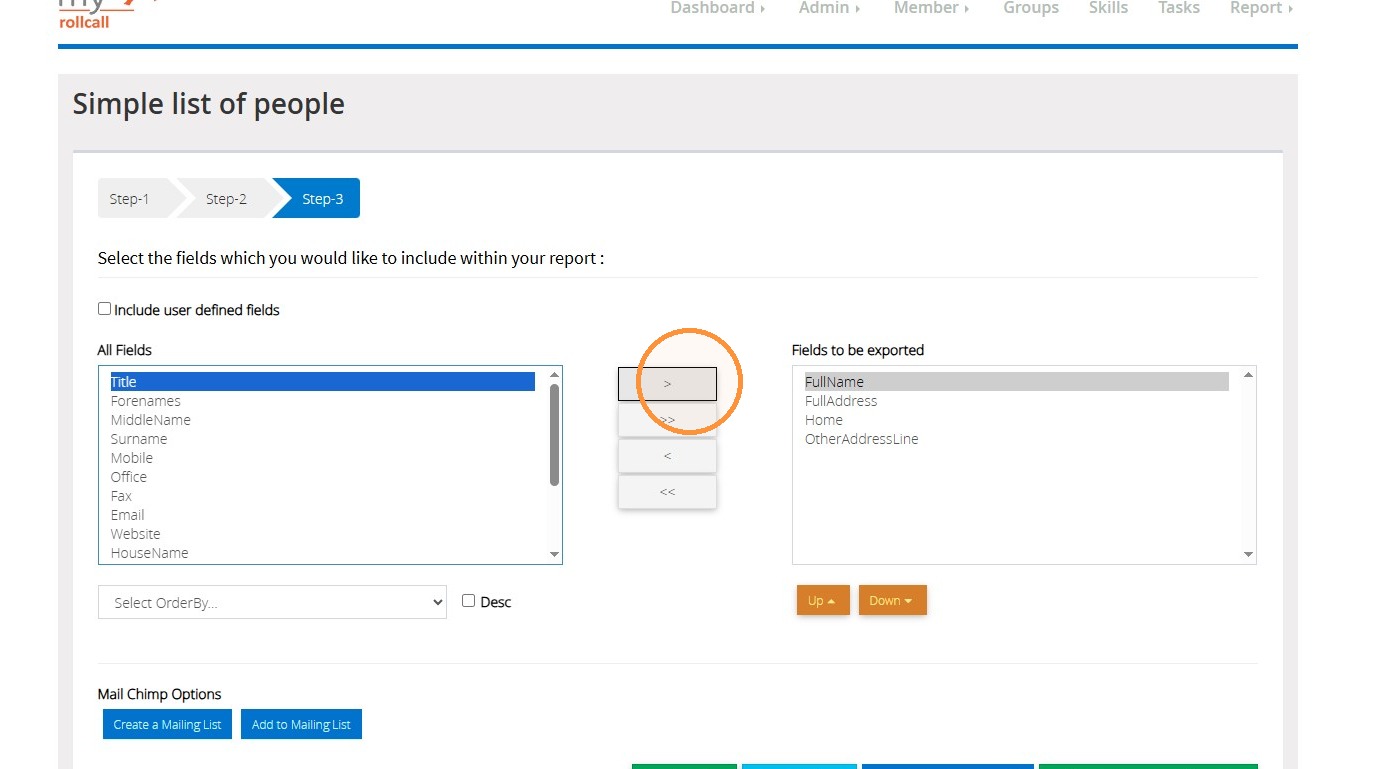
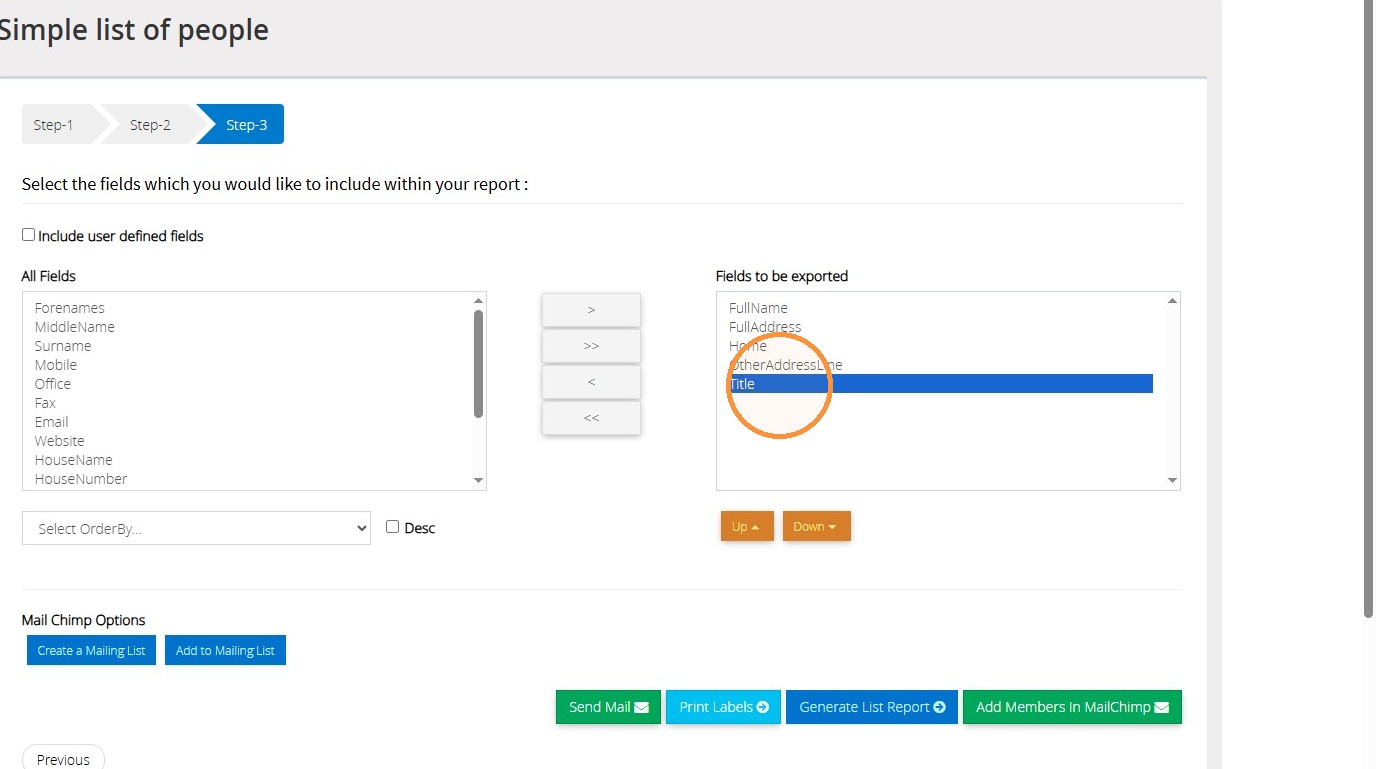
9. You can then select which fields you would like to be included in the report by selecting the field in the box on the left of the screen, and clicking on the arrow button in the middle to move it into the box on the right hand side of the screen.
Report Generation
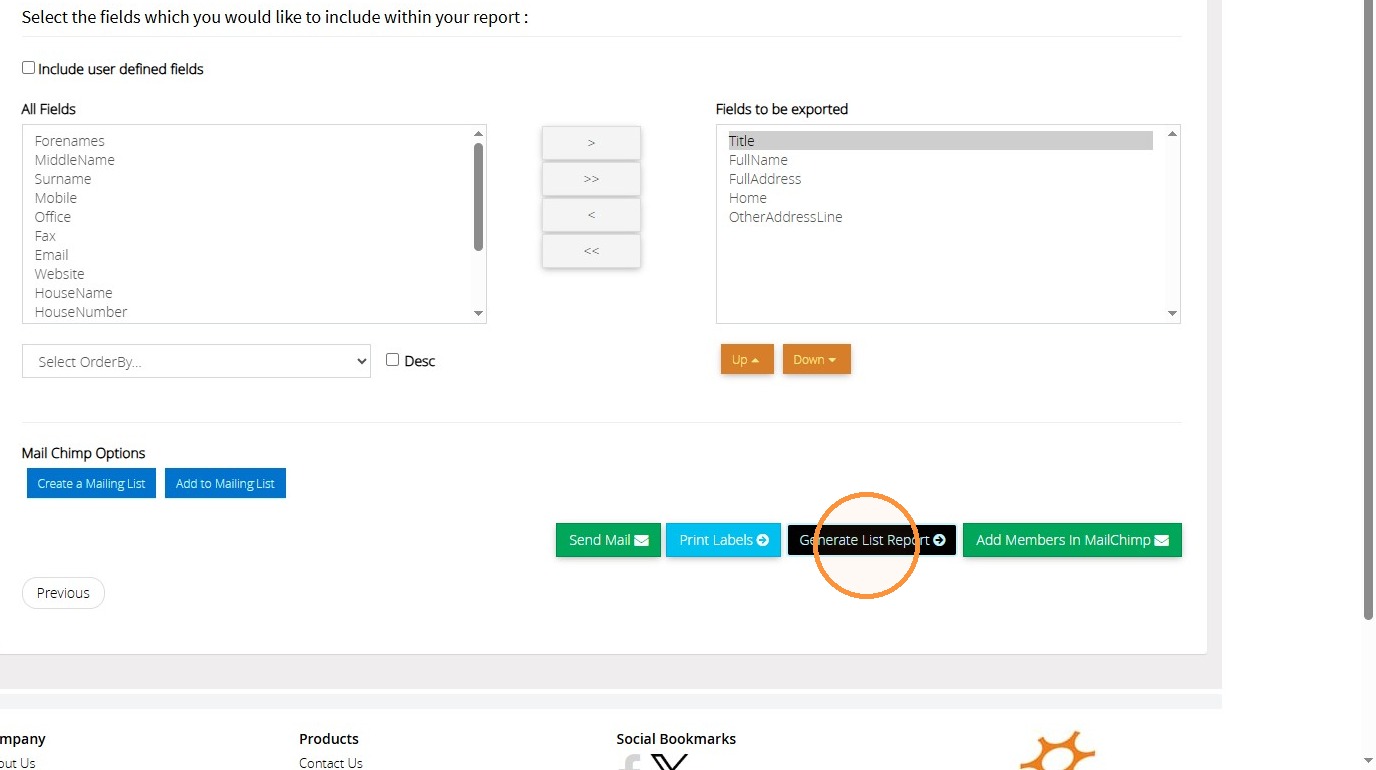
10. Click "Generate List Report" to open export options
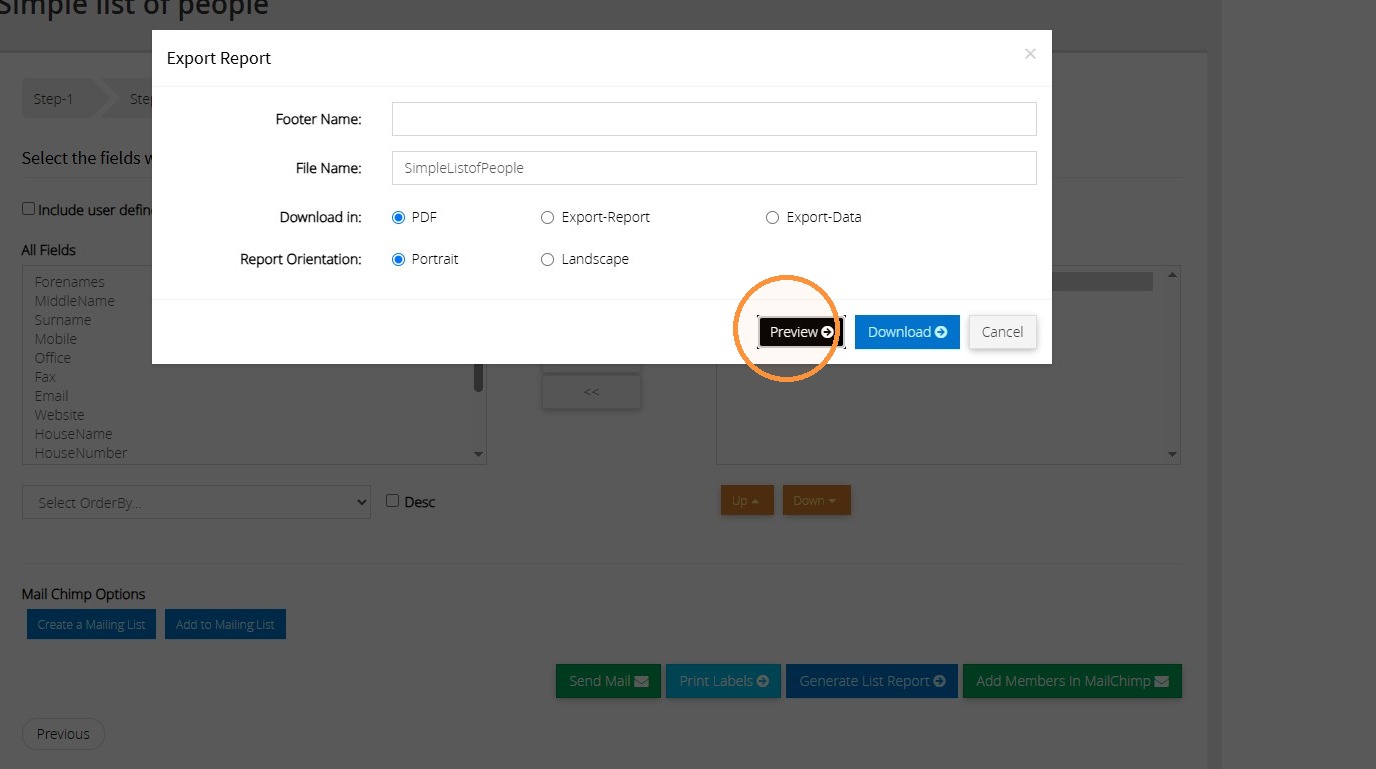
11. Select the file type you would like this report downloaded as.
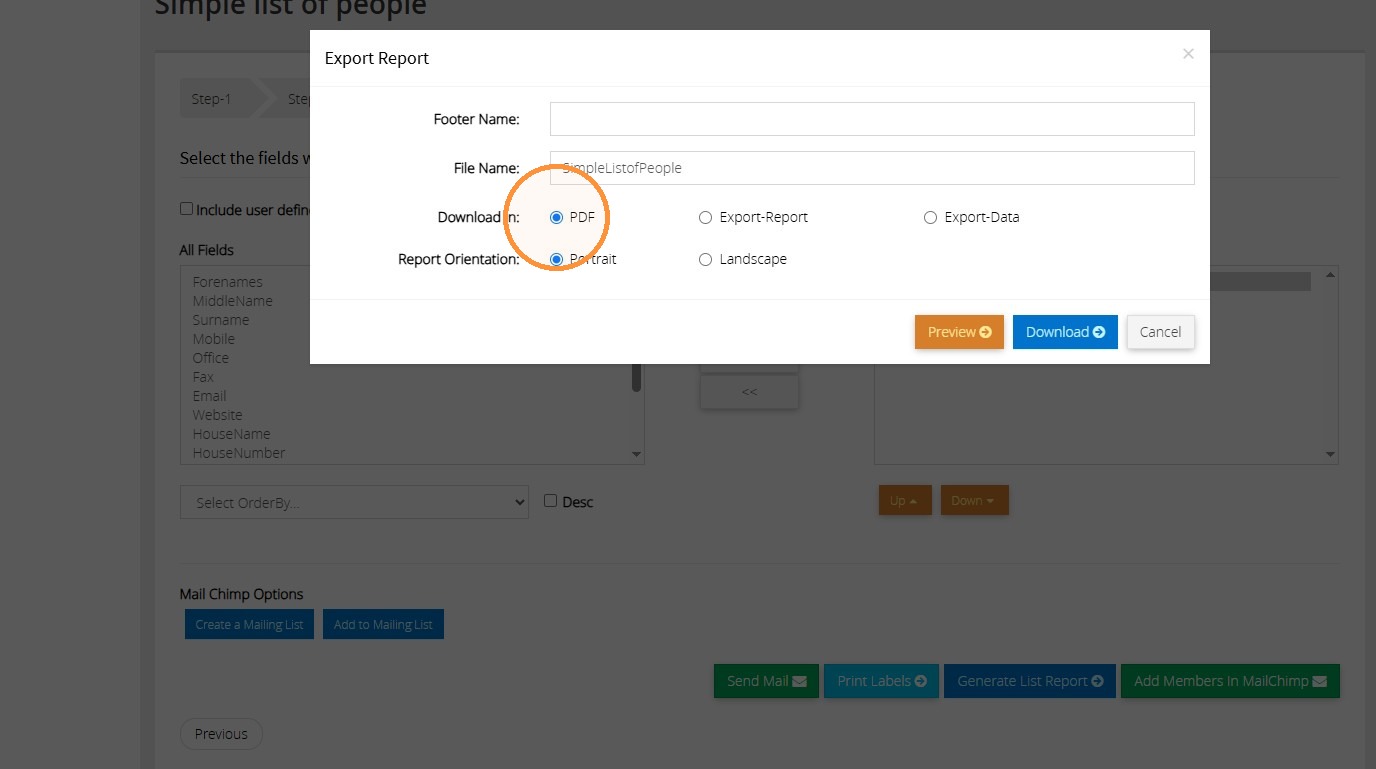
12. If it is a pdf report, you can click "Preview" to view report. Otherwise, click "Download".
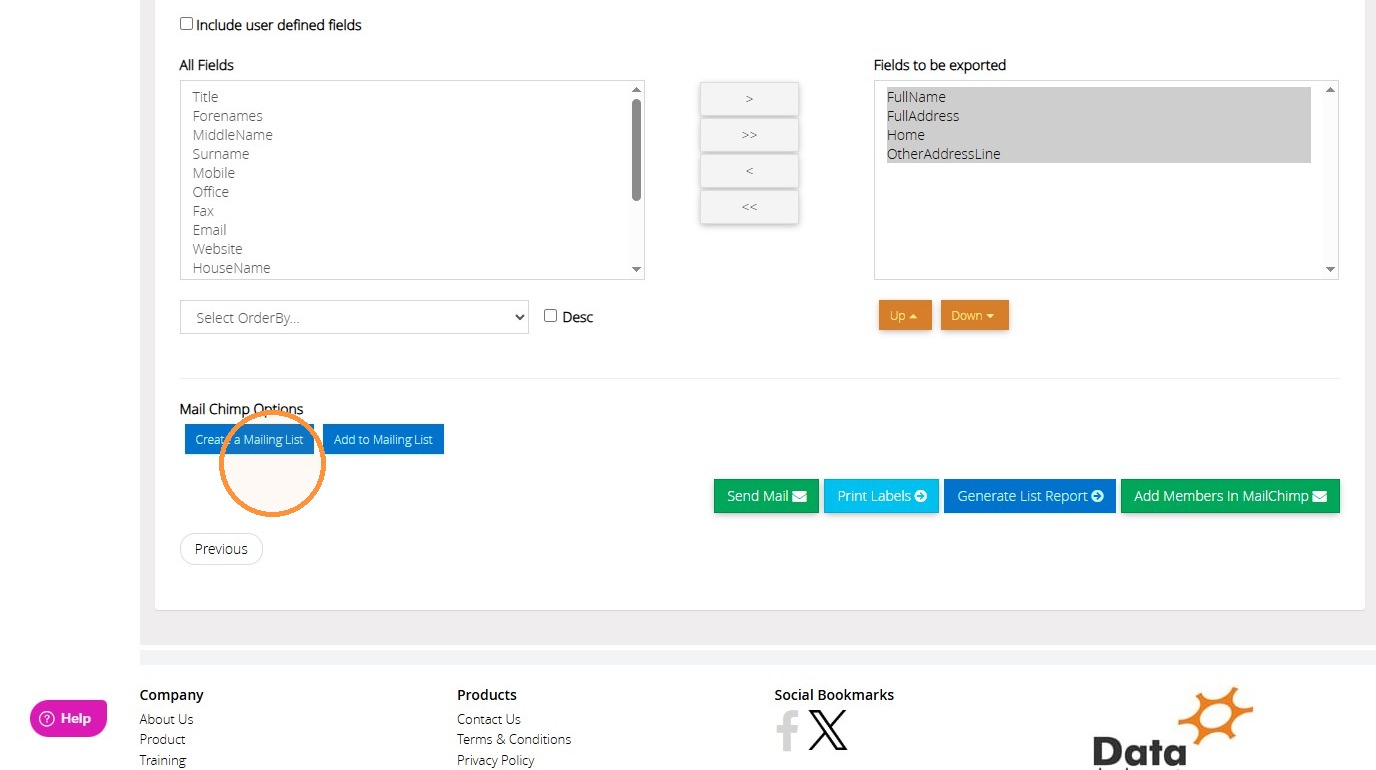
13. There are other options that you can use this report for as well. For example, you are able to create a list in MailChimp, or add the people to an exisiting MailChimp list.
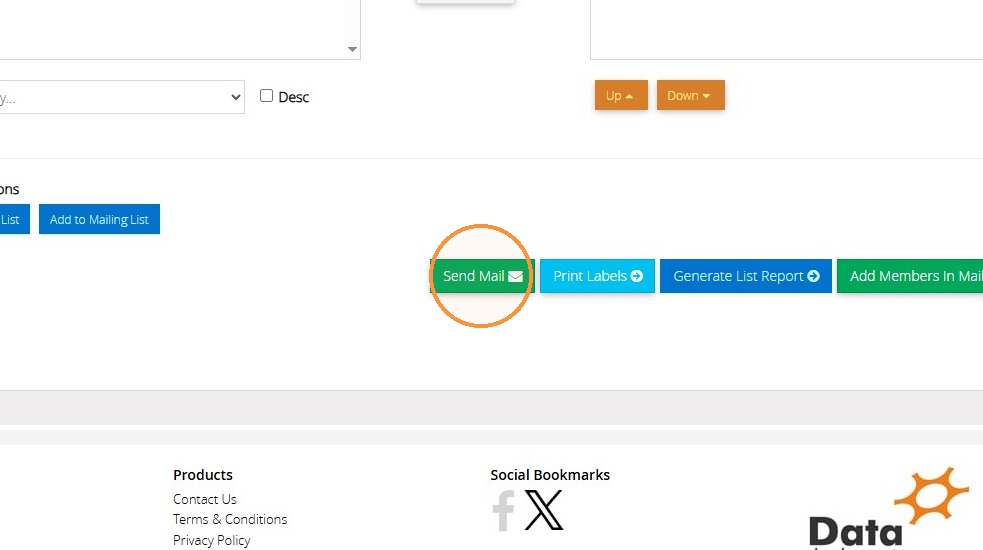
14. You can also use the "Send Mail" button to send an email to this list of members.
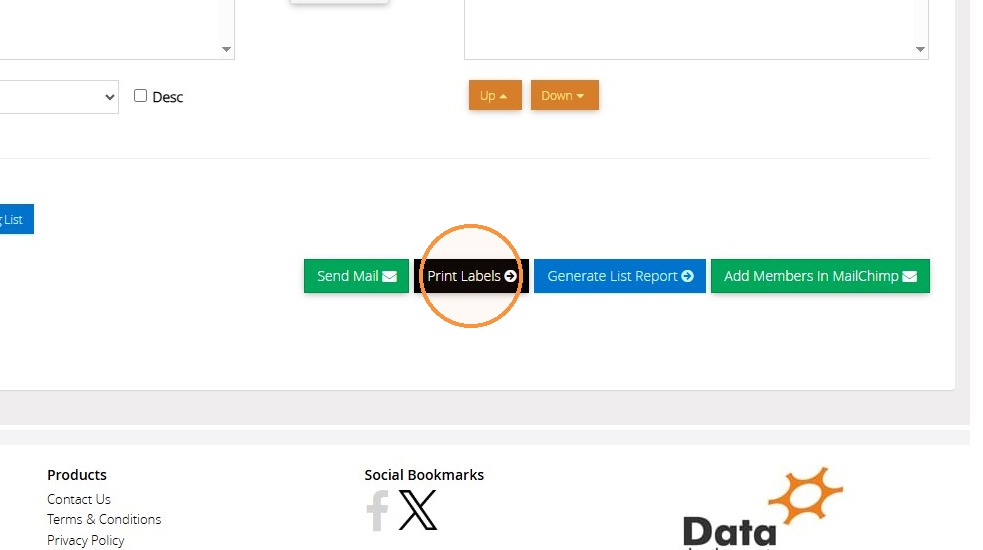
15. If you would like to print off a list of labels to use for these people, click "Print Labels"
16. Select your label type from the drop down menu here. You will see the list of people below.
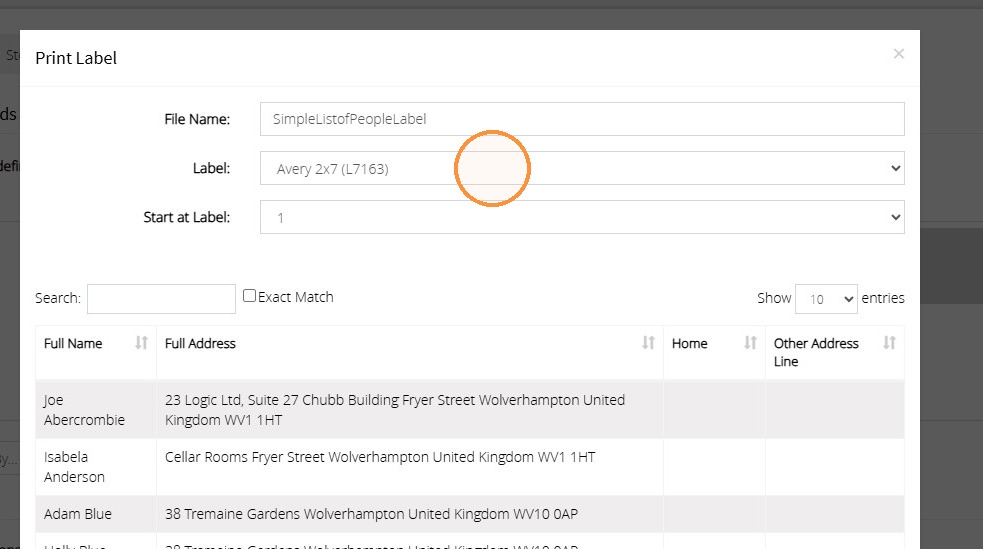
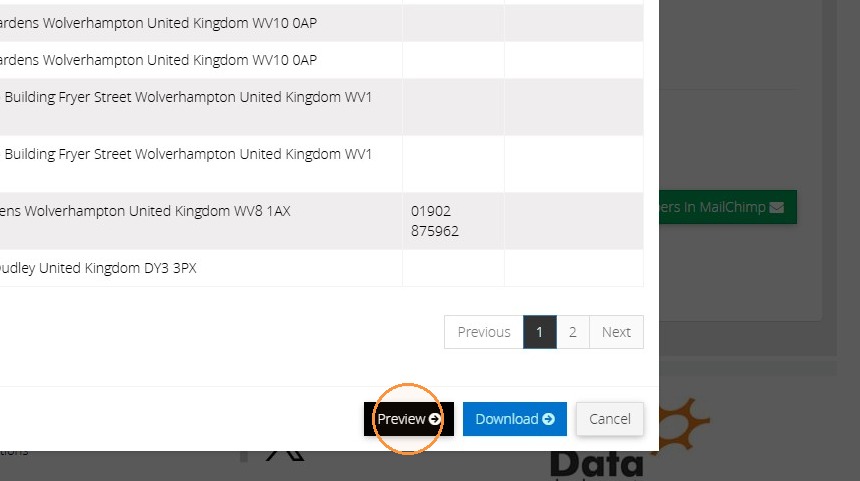
17. You can then click "Preview" or "Download" to access this labels report.
Tip: We hope you found this guide helpful and easy to follow. If you require any further assistance, please contact our support team by telephone on 01902 714030 or by email at support@datadevelopments.co.uk.