
Report Navigation
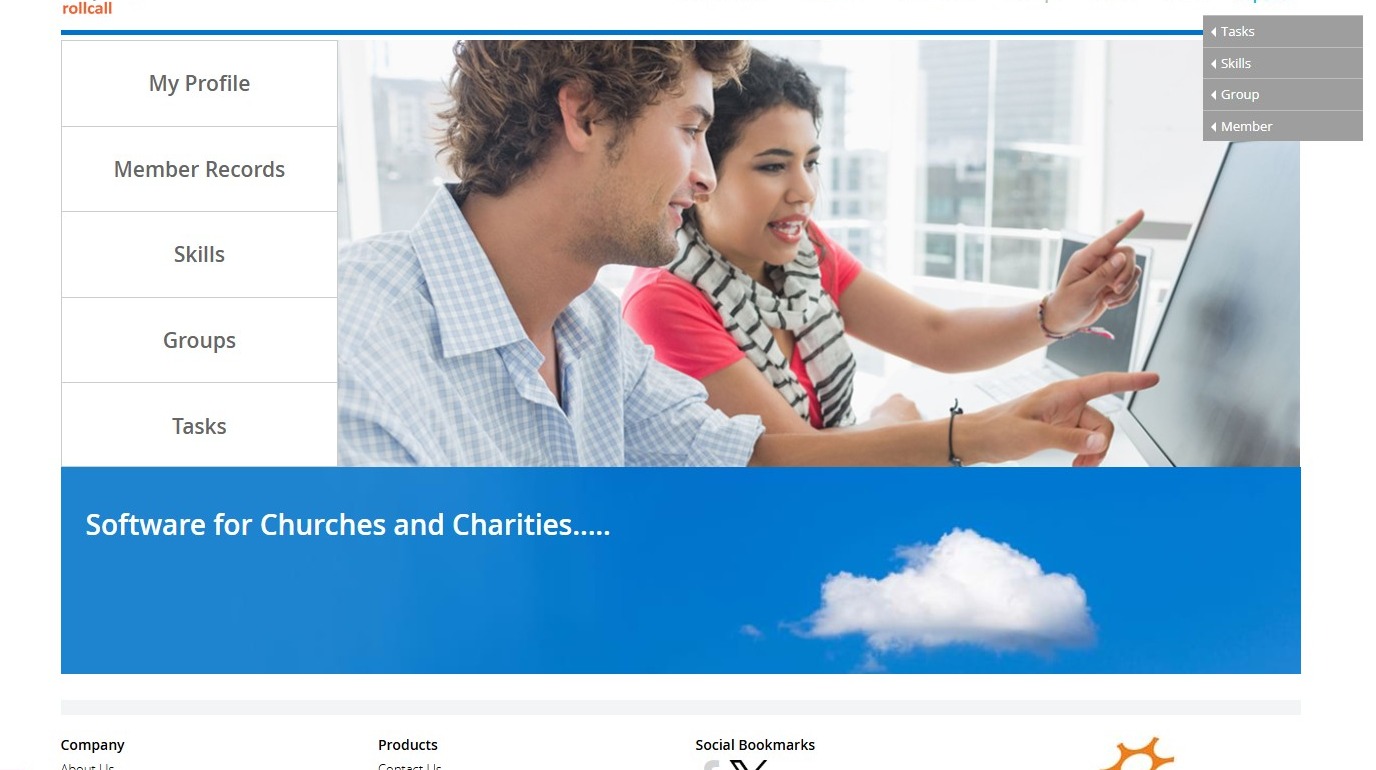
1. Navigate to https://www.myrollcall.online/dashboard
">
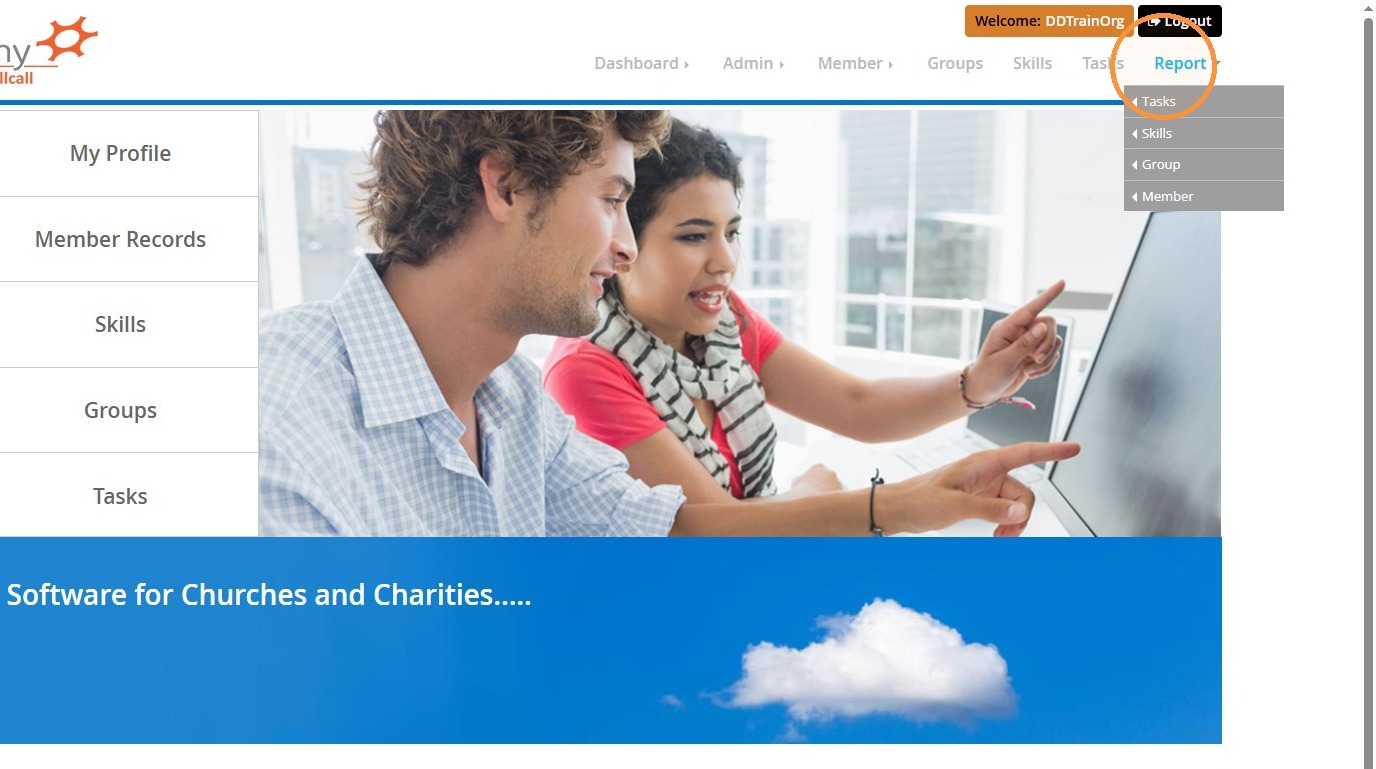
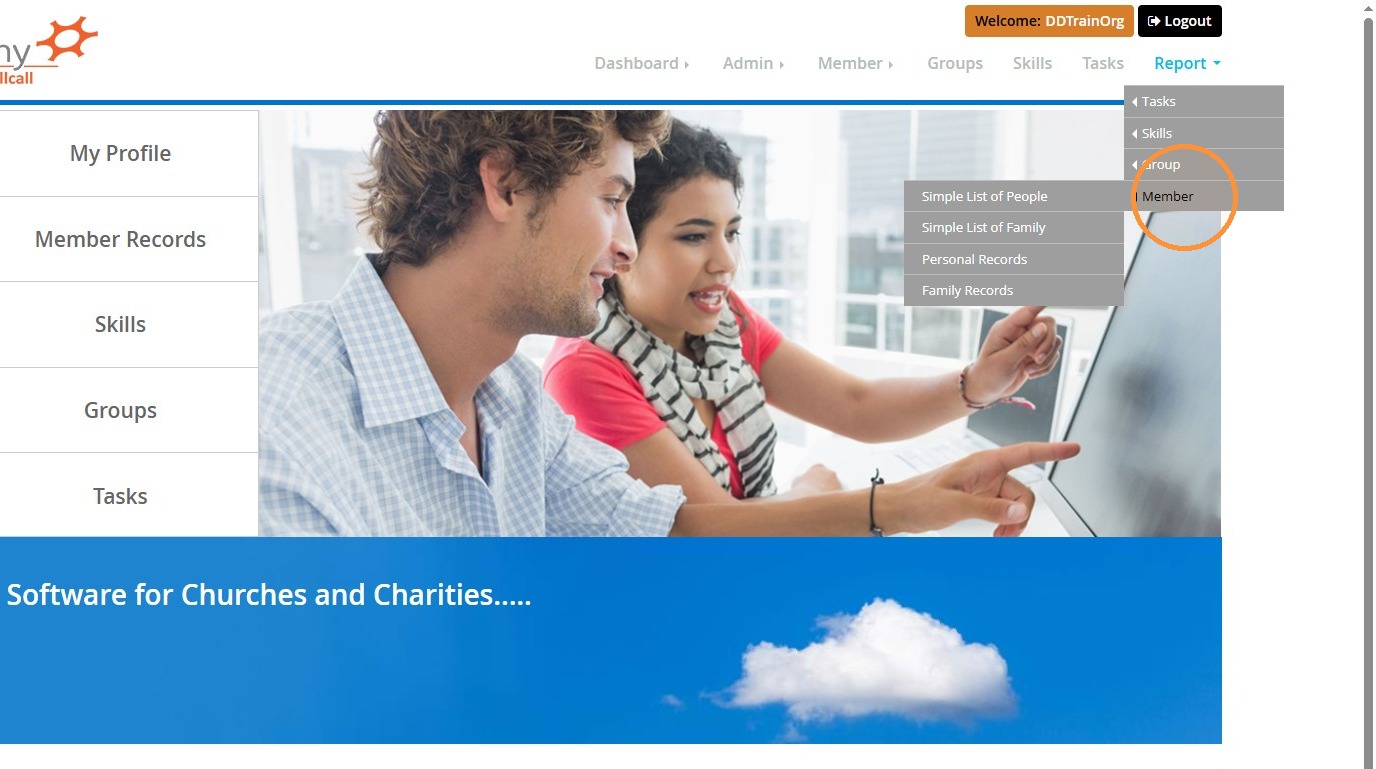
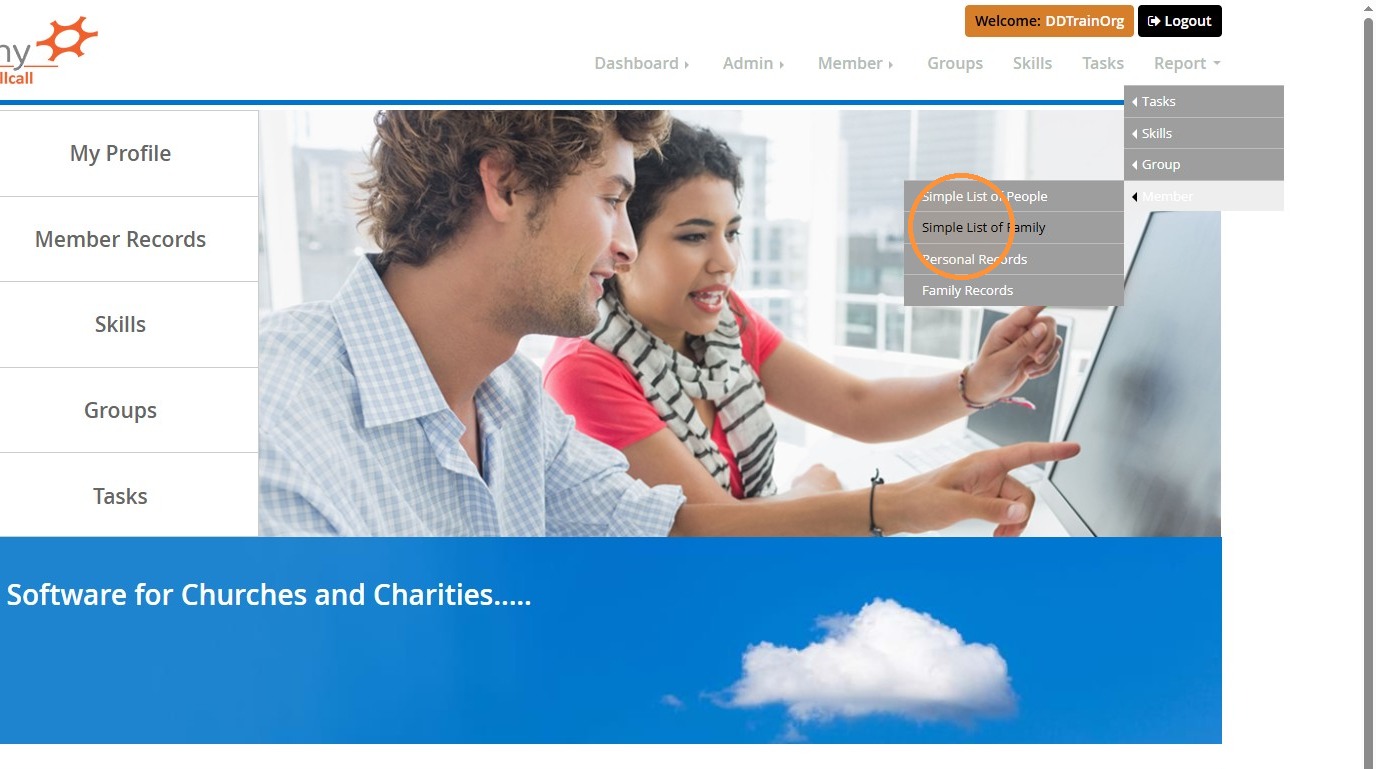
2. Navigate to Report > Member > Simple List of Family
">
">
">
Report Filtering and Style
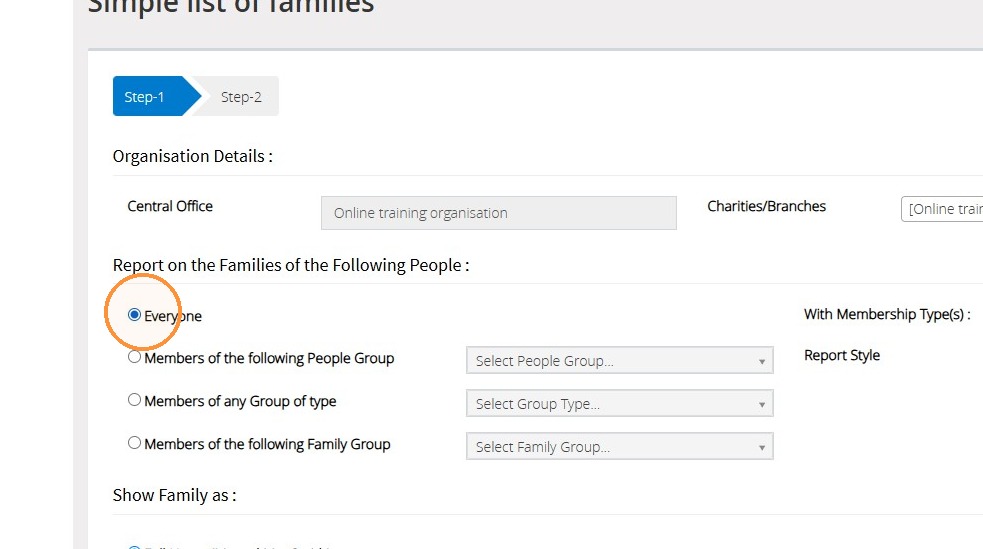
3. Select any filters that you may need, for example, members of a particular group, group type, or membership type.
">
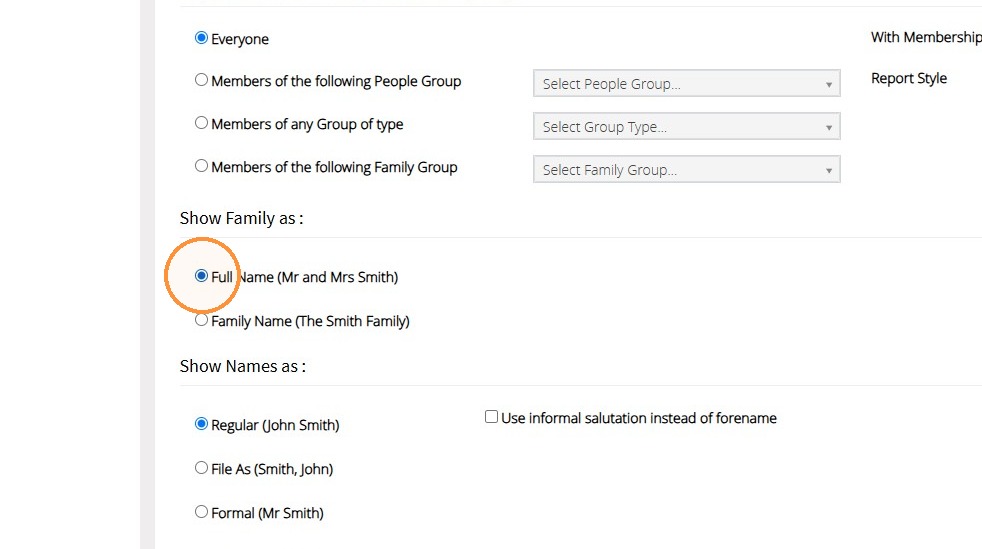
4. You are able to set how the names of the family will show by selecting from the list shown below.
">
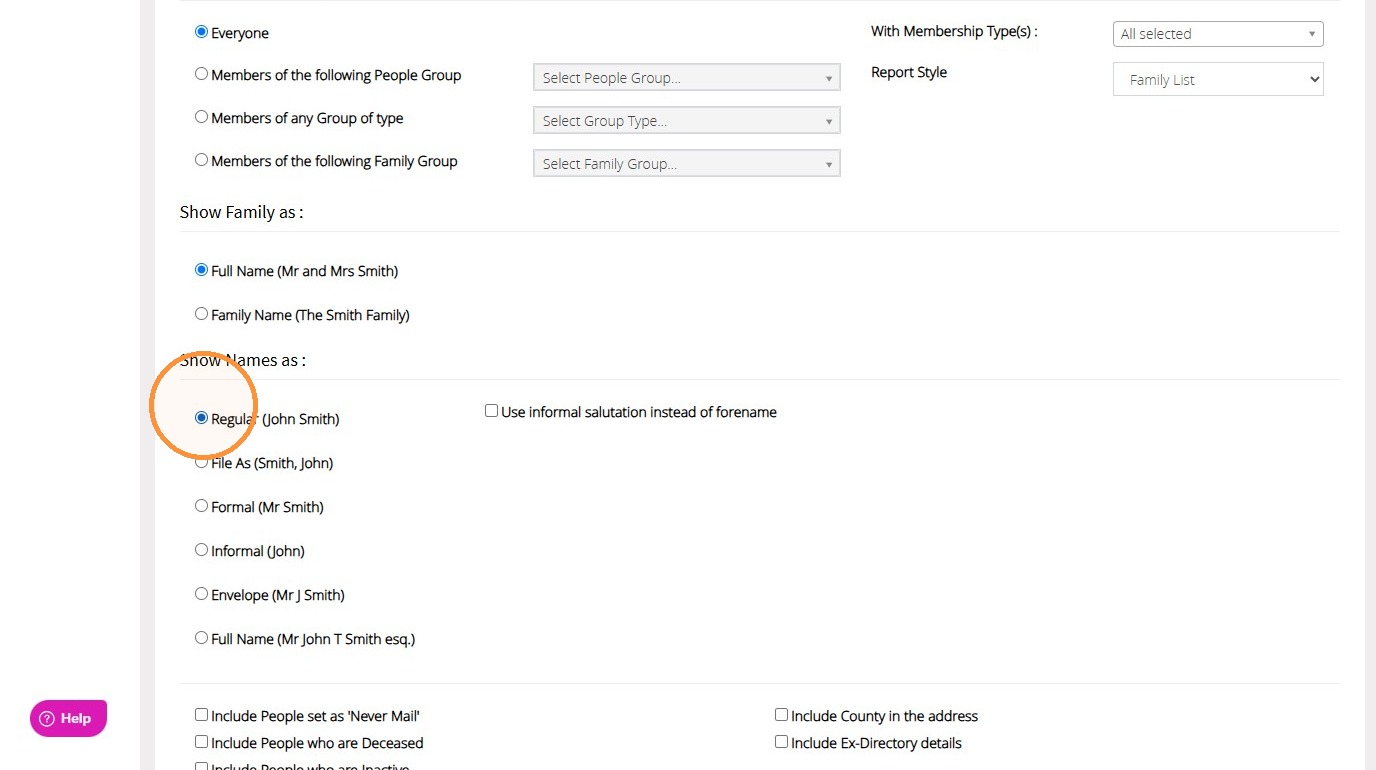
5. You are able to set how the names of people from the family will appear on the list or label by selecting from the list shown below.
">
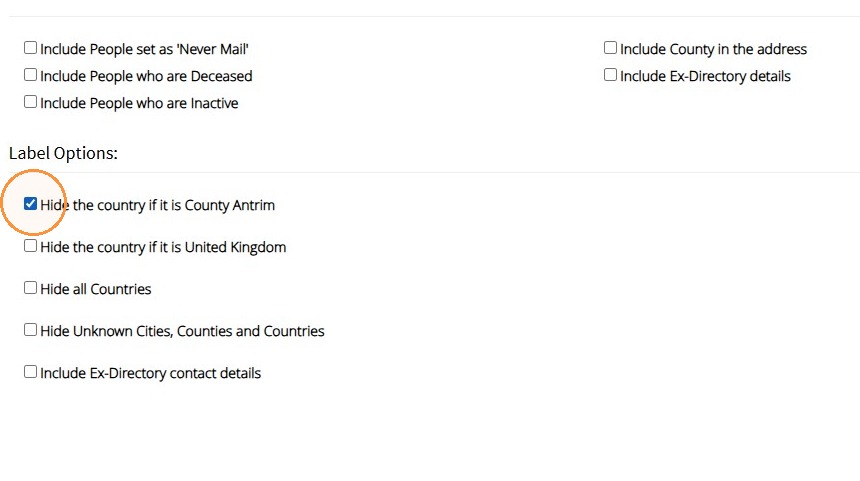
6. You can set to include people who are set as 'Never mail', those who are deceased, and those who are inactive.
If you are using this report to generate labels, you also have a list of label options to select from.
">
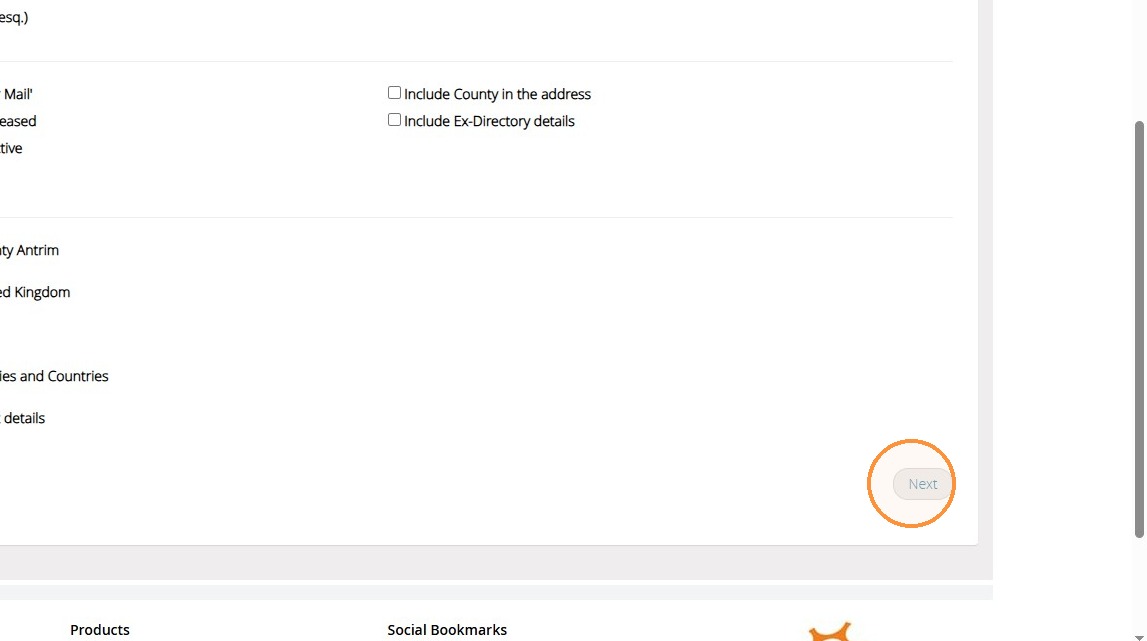
7. Click "Next"
">
Exporting the Report
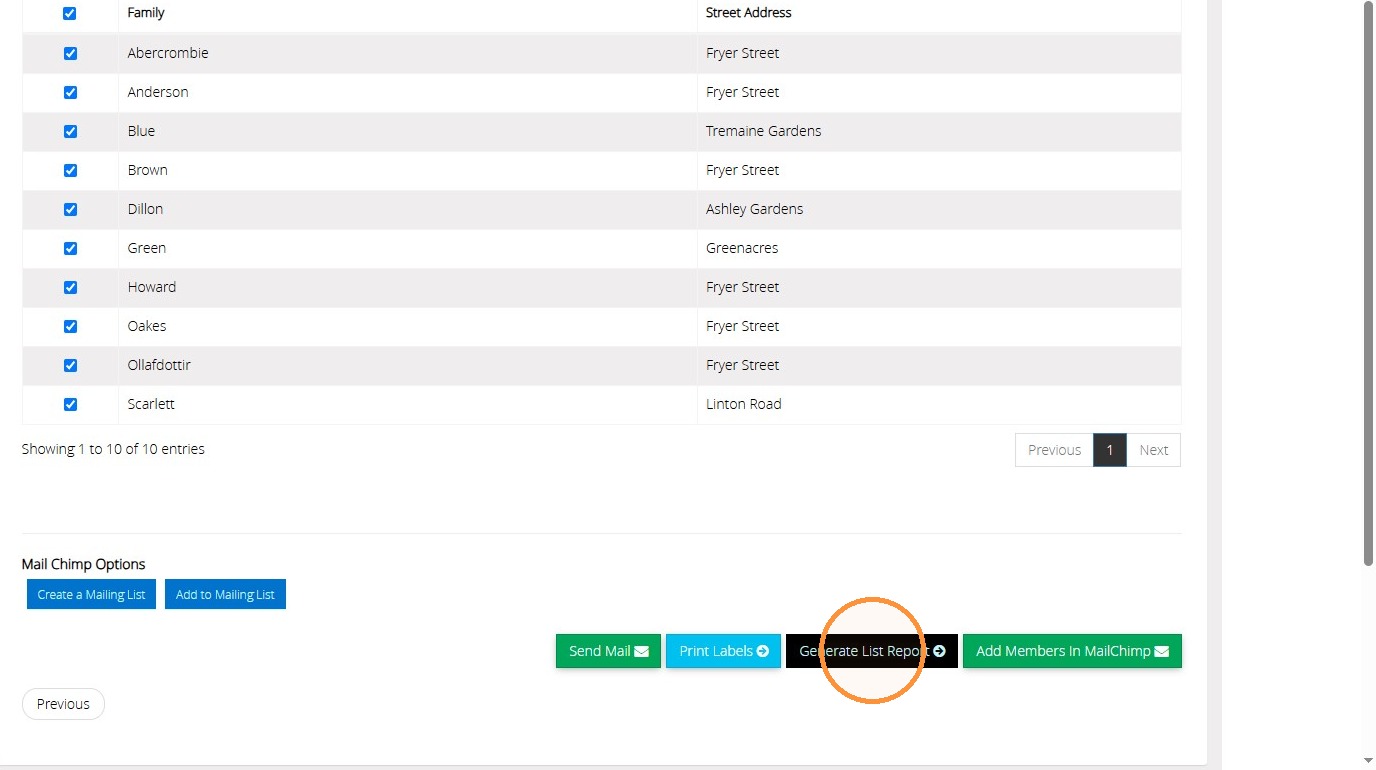
8. If there are any families that you do not want included in the report, untick them in the list now. Click "Generate List Report" to generate a list style report of the Families that you have selected.
">
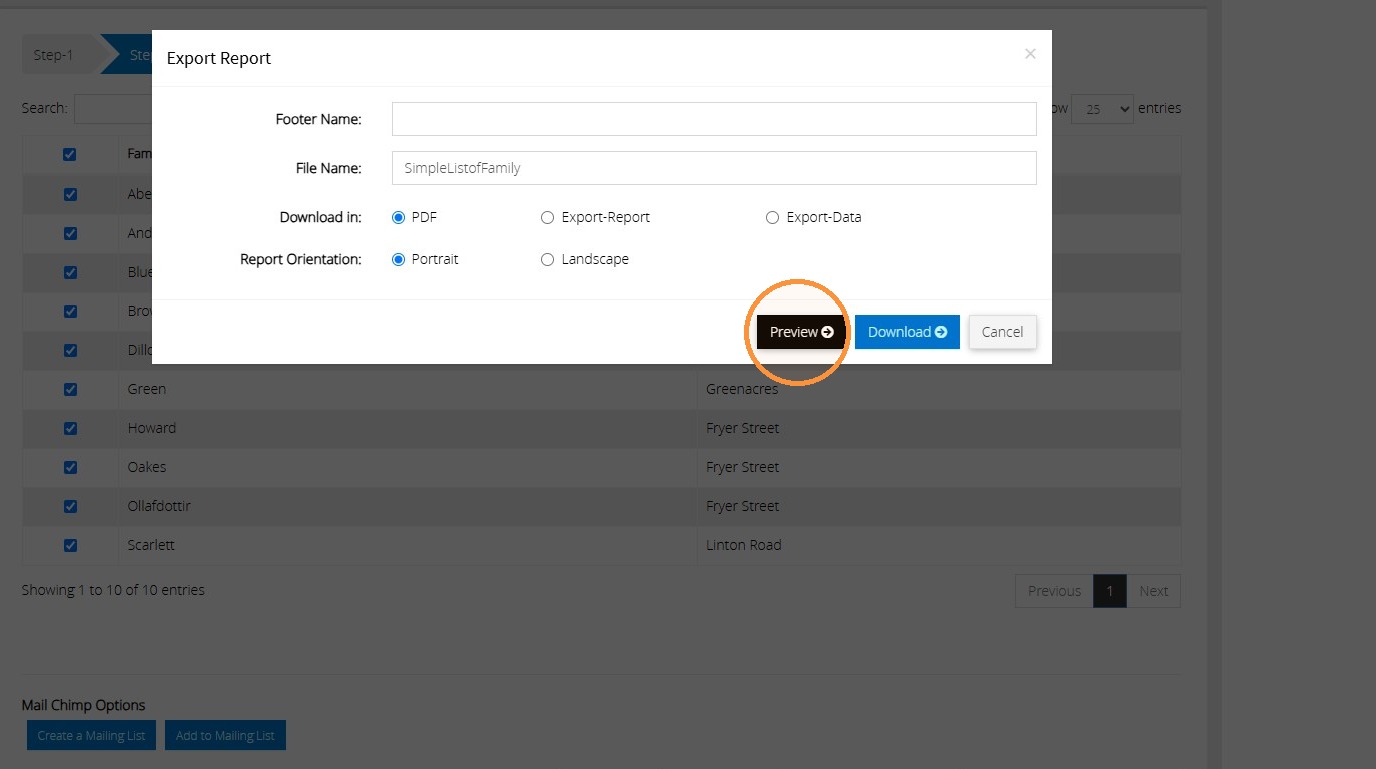
9. Click "Preview"
">
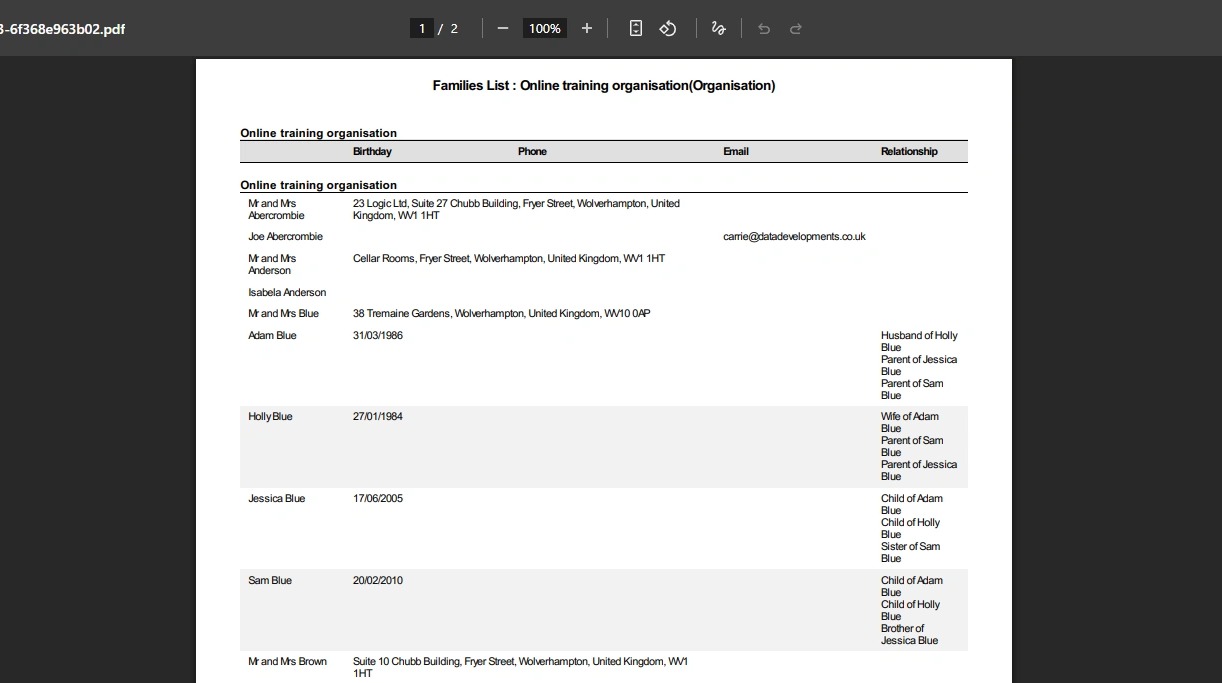
10. You can then view the report from the preview.
">
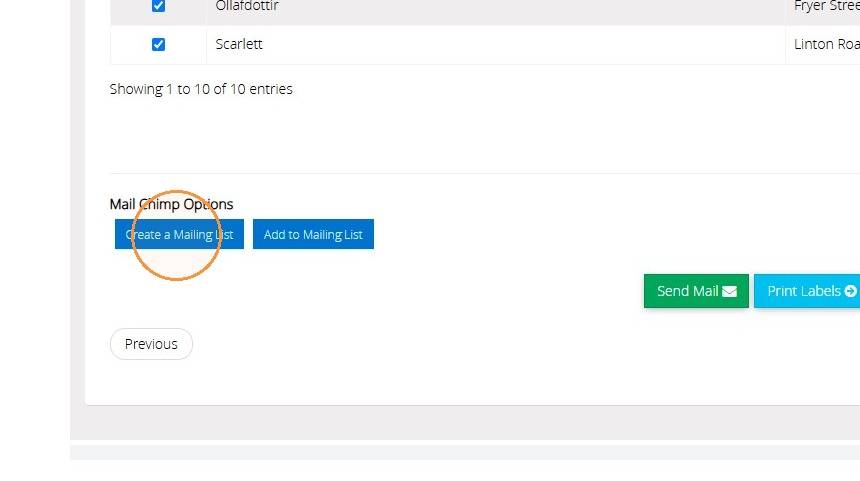
11. There are other options that you can use this report for as well. For example, you are able to create a list in MailChimp, or add the people to an existing MailChimp list.
">
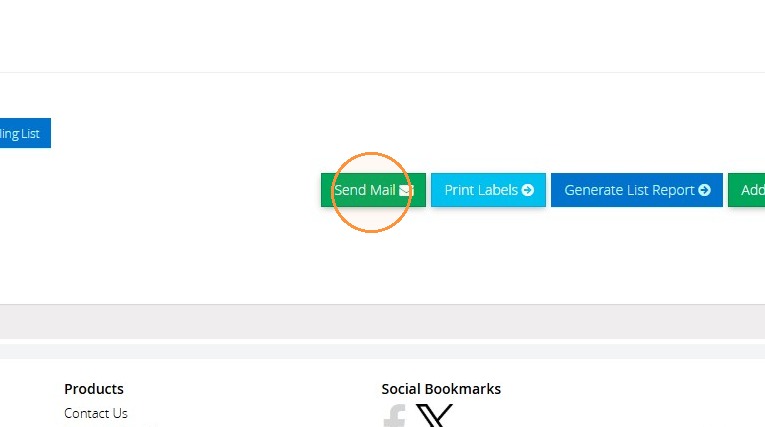
12. You can also use the "Send Mail" button to send an email to this list of members.
">
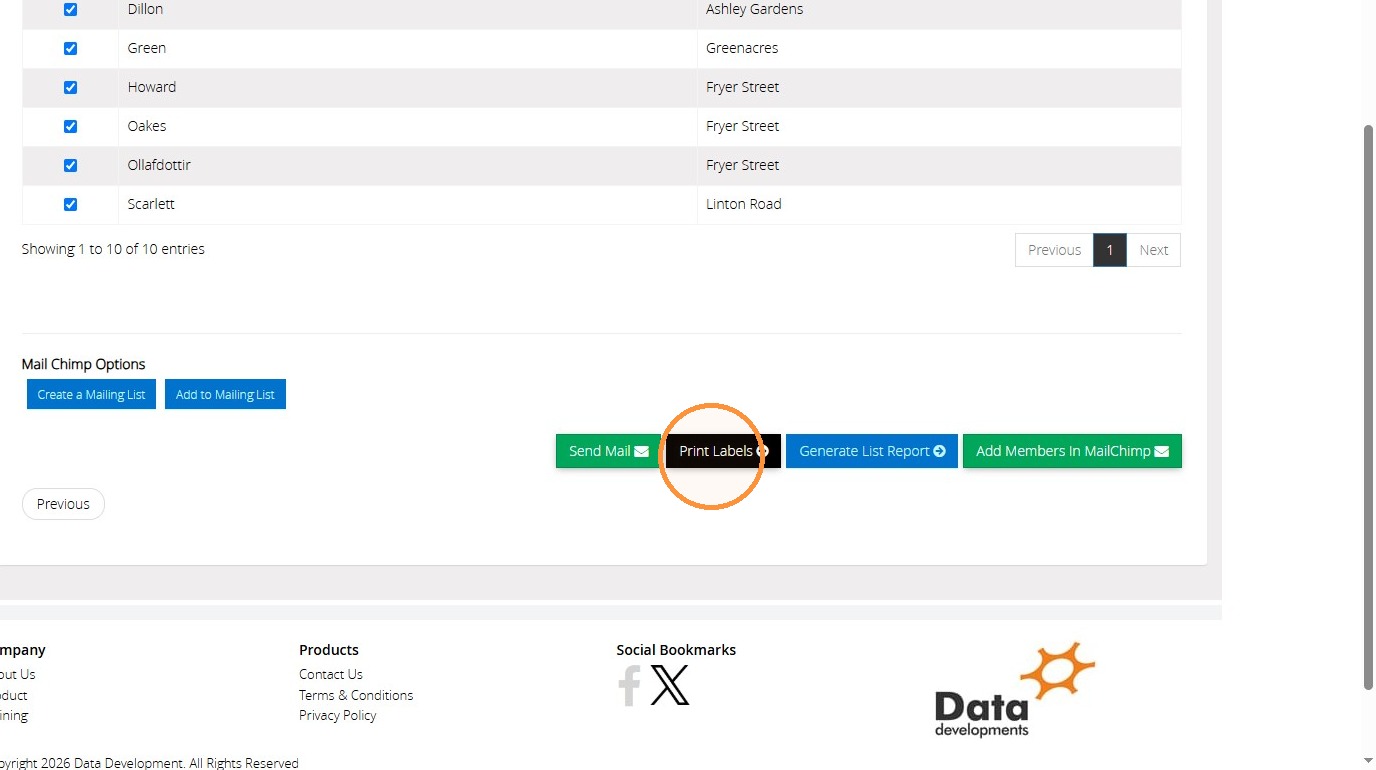
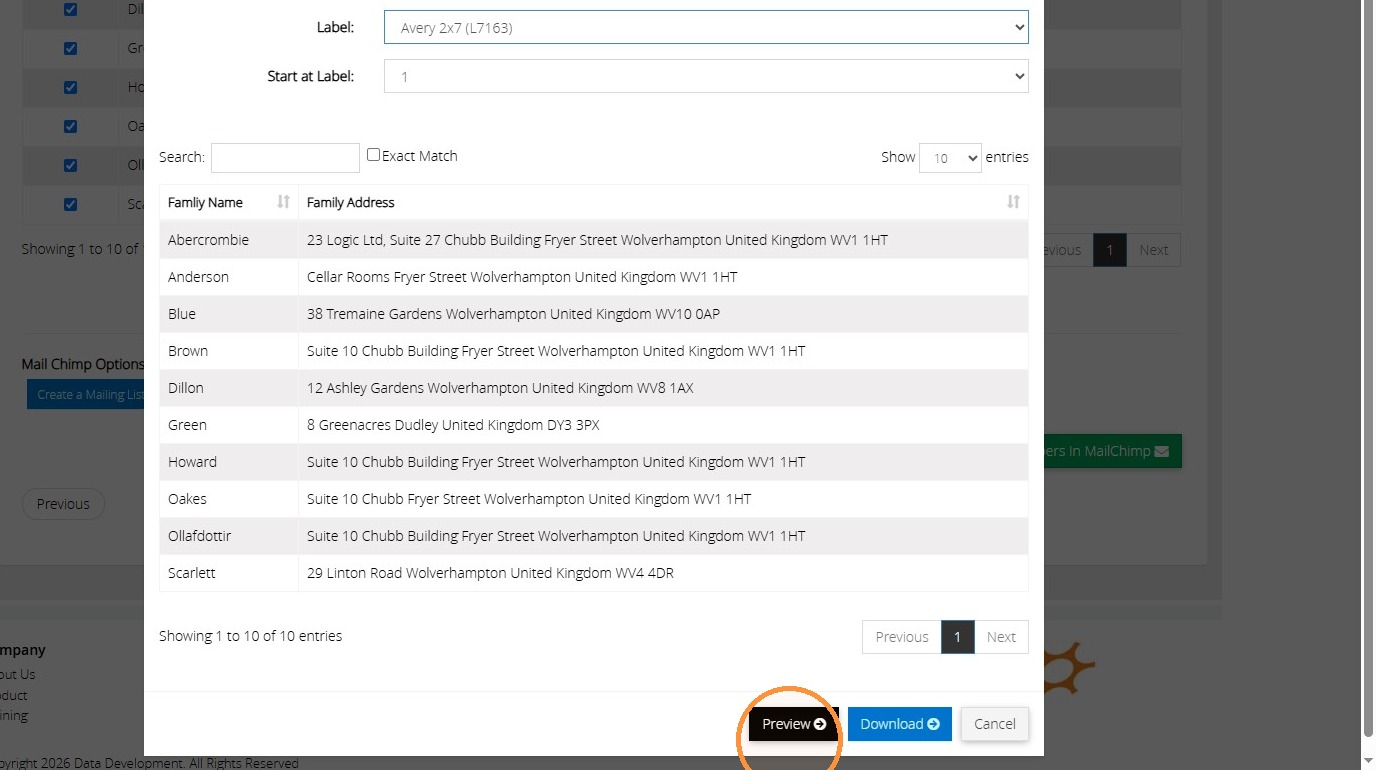
13. If you would like to print off a list of labels to use for these families, click "Print Labels"
">
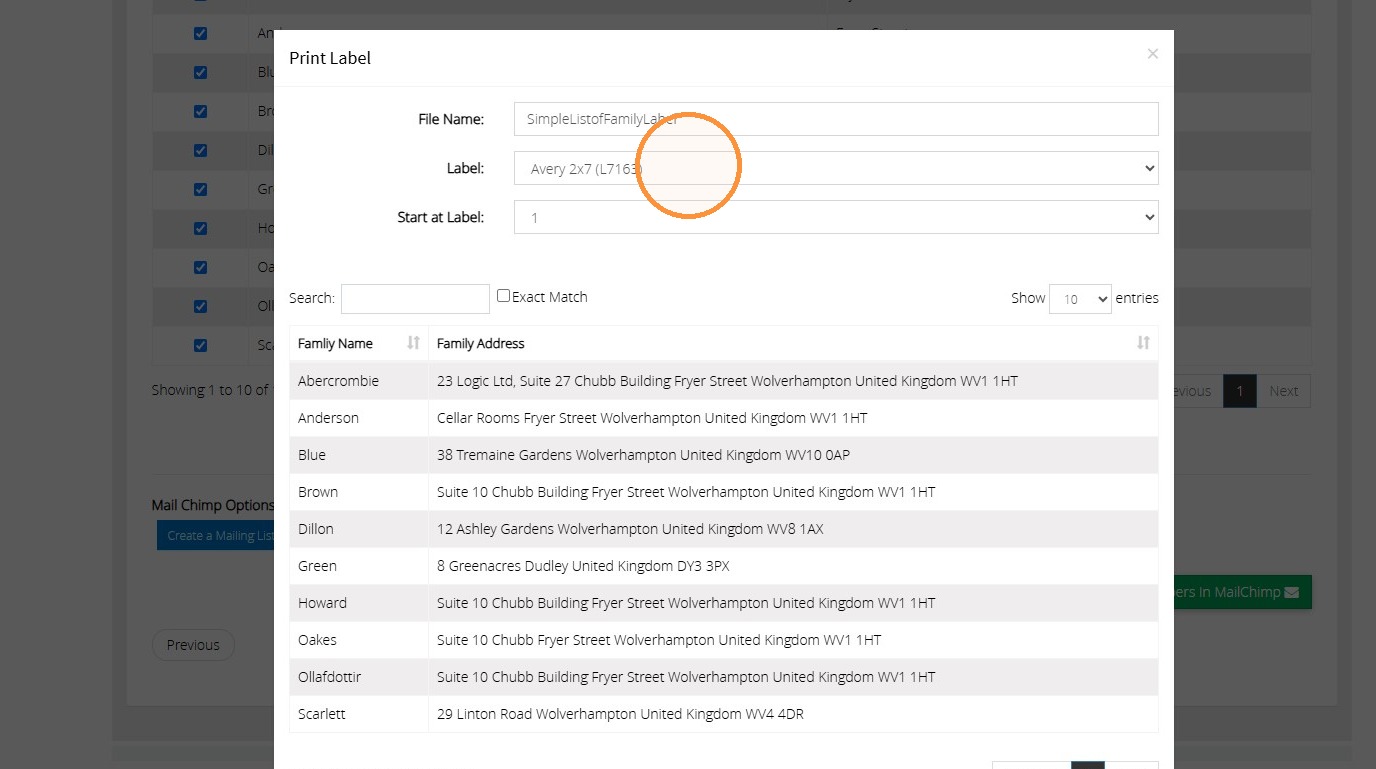
14. Click this dropdown to select the label type you will be printing these onto for the correct format.
">
15. Click "Preview" or "Download" to receive a copy.
">
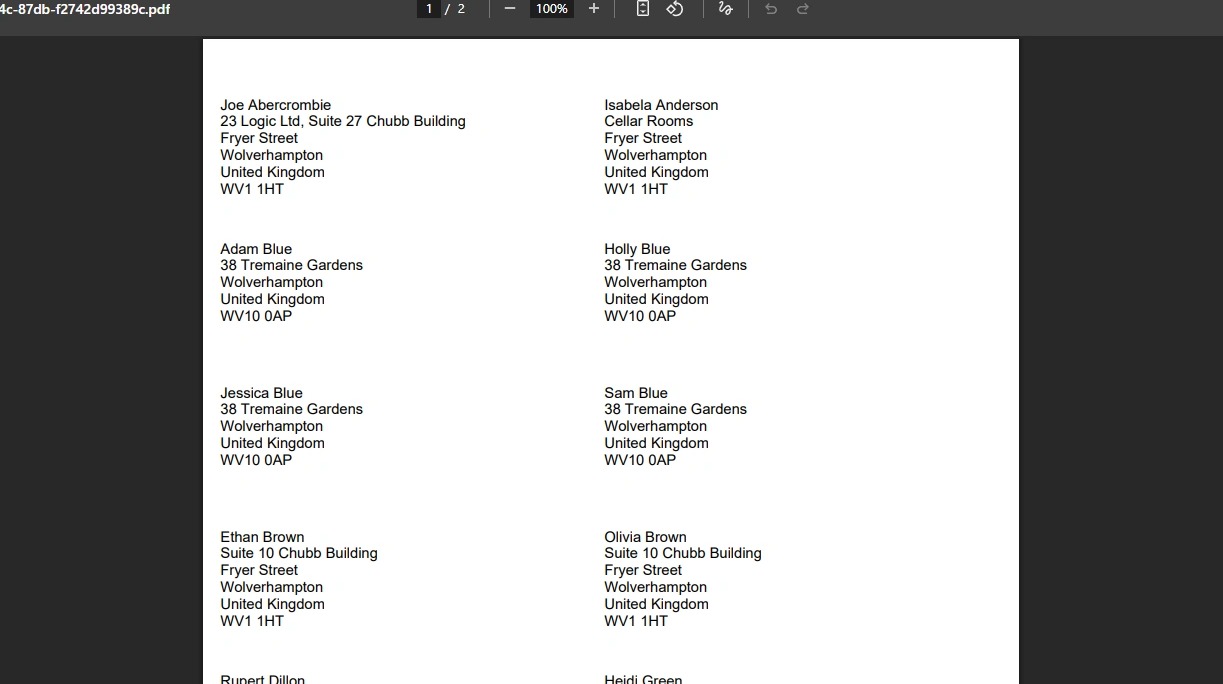
16. You can then view the report before printing it.
">
Tip: We hope you found this guide helpful and easy to follow. If you require any further assistance, please contact our support team by telephone on 01902 714030 or by email at support@datadevelopments.co.uk.