

Tip: While a donor’s Gift Aid declaration may expire, it is essential to retain the associated data for a minimum of six years. MyGiving.Online provides a convenient option to archive expired declarations and enter updated dates. The below steps will guide you through this process.
1. Navigate to https://www.mygiving.online/ and locate the Donor record by going to Donors> View and Edit Donors
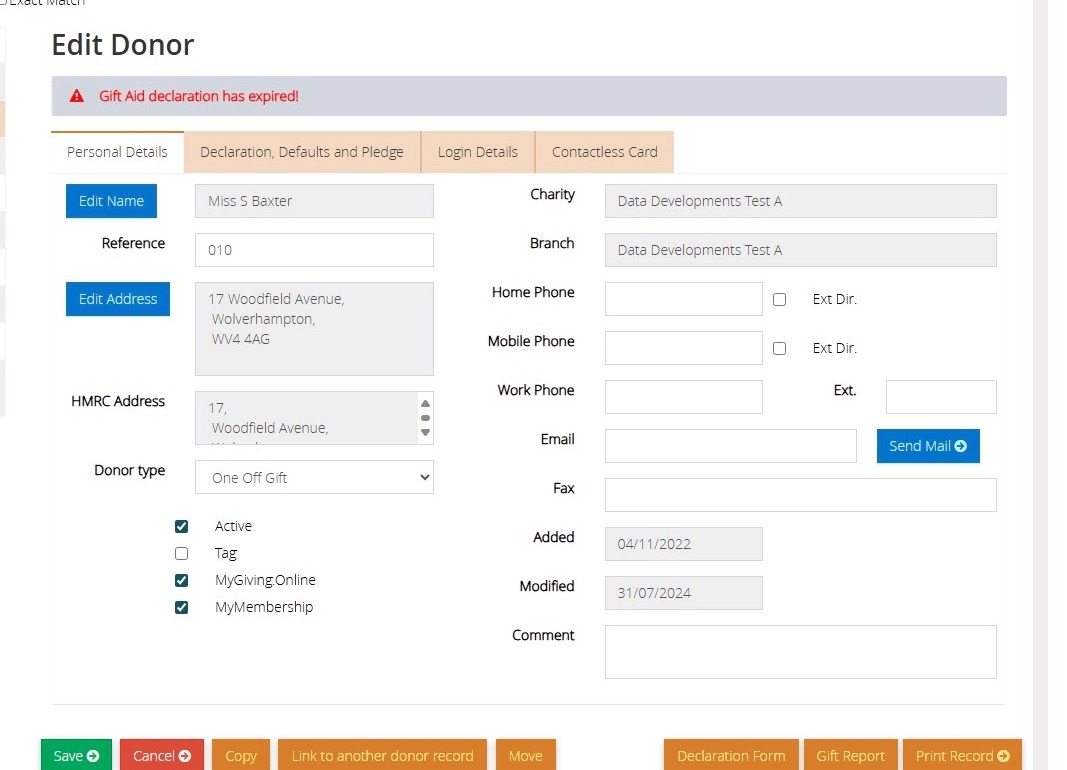
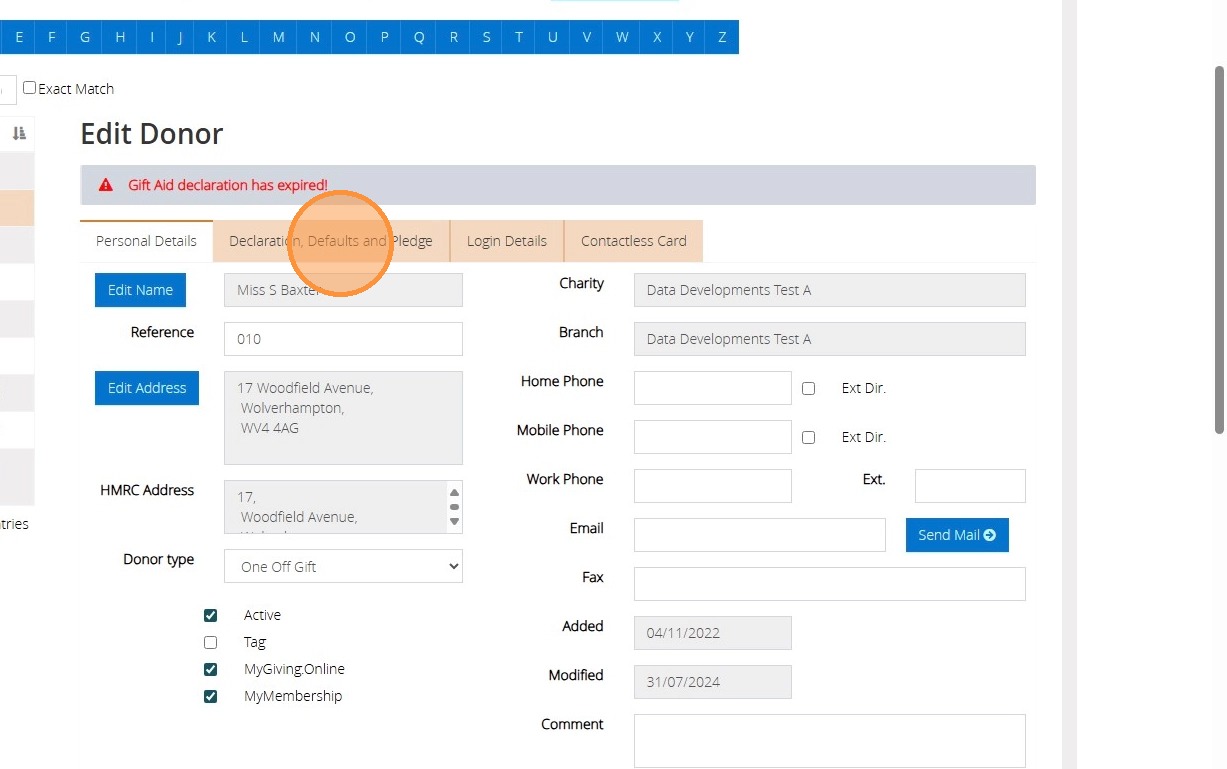
2. Click "Declaration, Defaults and Pledge" tab
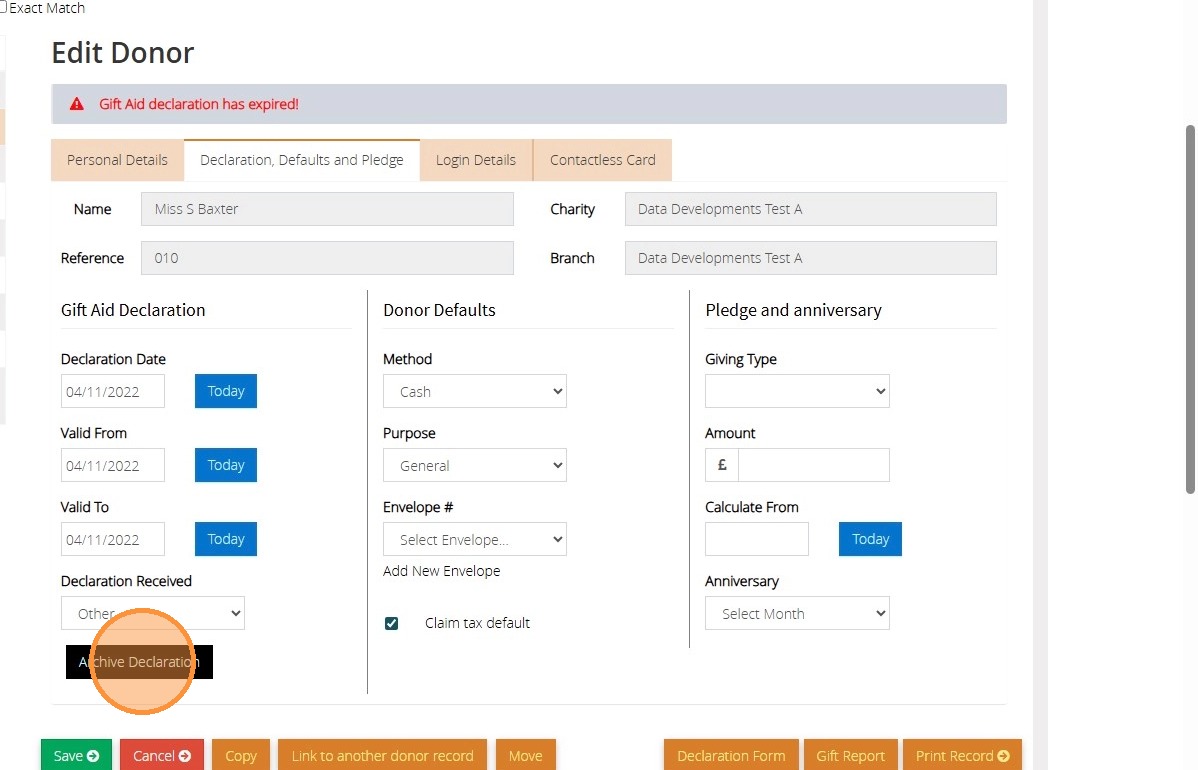
3. Click Archive Declaration
4. Click "OK"
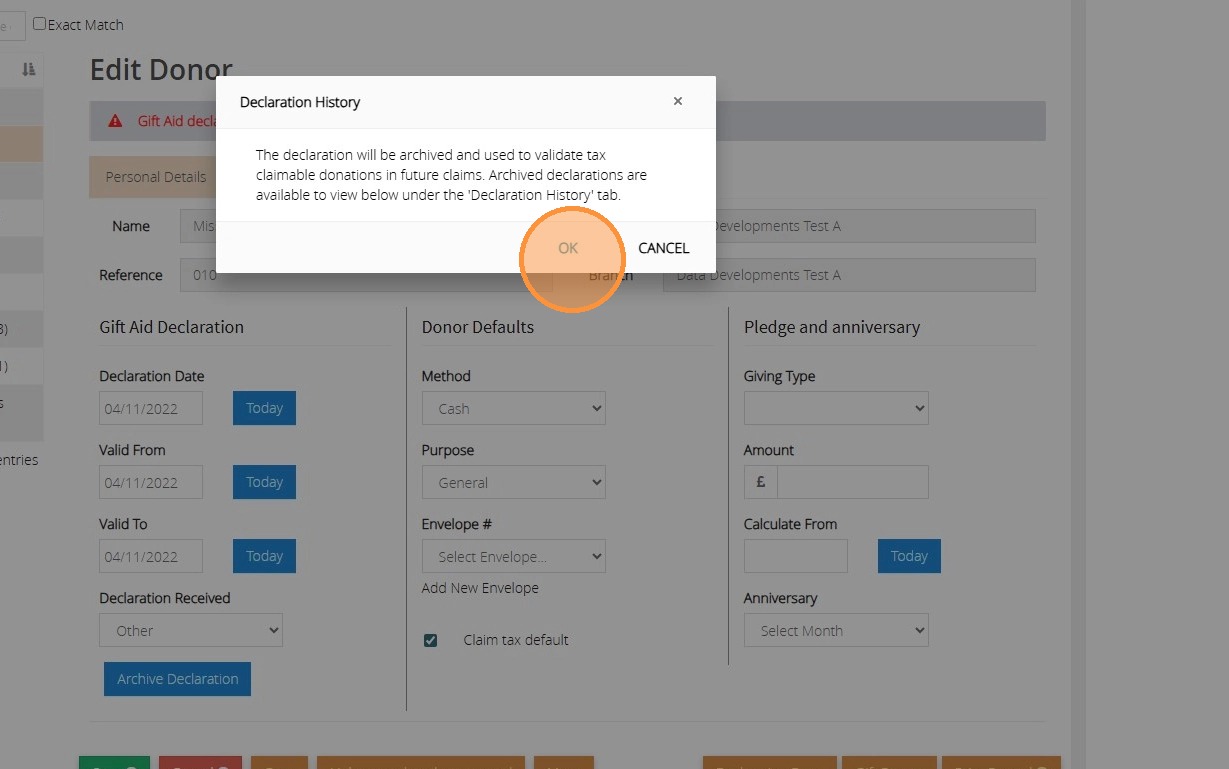
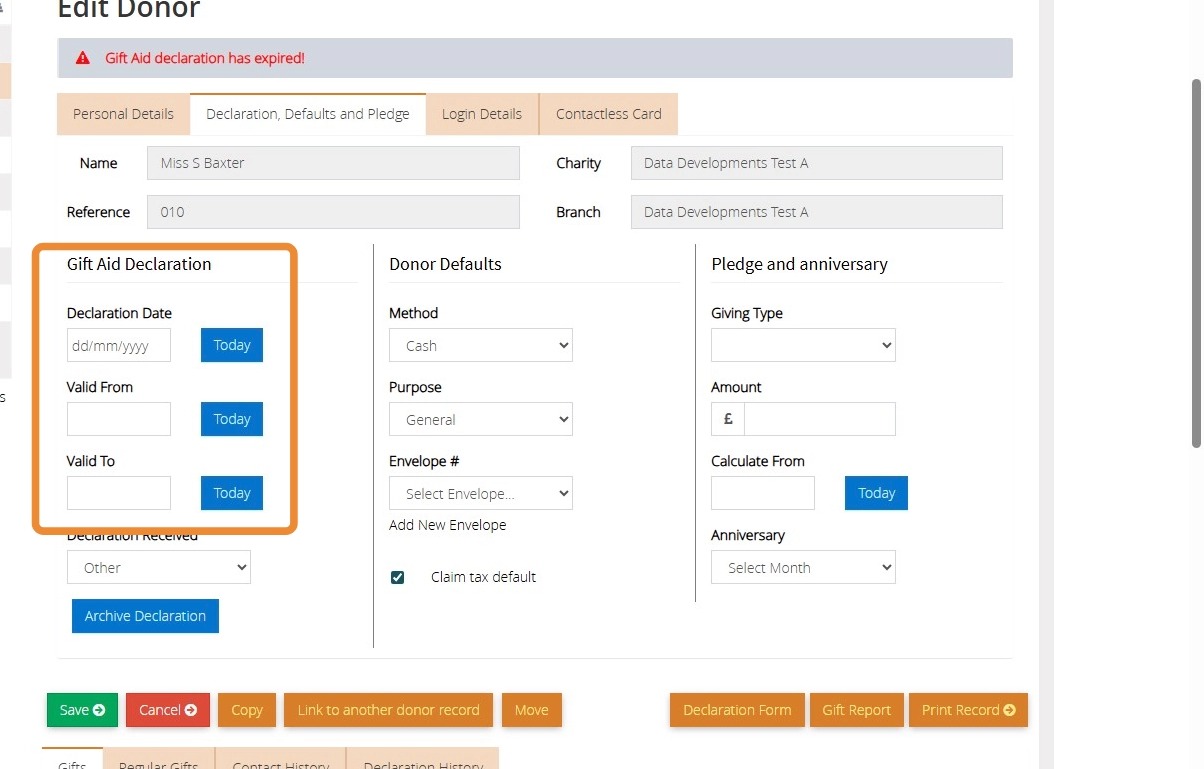
5. The Declaration dates will be removed so that you can enter the new dates.
Tip: To locate the historical Declaration data please go to the declaration history tab on the donors record.