Tip: The below steps will show you how to delete a donation that has been entered in error. You can only remove donations that have not been claimed with the HMRC.

If an incorrect donation has been claimed on please see our guide on Refunds.
1. Navigate to https://www.mygiving.online
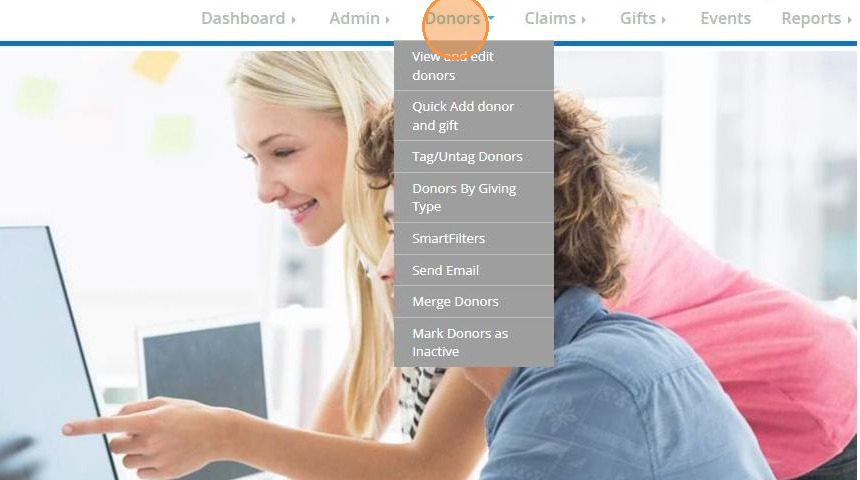
2. Click "Donors"
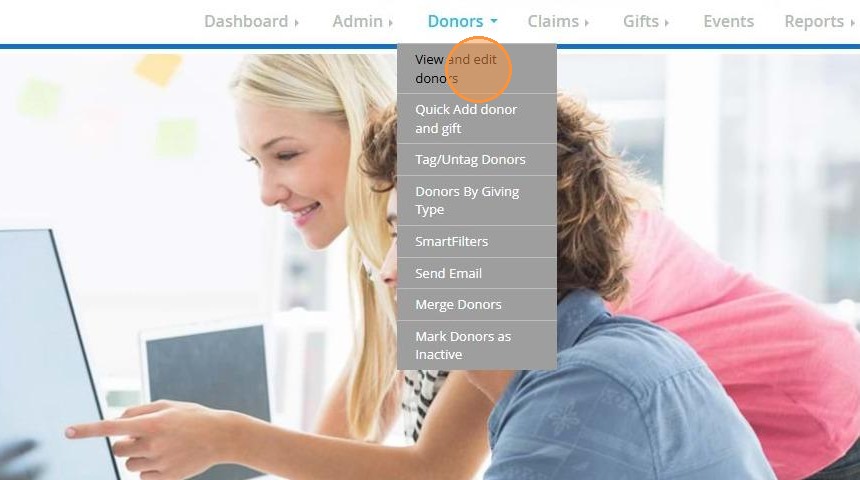
3. Click "View and edit donors"
4. Select the Donor record from your list
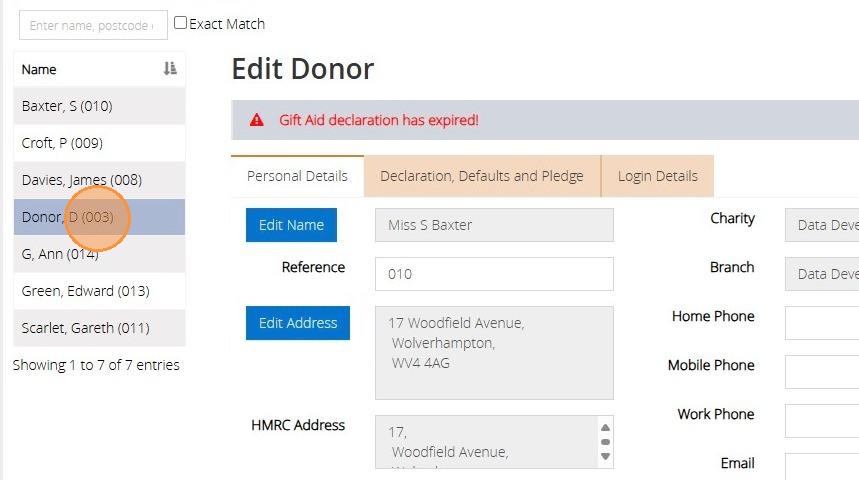
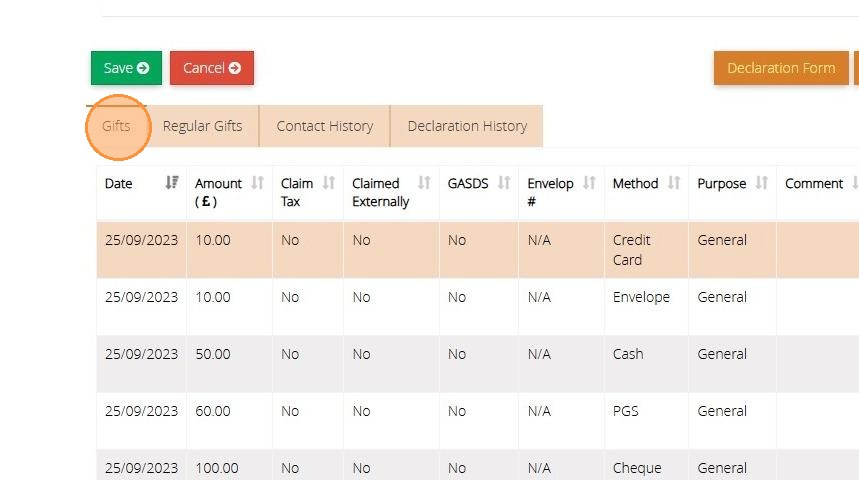
5. Click on the "Gifts" tab.
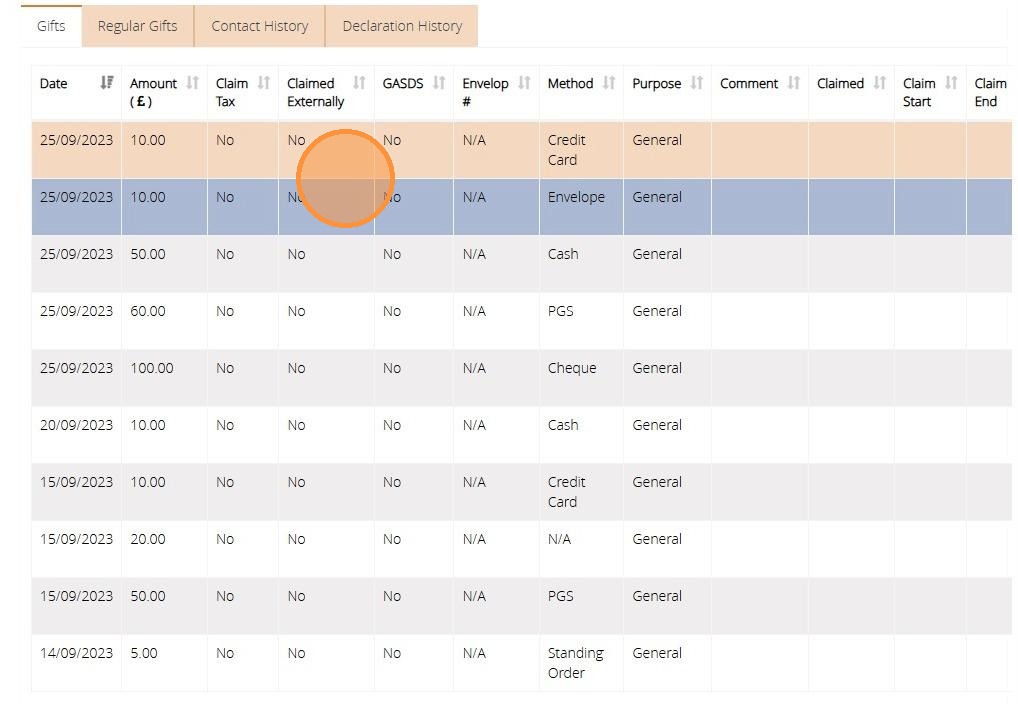
6. Click on the donation you wish to delete.
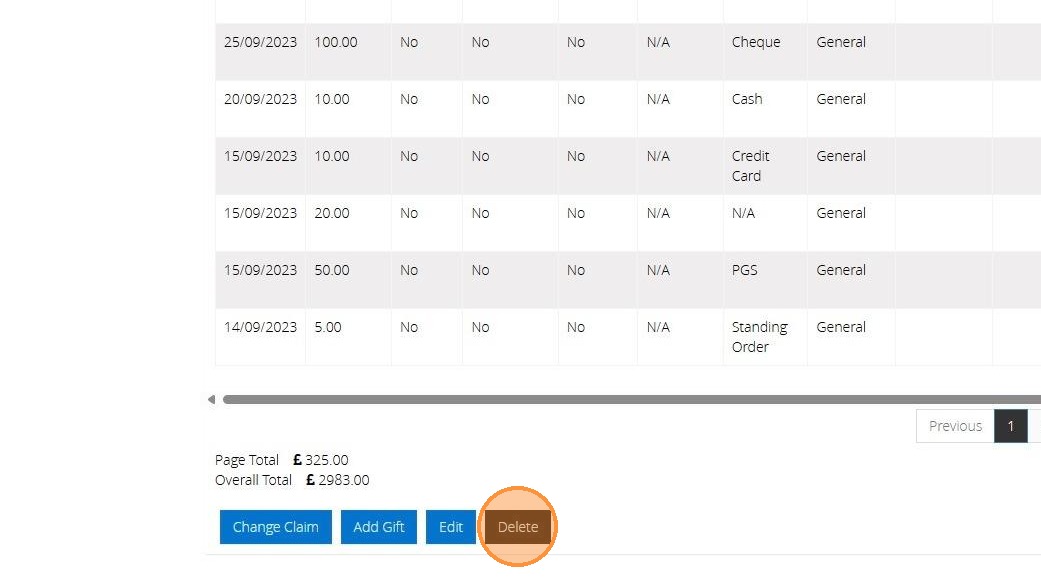
7. Click "Delete"
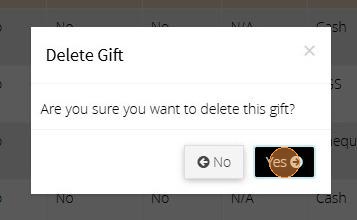
8. Click "Yes"
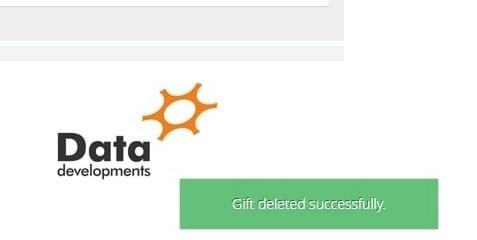
9. Once deleted successfully the below message will appear.