
Tip: The below steps will guide you in entering an individual donation
1. Click "Gifts"

2. Click "Enter Donations Individually"

3. Select your charity and branch from the drop down menu provided.
Click "Select Donor" to generate a list of your donor records. Select the donor you require.
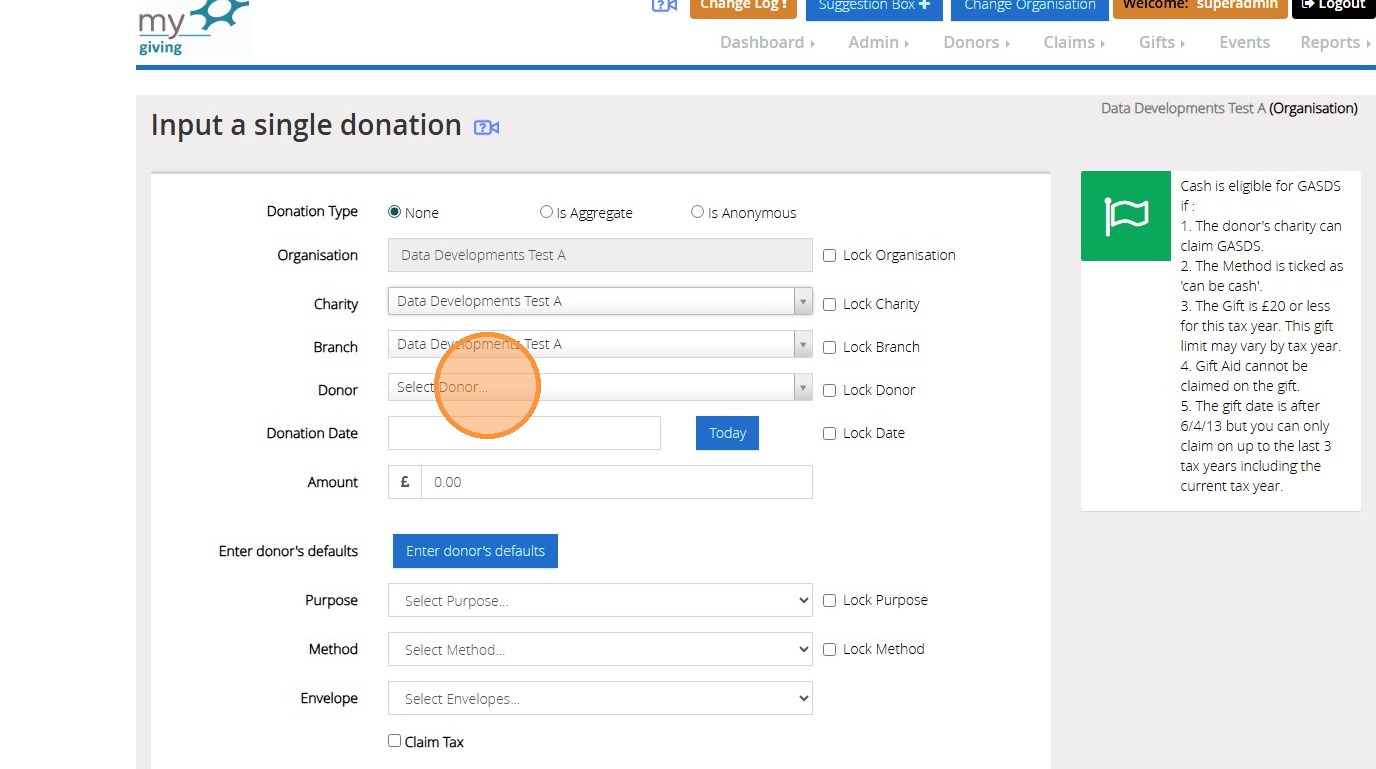
4. Enter the date in the box provided. To quickly enter today's date click on "Today"
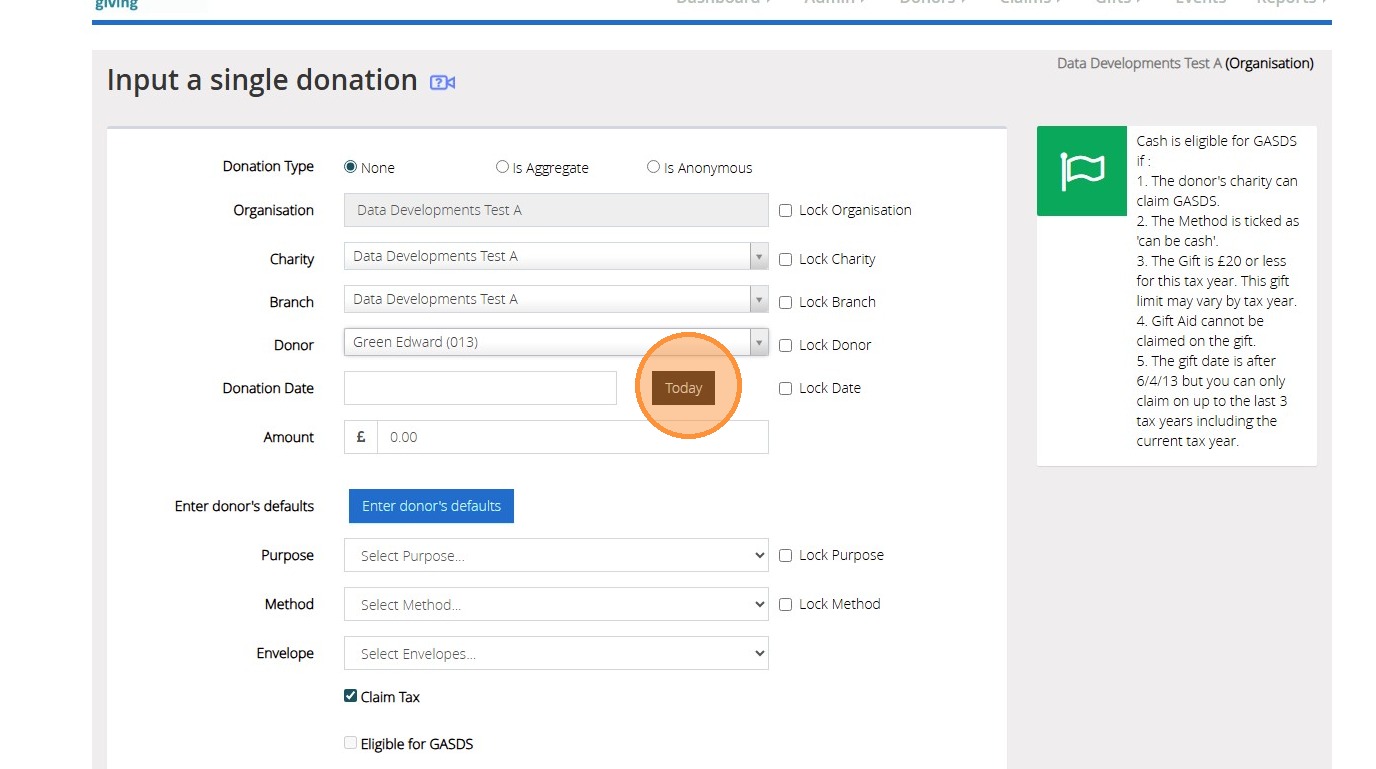
5. Click the "Amount" field to enter the donation amount.
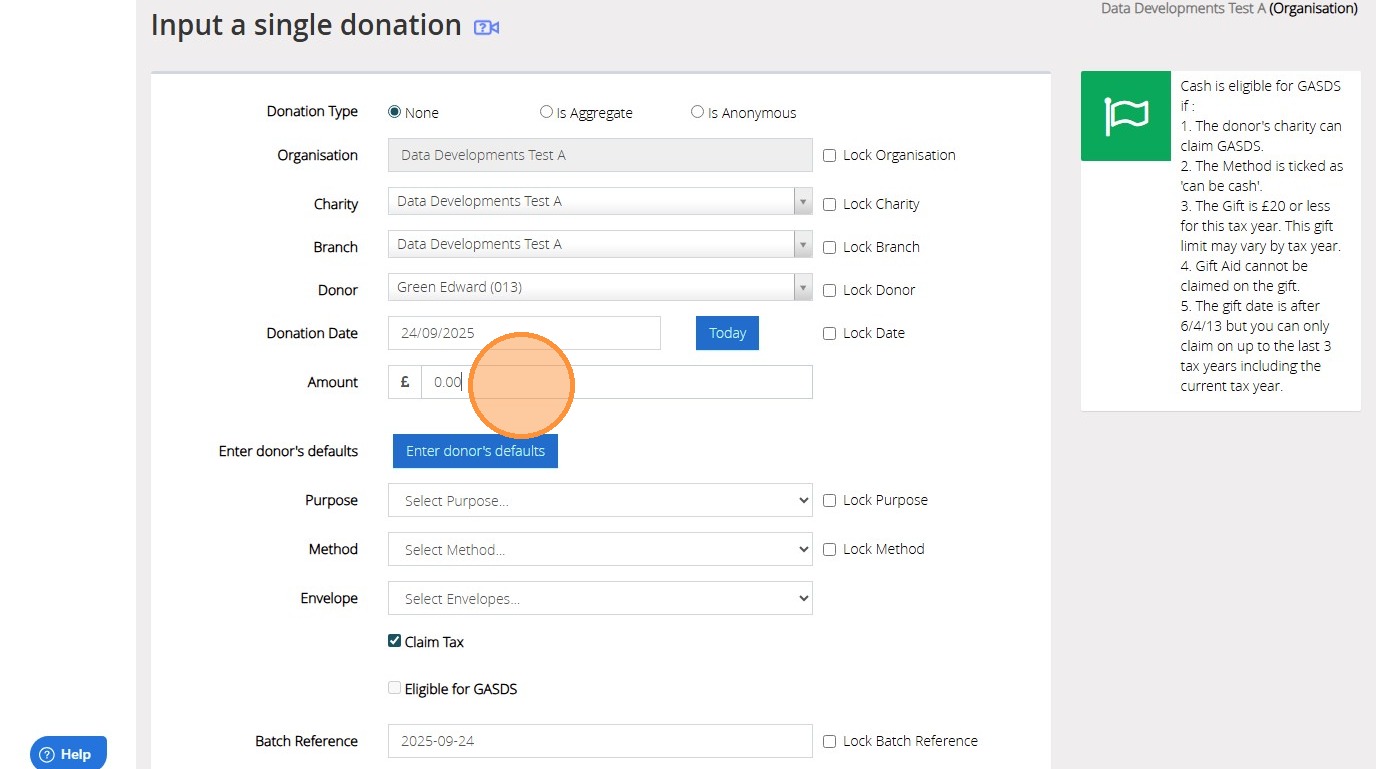
6. If the donor has default saved on their record you can click "Enter Donor Defaults" to populate this. Otherwise select their Method and purpose from the list provided. Select their envelope number if required.
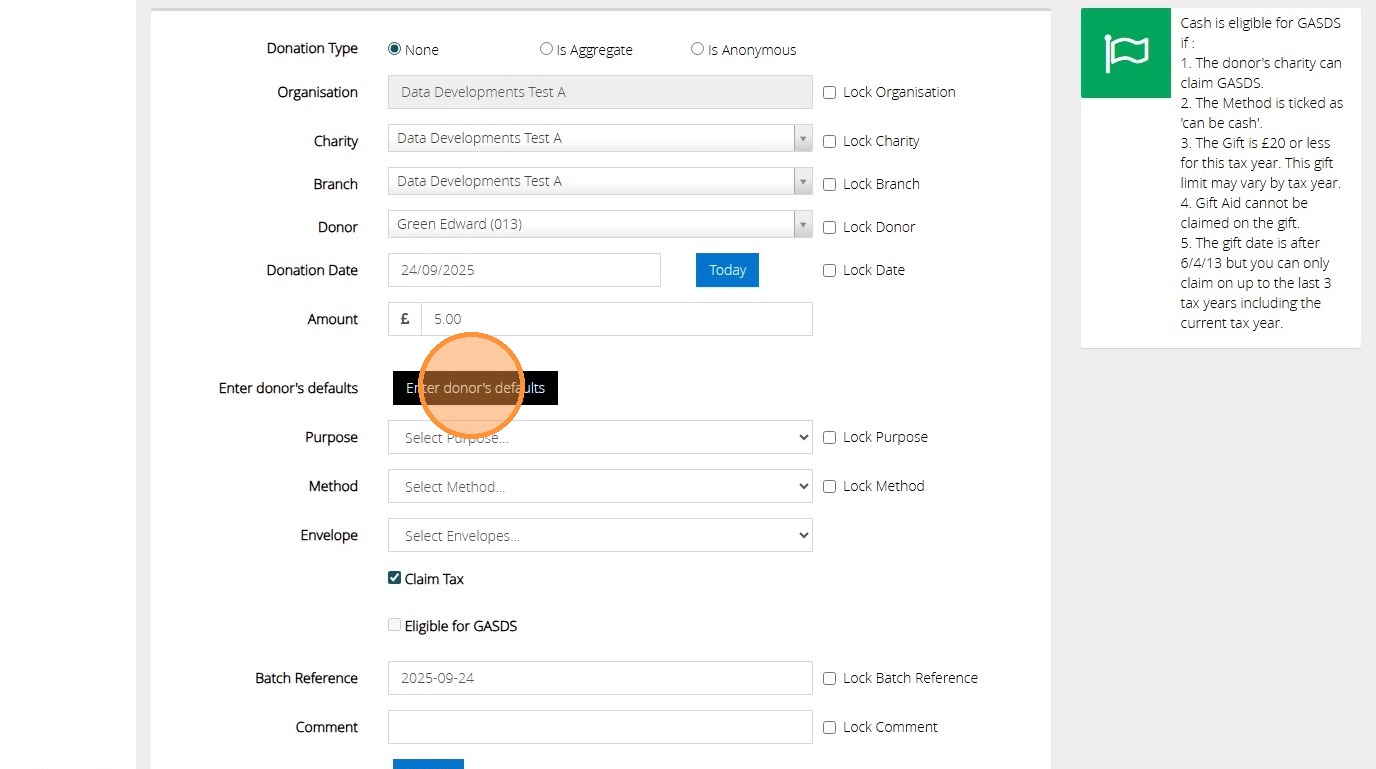
7. Click "Claim Tax" if the donation is eligible
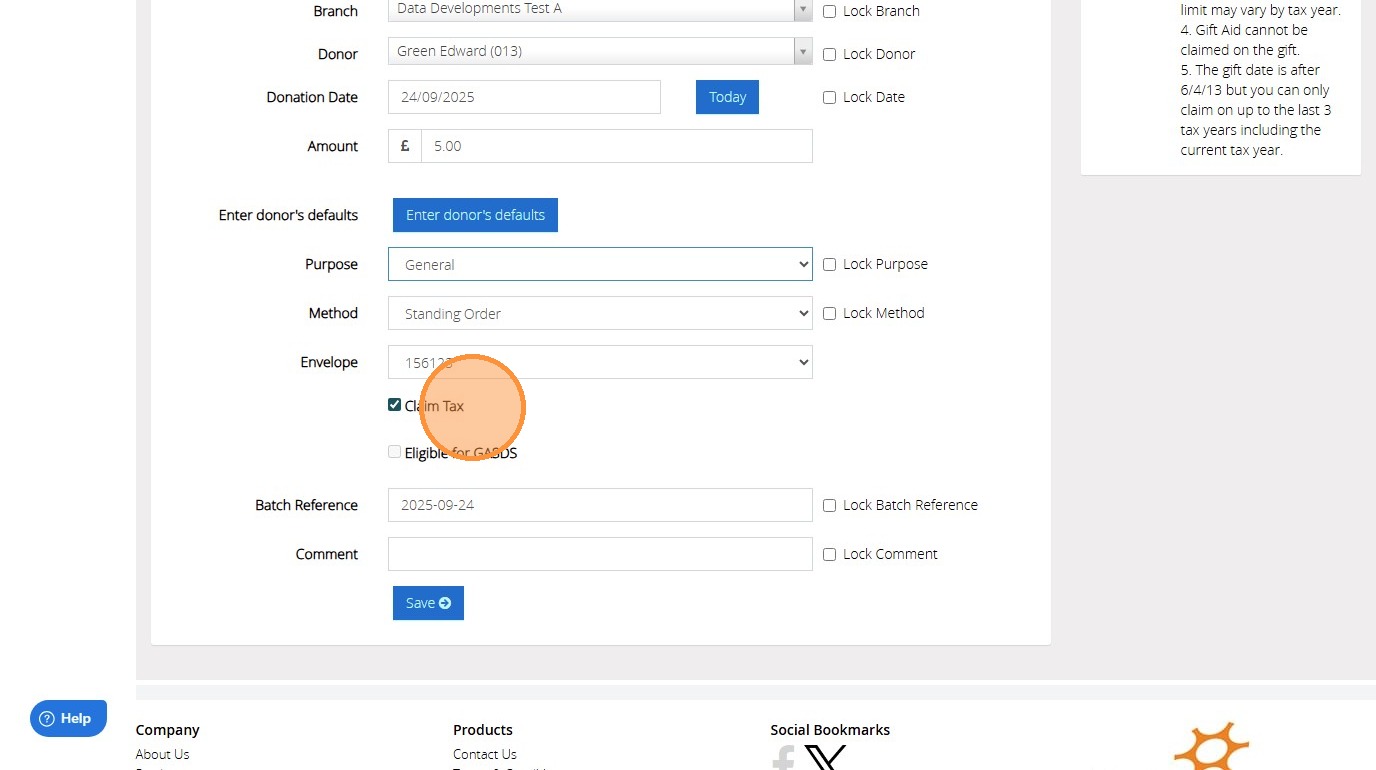
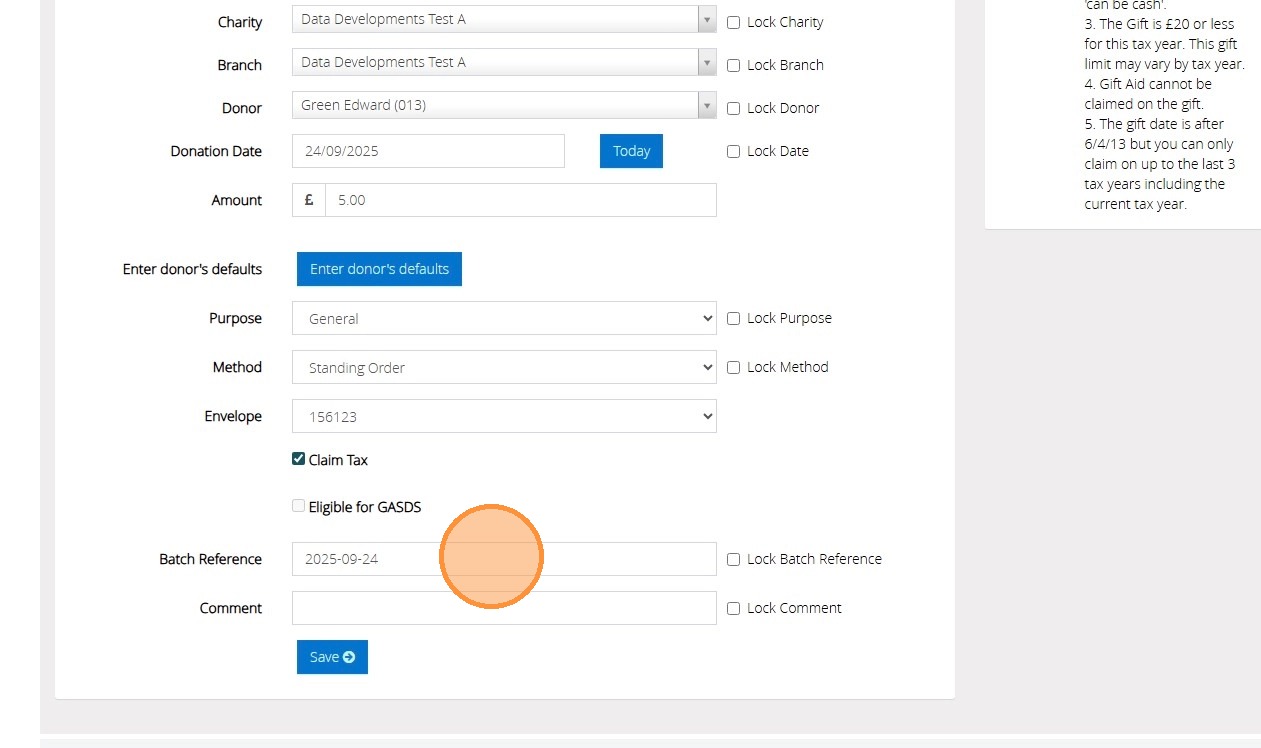
8. Click the "Batch Reference" field if you would like a batch reference to be stored against the donation.
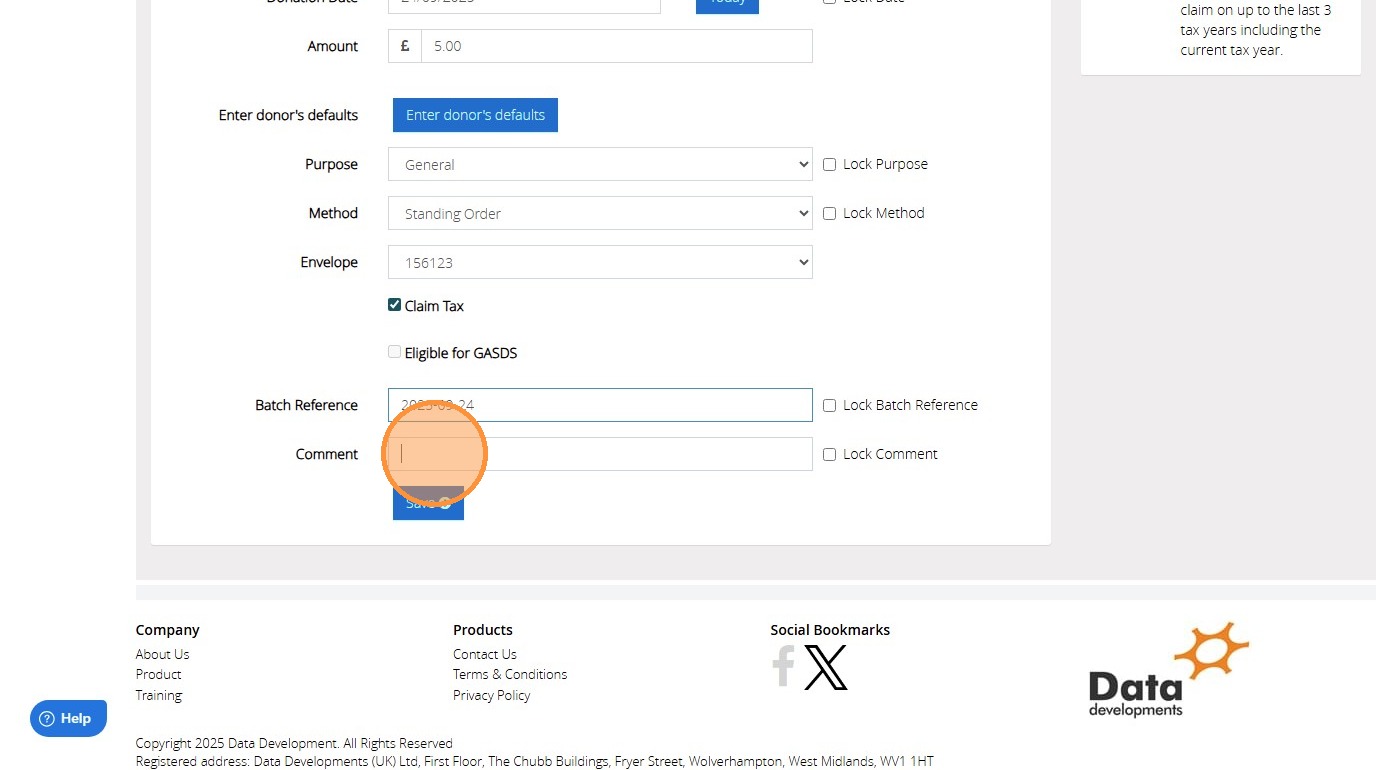
9. Click the "Comment" field to enter a comment against the donation
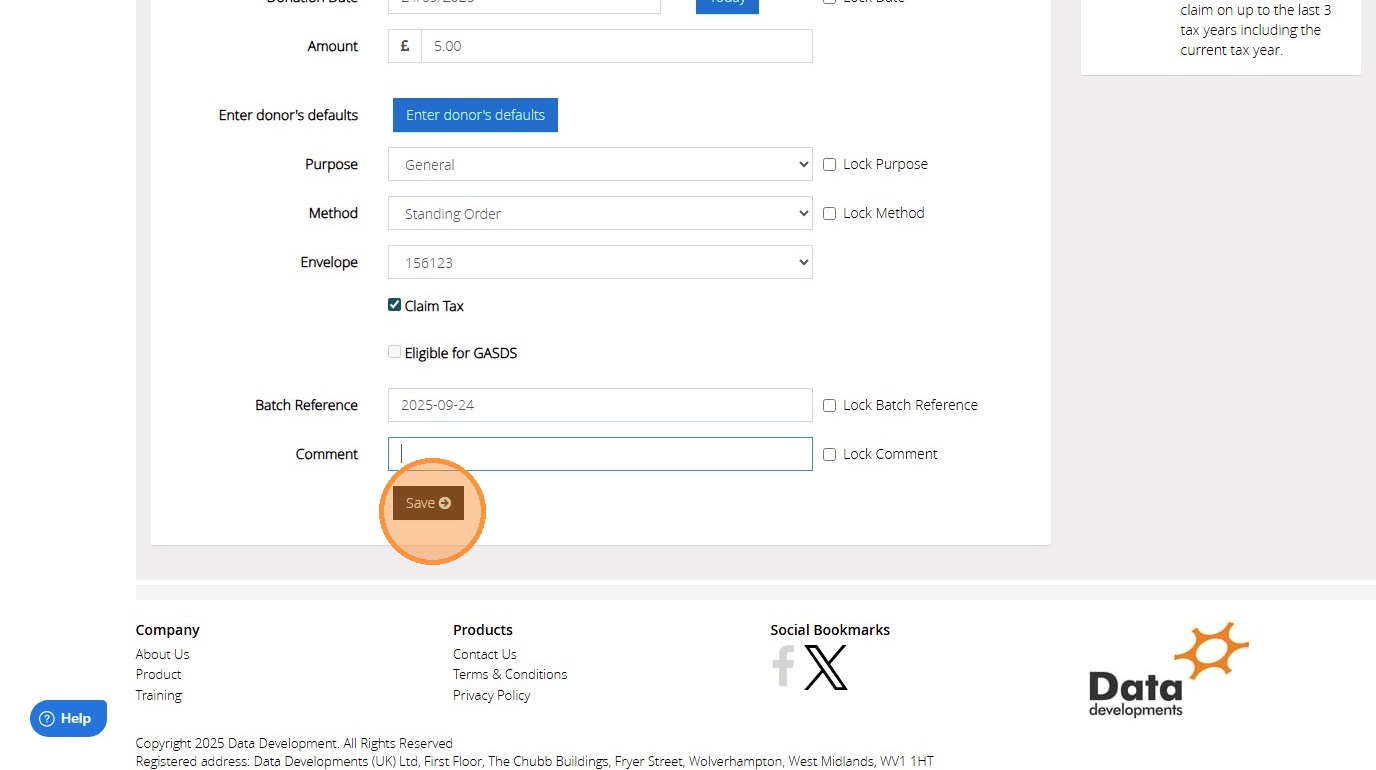
10. Click "Save"
11. Click "OK"