
This guide shows how to record donations by searching a donor (name, envelope or reference) and entering gift details, amount, method and comments into MyGiving Online.
1. Click "Gifts".

2. Click "Enter donations by name, envelope or reference".

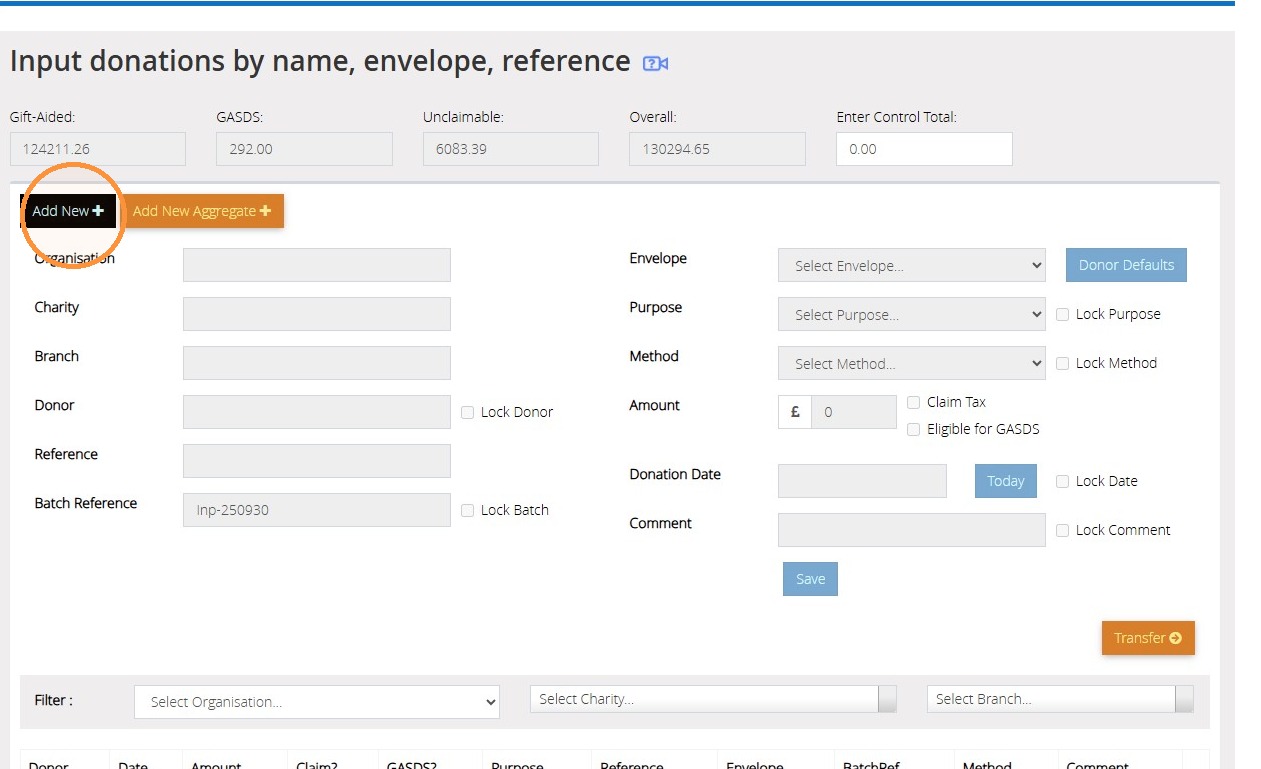
3. Click "Add New".
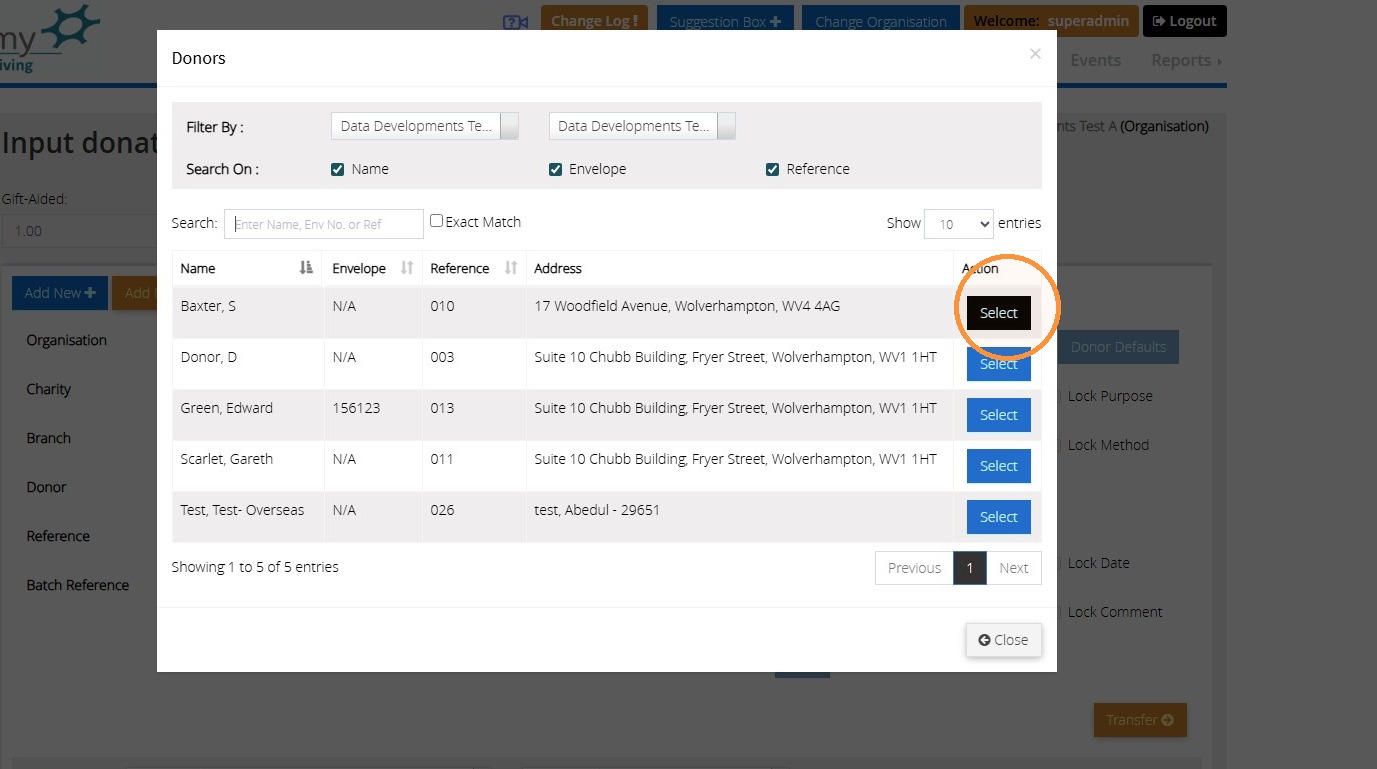
4. Using the search box provided, search for your donor record by either their name, envelope number or reference. Then click 'Select' next to the donor record.
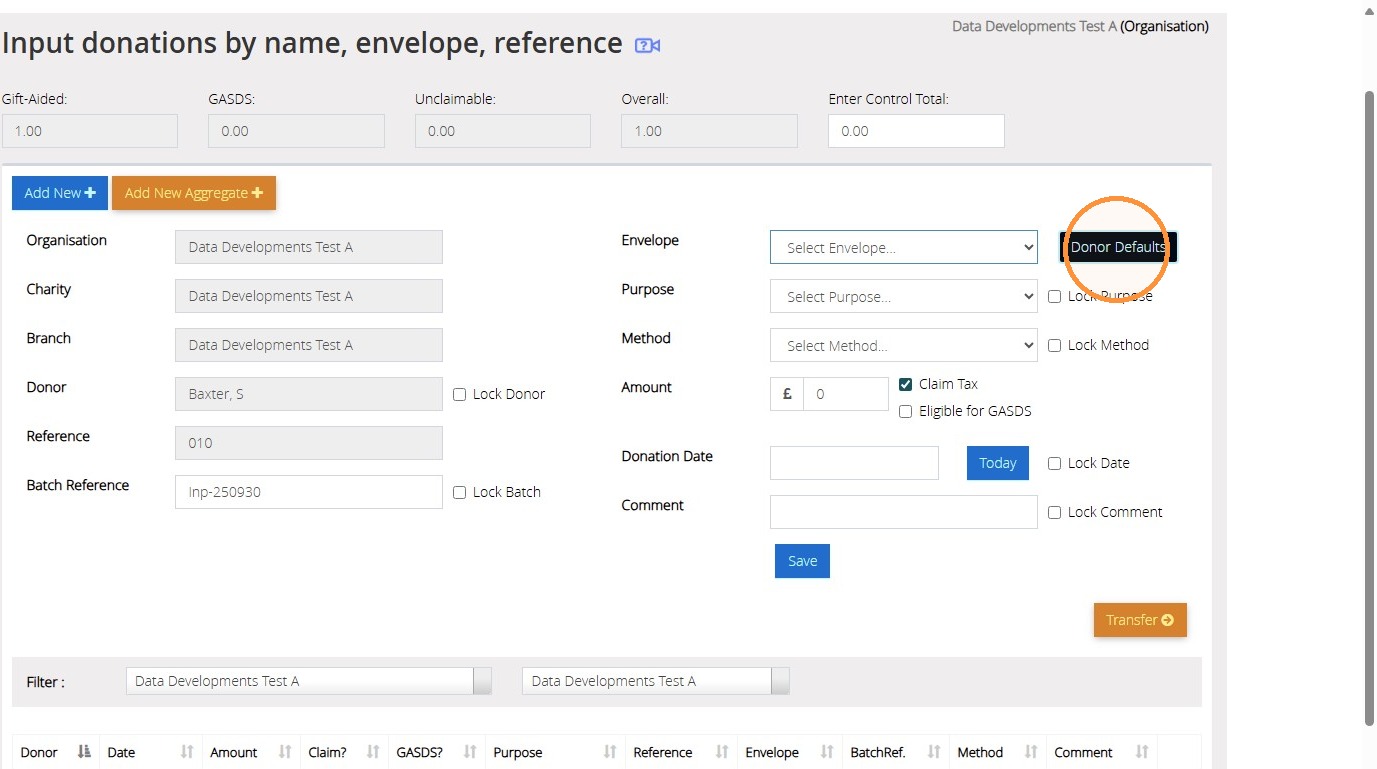
5. Click 'Donor Defaults' to auto populate the defaulted details from their donor record or manually select them from the dropdown menus provided. To save the Purpose and Method for future entries on this page, please check the boxes to lock.
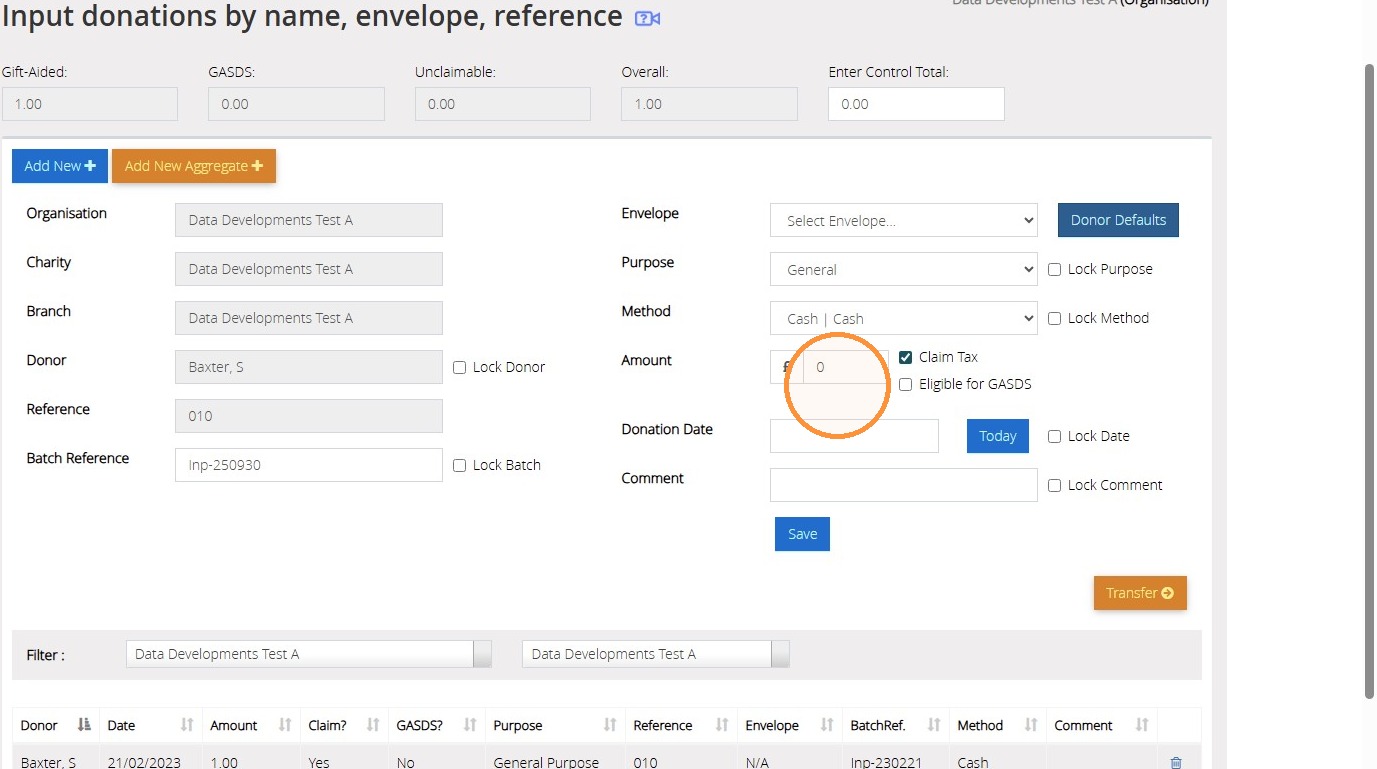
6. Enter the amount of the donation and tick to confirm if this is eligible for Gift Aid or GASDS.
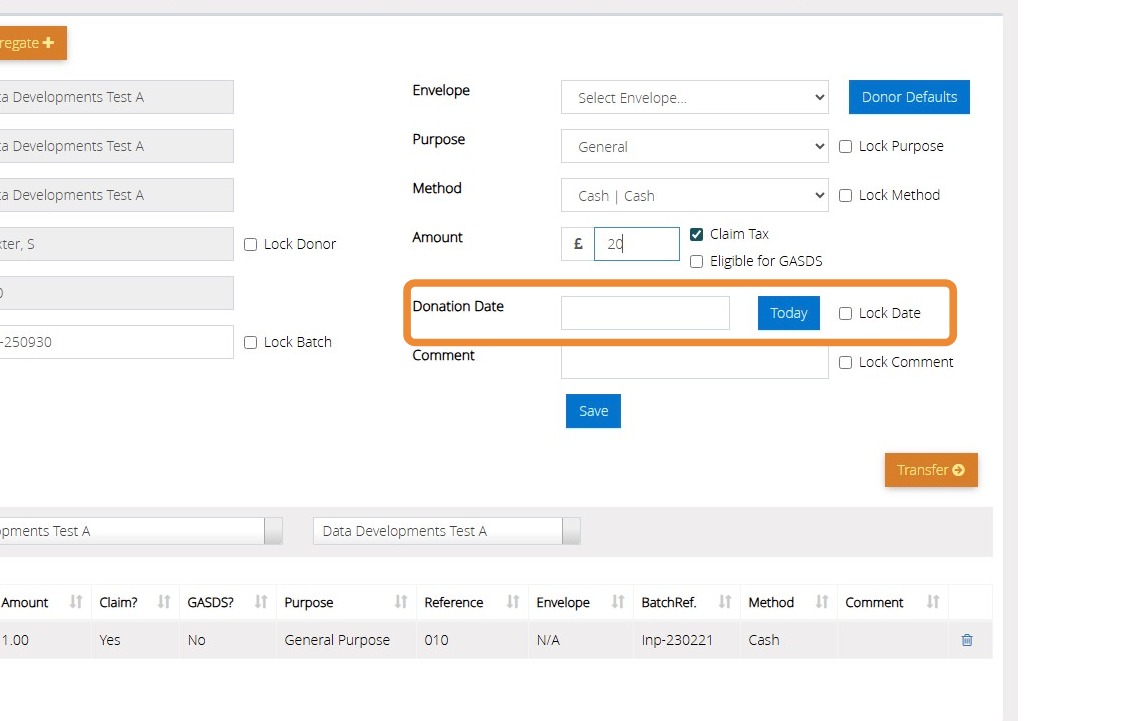
7. Enter the donation date. You can either manually enter, click for a calendar to make the selection or click 'Today' to enter today's date. Should you wish to lock the date for future entries, please tick the box next to Lock Date.
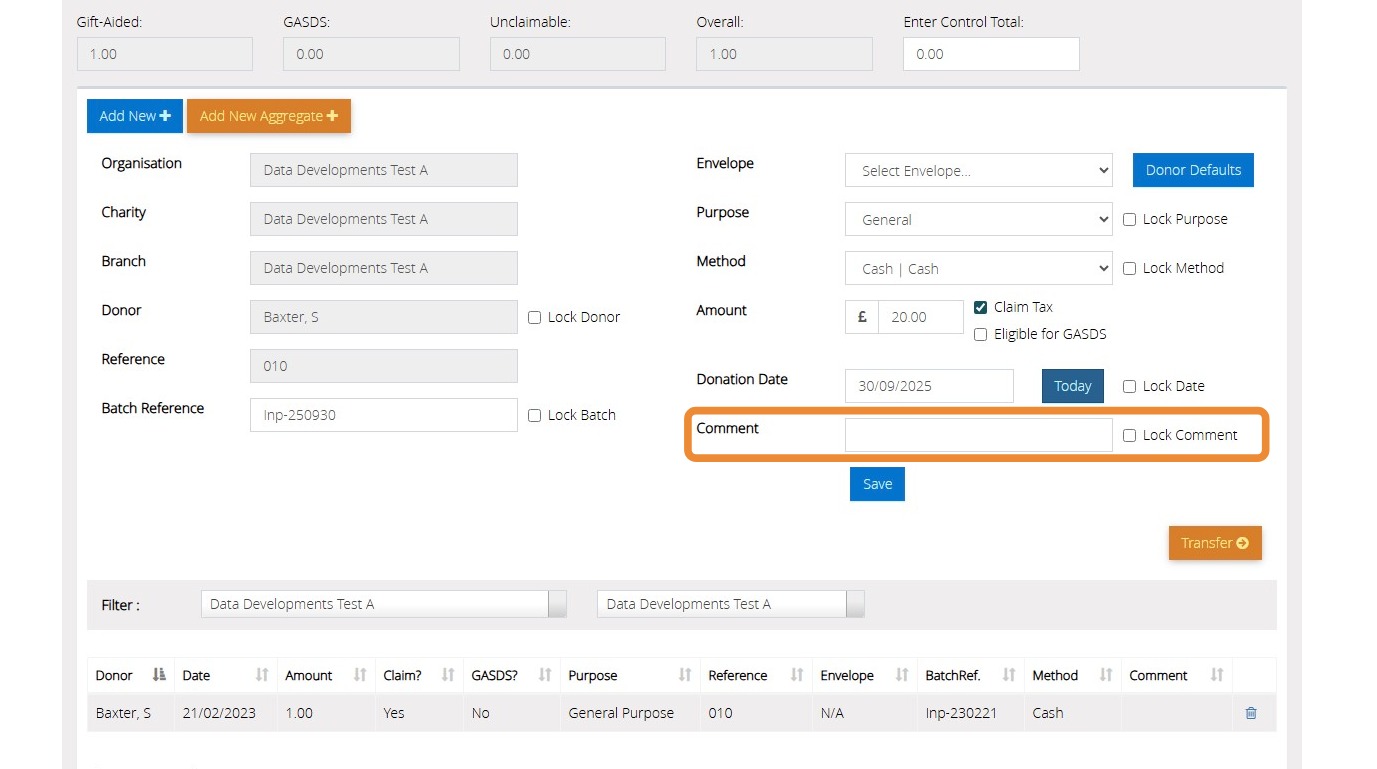
8. Click the "Comment" field and type any comments to be stored against the donation. Click Lock Comment to store the details for any future donations entered on this page.
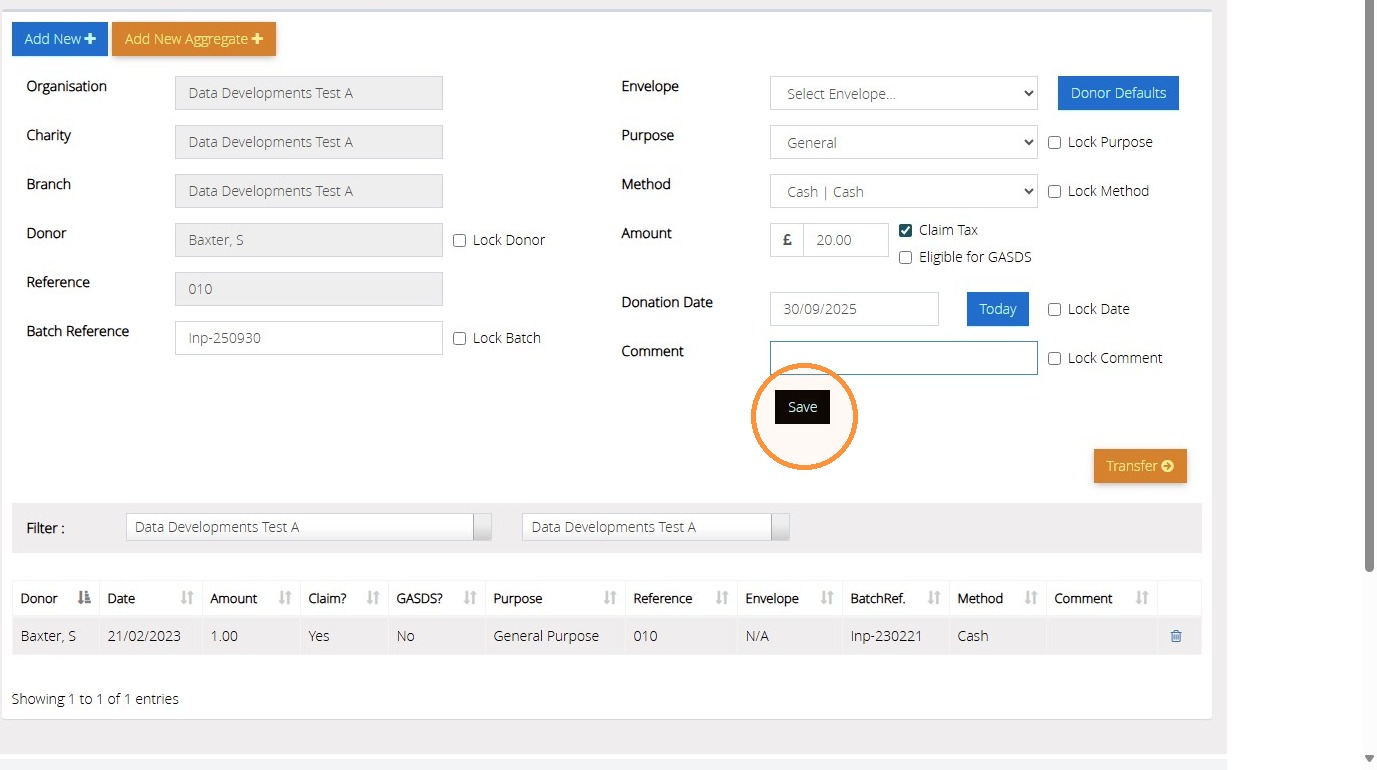
9. Once you are ready to save the donation, click "Save".
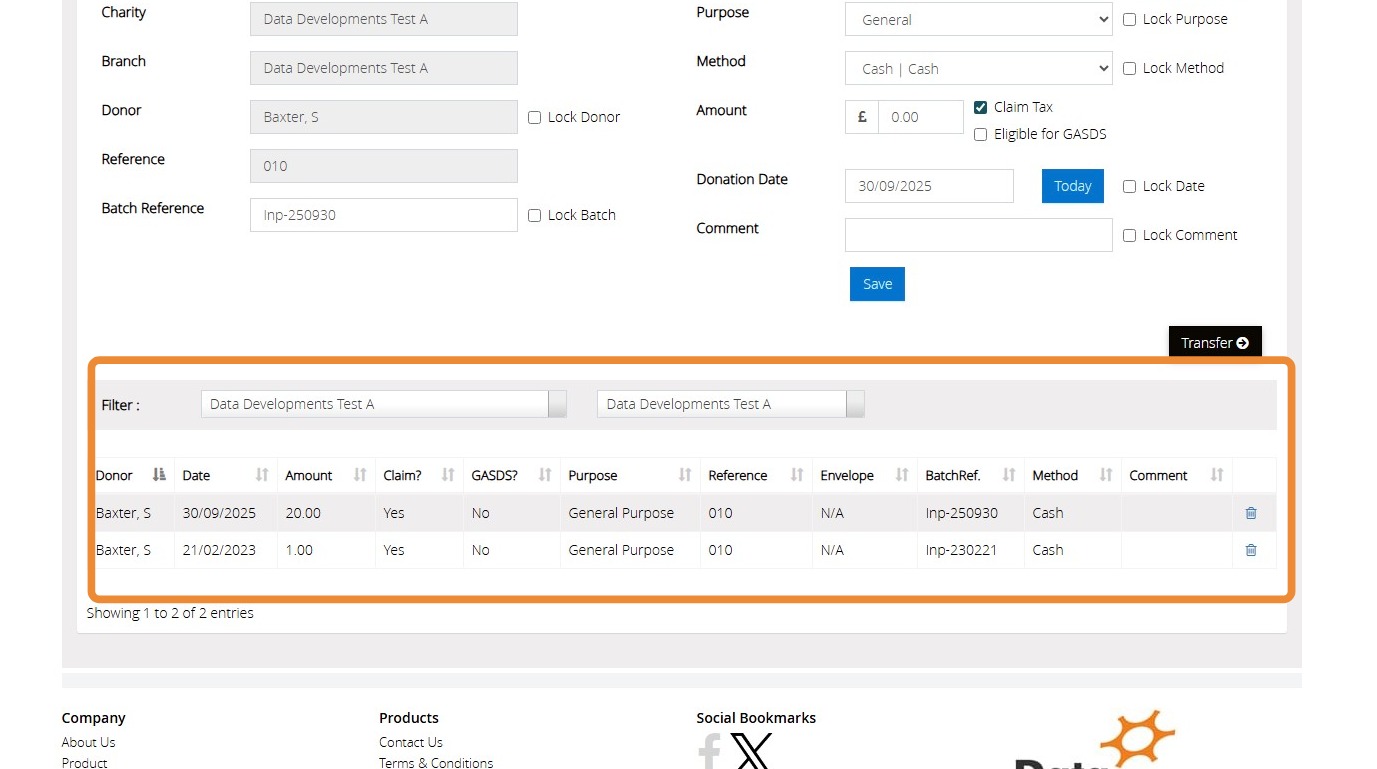
10. Each of the donations that you enter and save will be listed on the bottom of the page.
11. The control total is a fail safe to ensure you are only entering donations for the total amount you need to record. In our example below, we have recorded £21 worth of donations, so the control total would be £21.
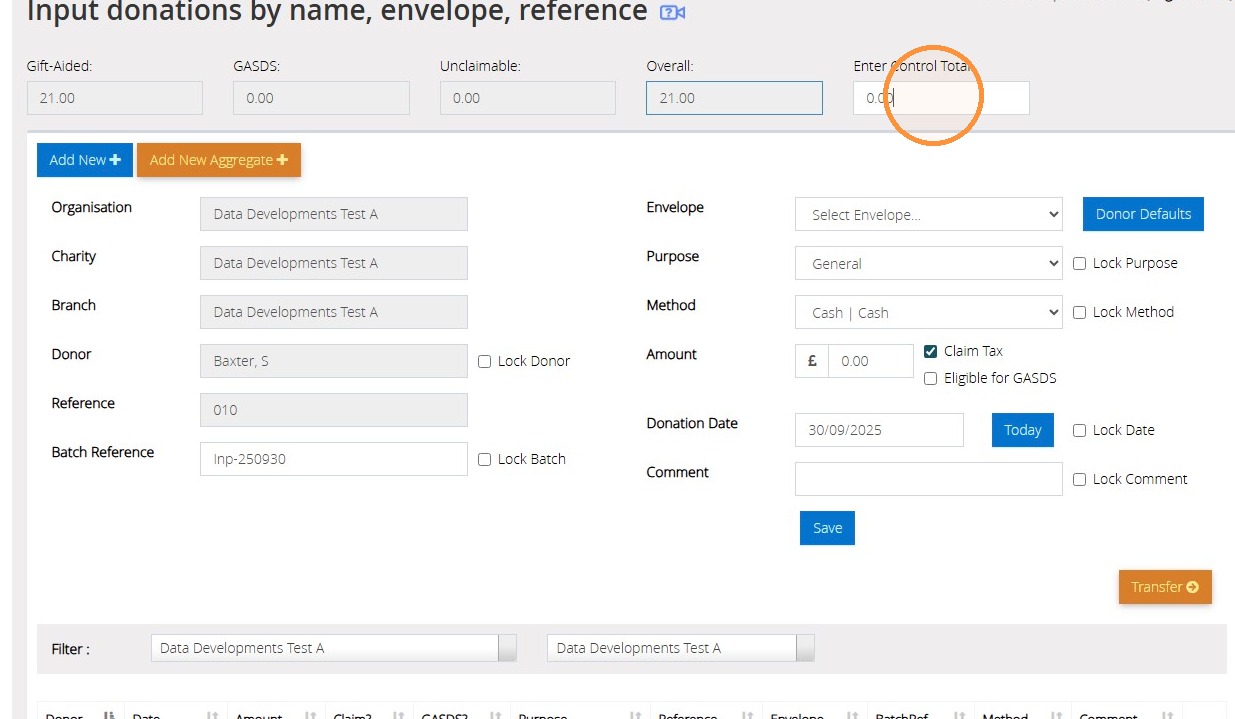
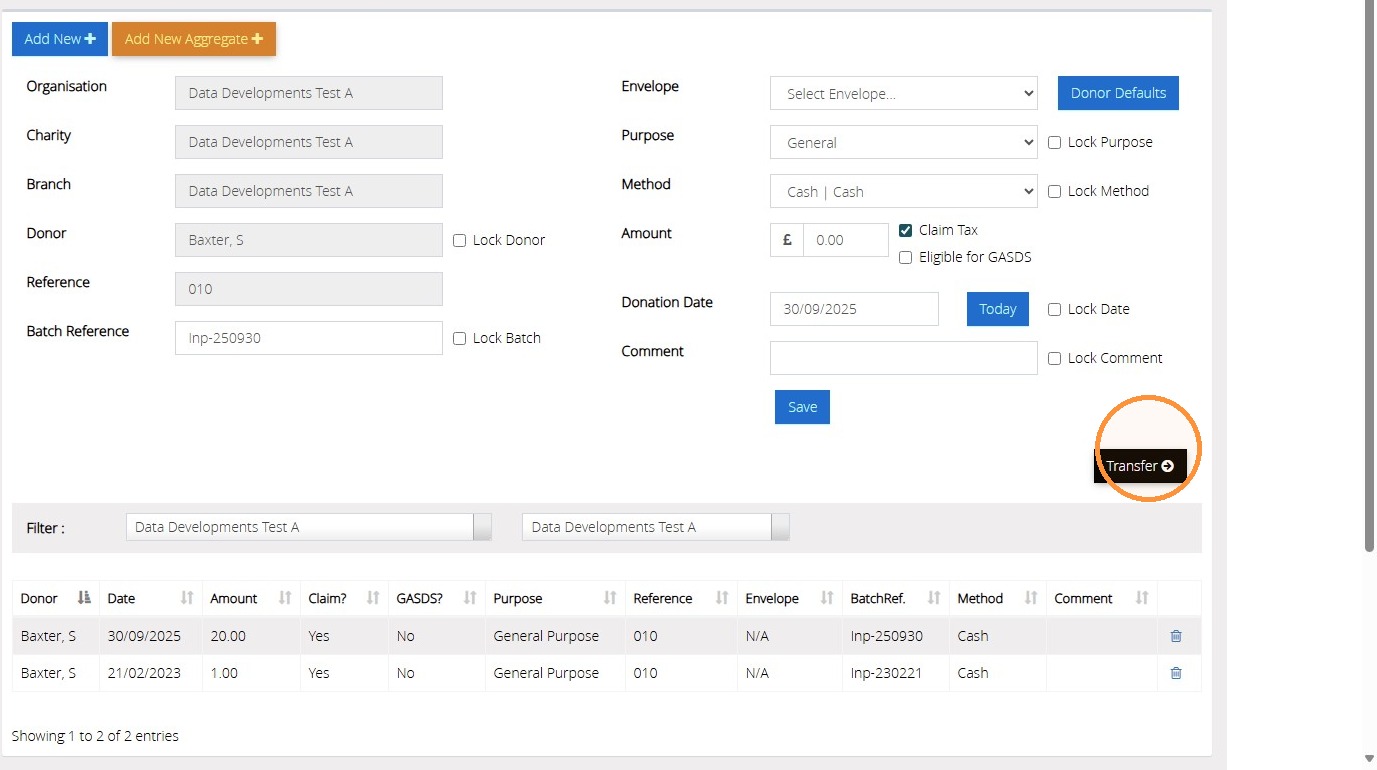
12. When the control total matches the amount of donations that have been entered, you will be able to click "Transfer" to record the donations against the donor records ready to be submitted within a claim.
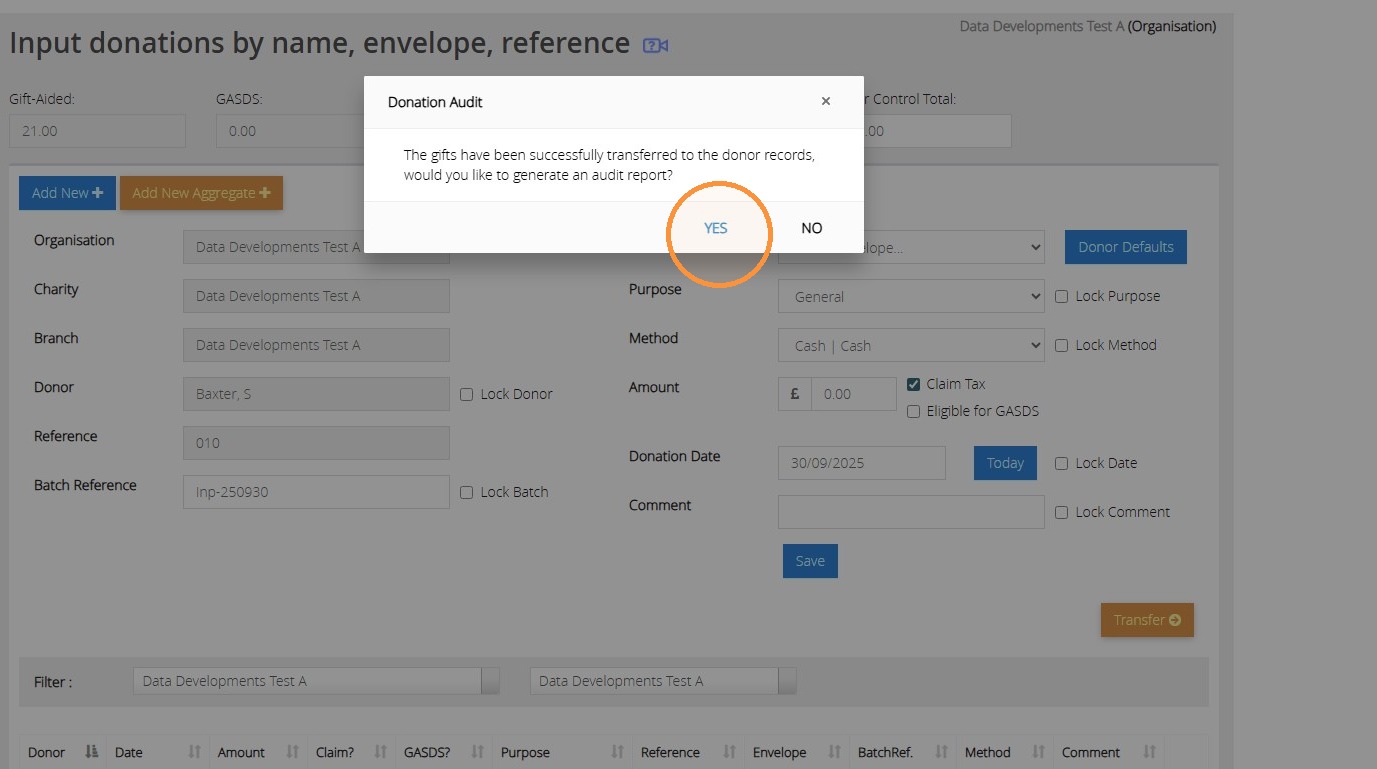
13. Click "Yes" to generate a report of the donations that have been transferred.
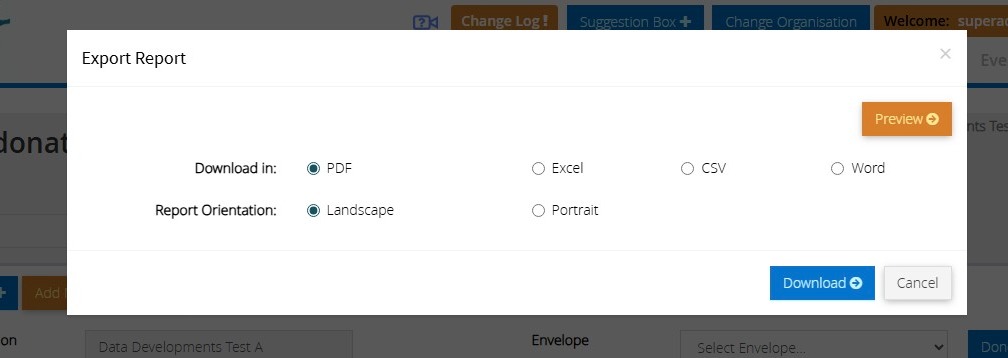
14. Make the selection to either download the report or click Preview to open a preview of the report in a separate tab.
Tip: We hope you found this guide helpful and easy to follow. If you require any further assistance, please contact our support team by telephone on 01902 714030 or by email at support@datadevelopments.co.uk.