
1. Click "Gifts"

2. Click "Enter Donations in a Grid"

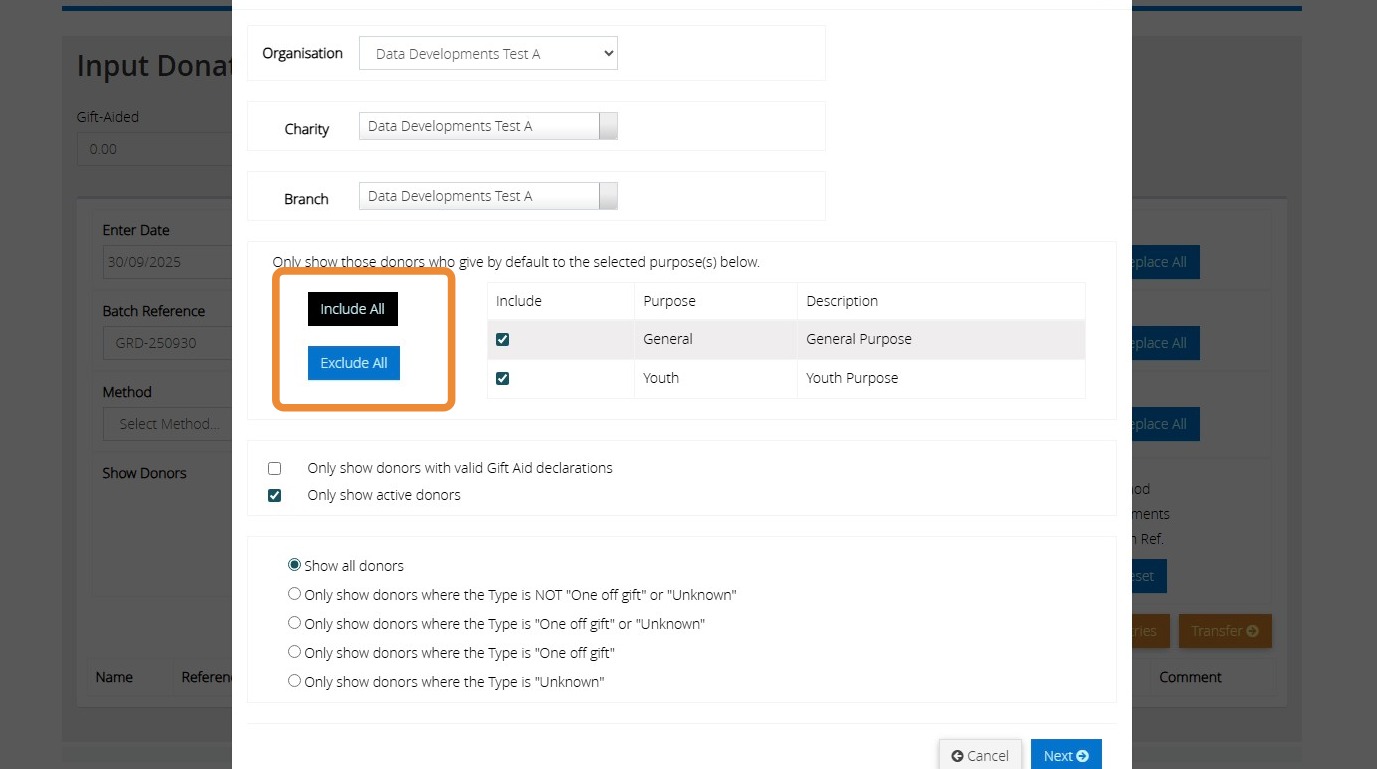
3. Click Include all to show those donors who give by default to the select purposes displayed. Click Exclude all to deselect the purposes. You can also manually tick and untick the individual boxes next to each purpose
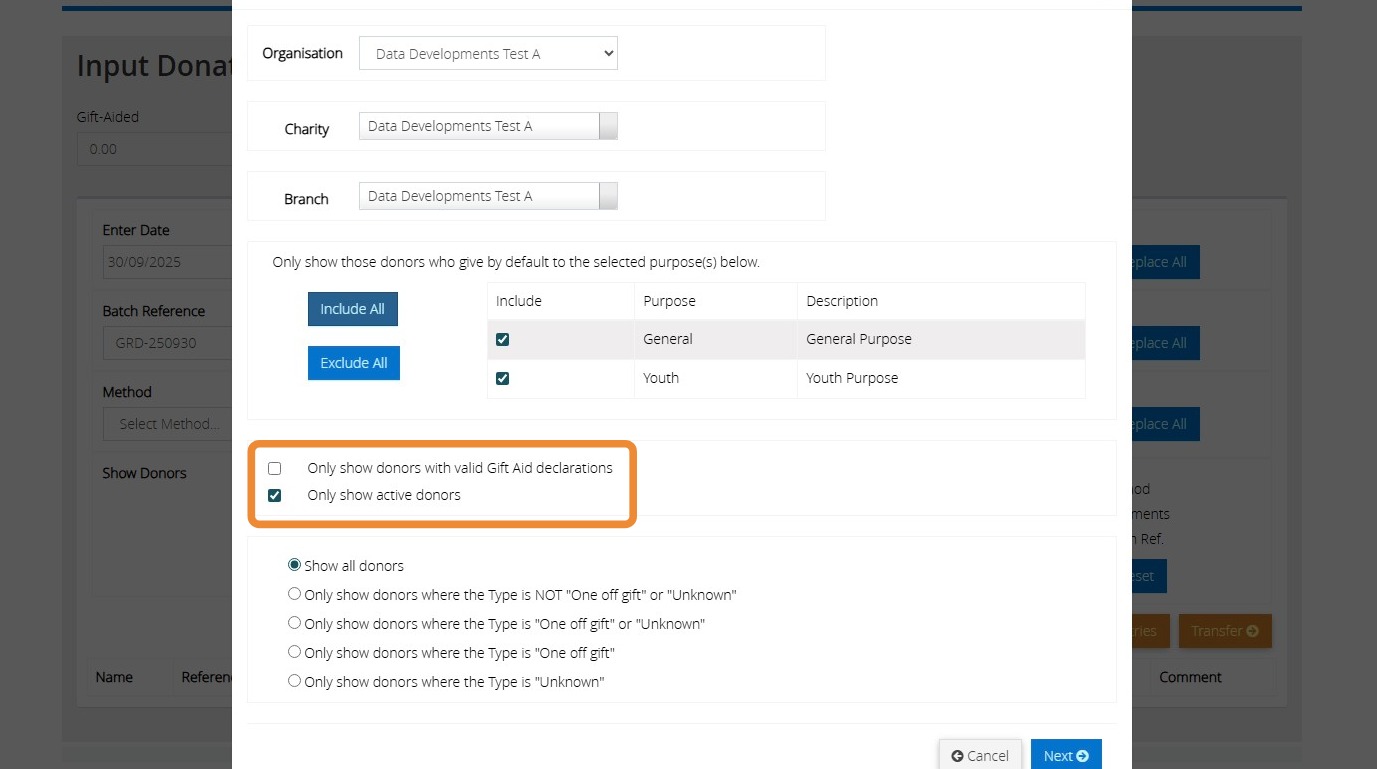
4. Here you have the option to filter the donor listing to "Only show donors with valid Gift Aid Declarations" or/and "Only show active donors"
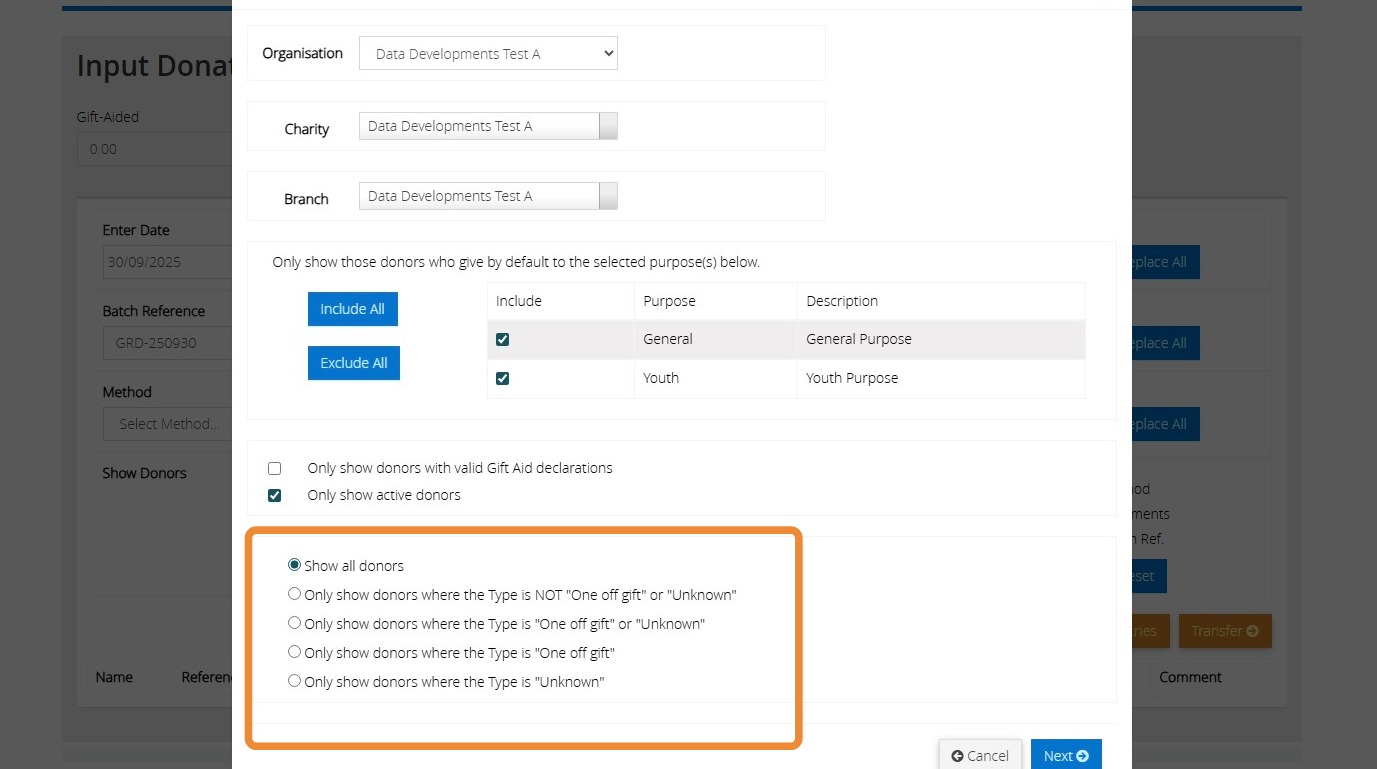
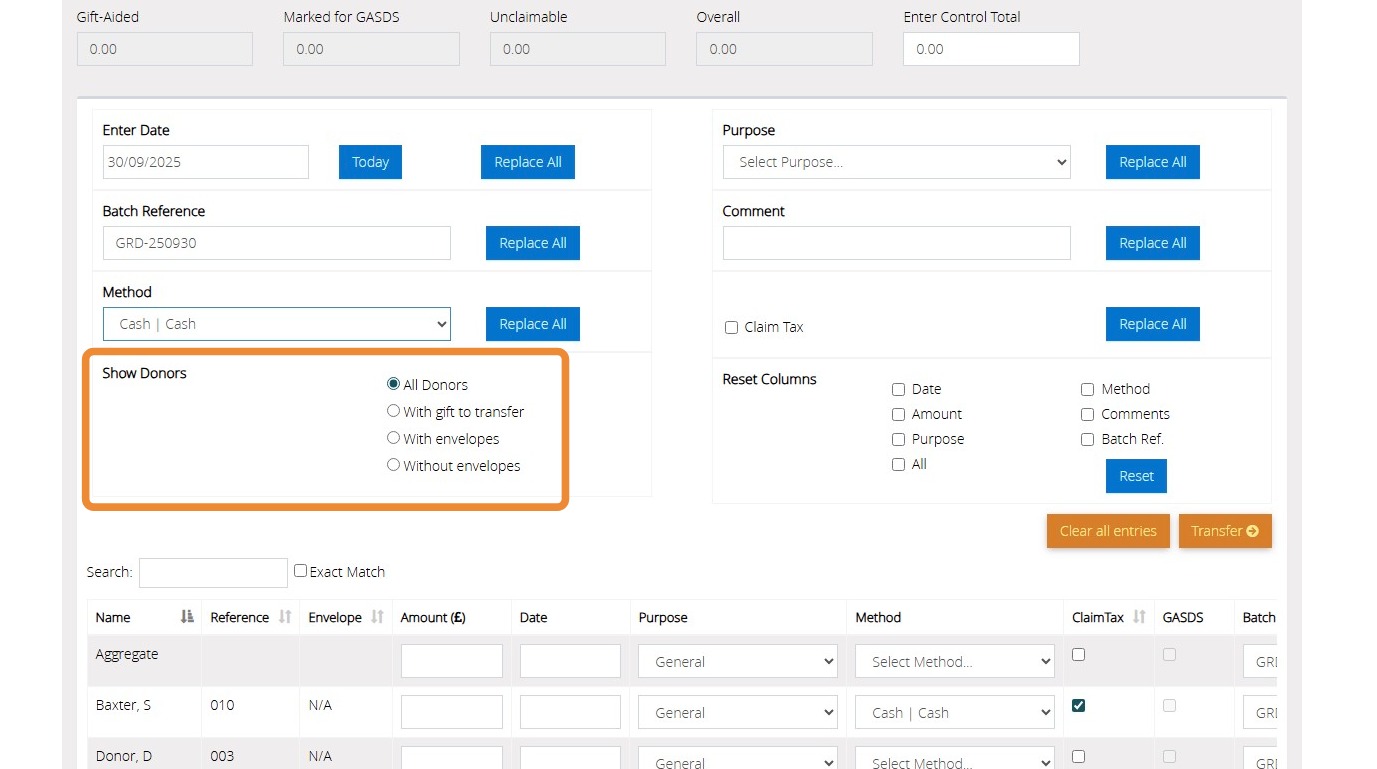
5. You can choose to "Show all donors" or make further filters using the below selections
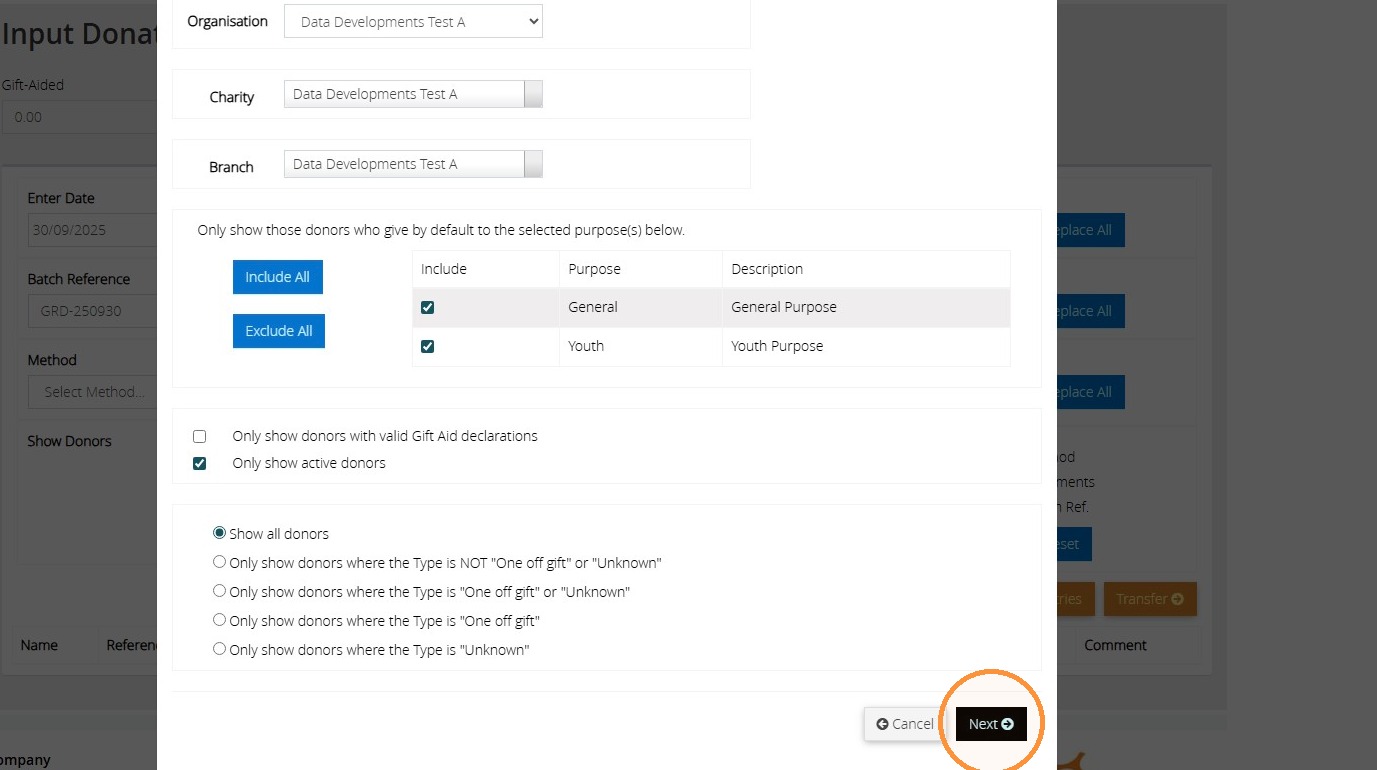
6. Click "Next"
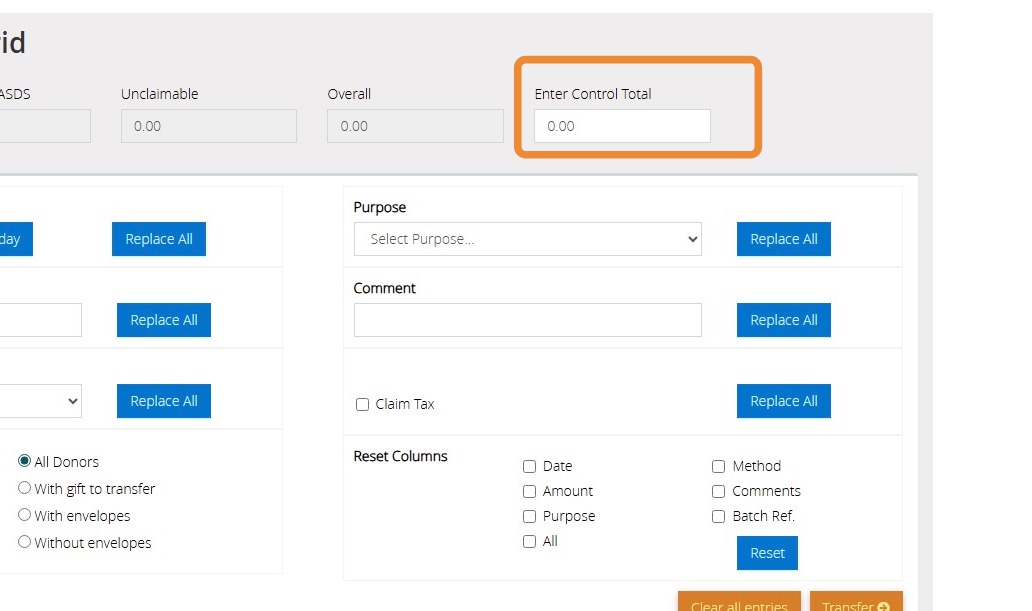
7. Enter the Control total amount of the donations you need to enter
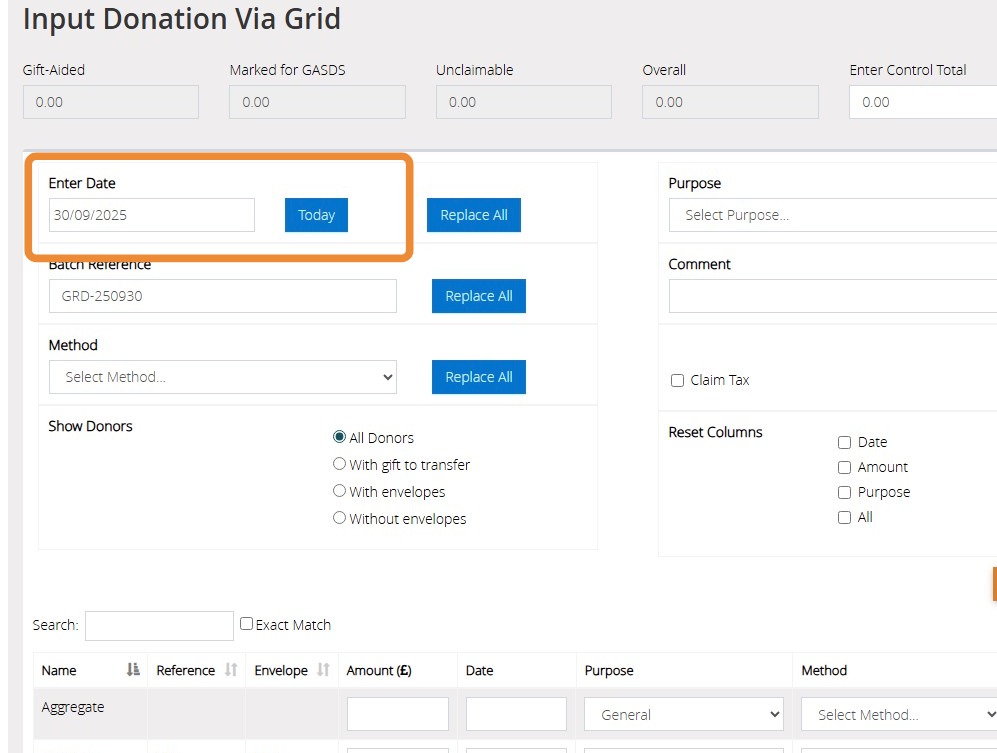
8. Click "Enter Date" to either manually type the date, click to open a calendar or click today's to enter todays date. Click replace all to auto fill all donations with this date
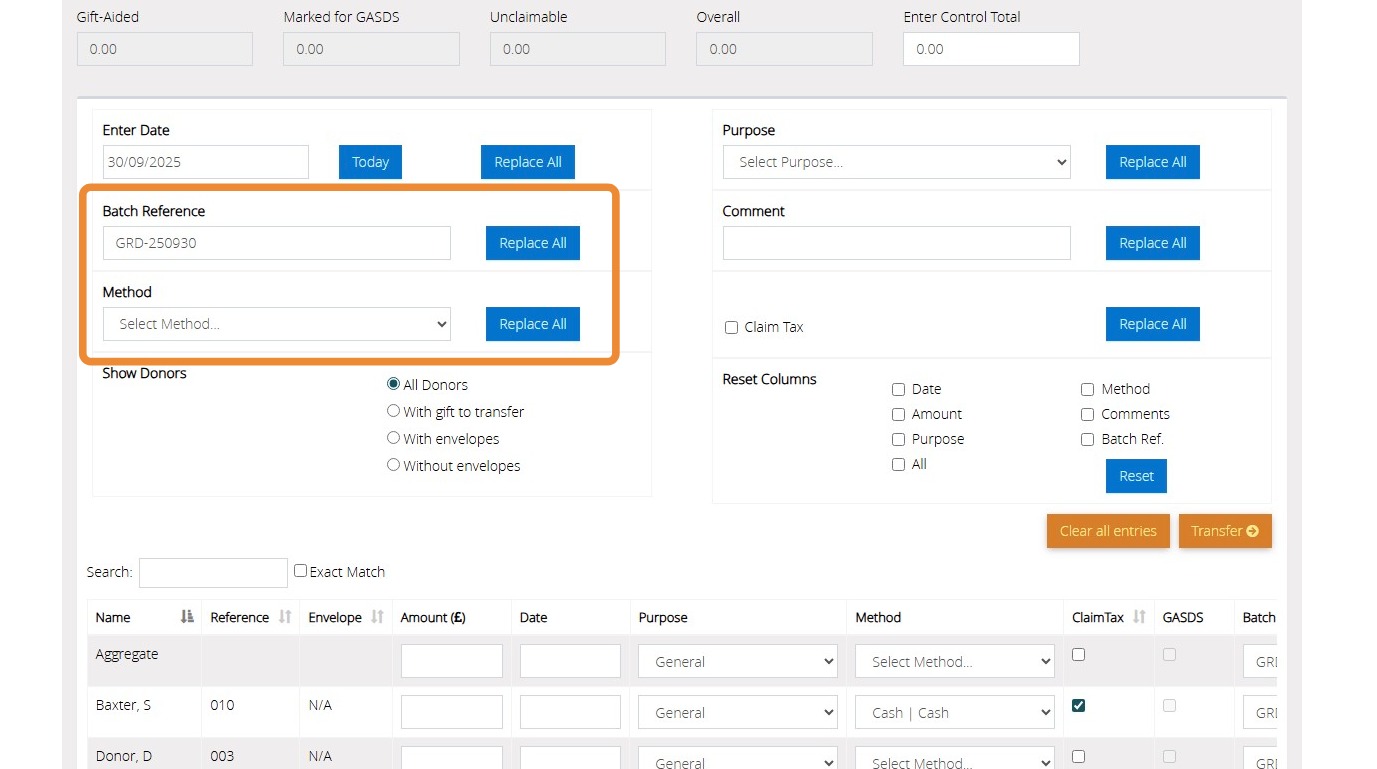
9. Click "Batch Reference" to record a reference against the donations. Click Replace all to replace the batch against all donors within the list
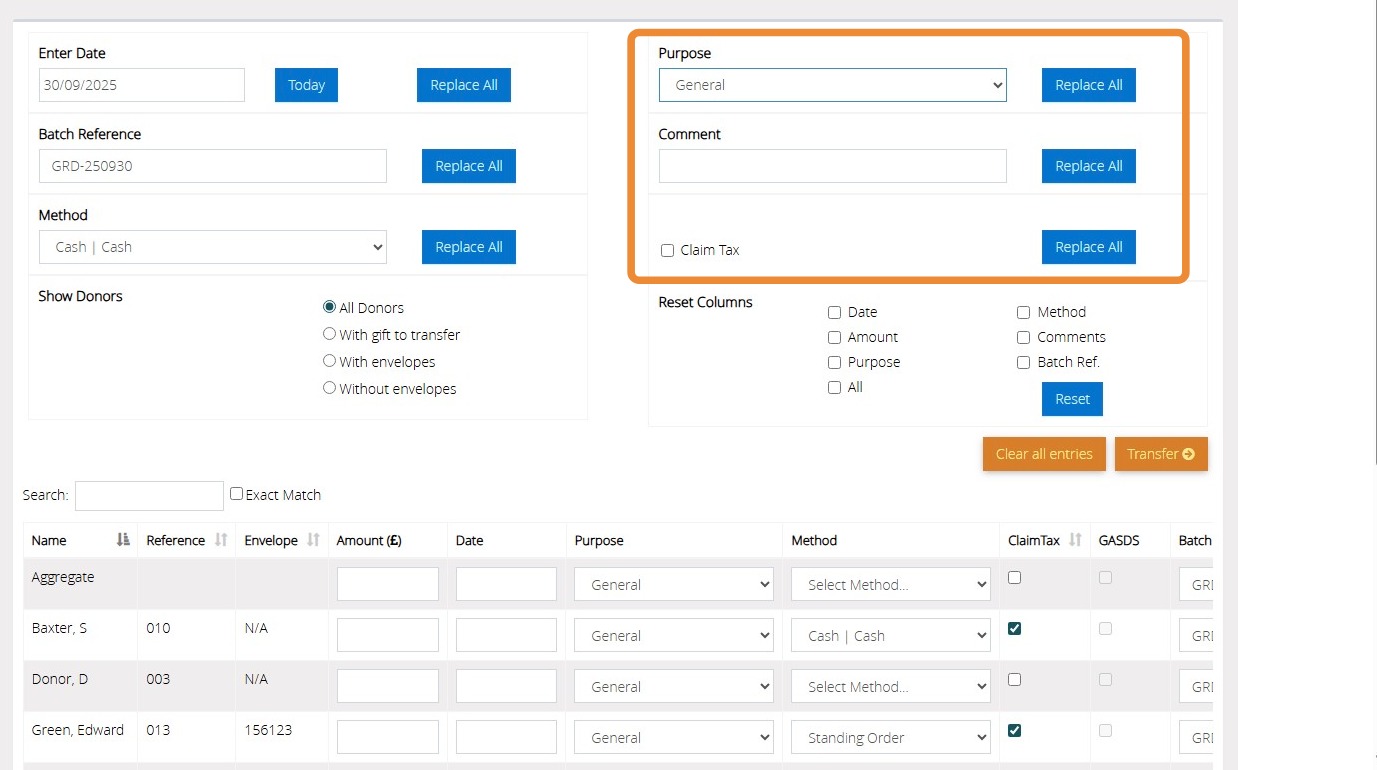
10. Select the purpose from the drop down provided. Click replace all to replace the purpose against all donors within the list
Click "comment" to record a note against the donations. Click Replace all to replace the comment against all donors within the list
11. You can filter the donor list by the filters provided
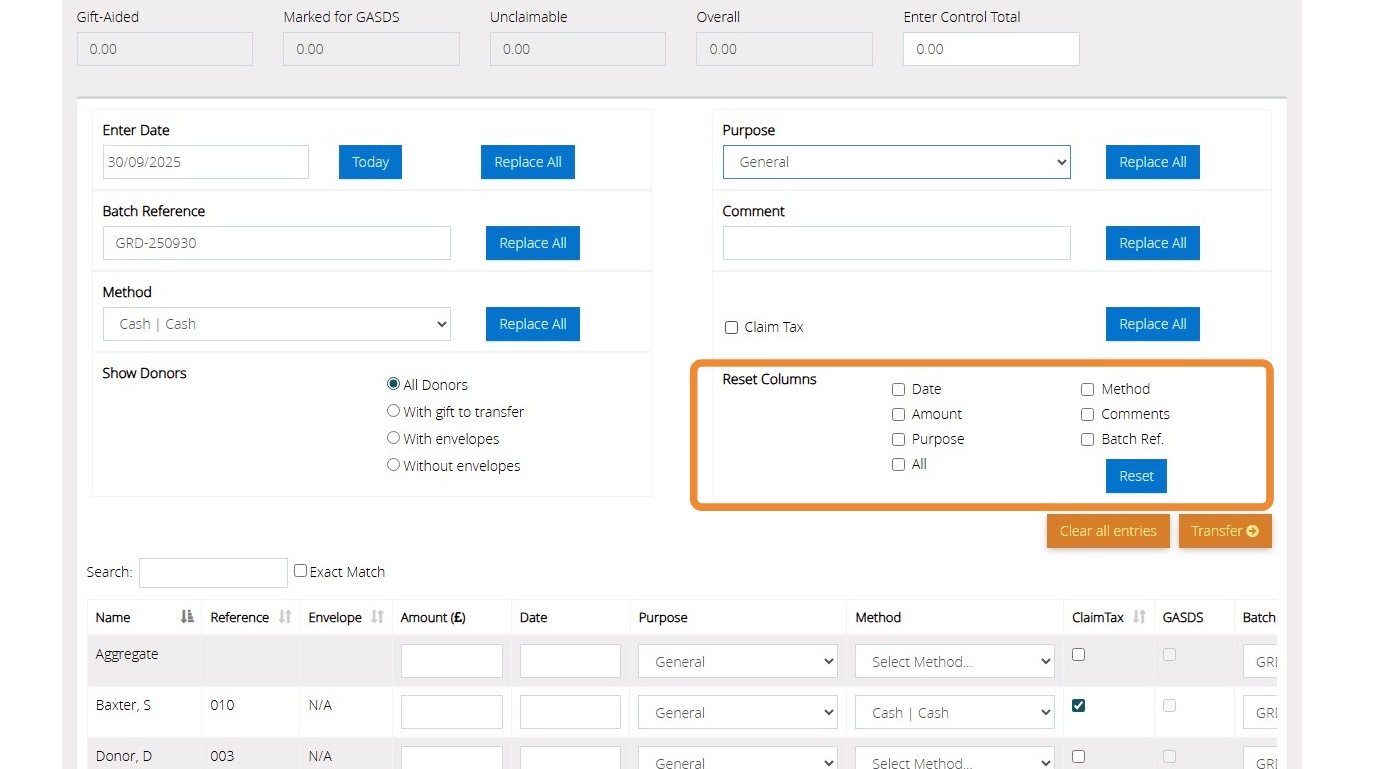
12. You can reset the columns to be blank by ticking the boxes here and selecting "Reset"
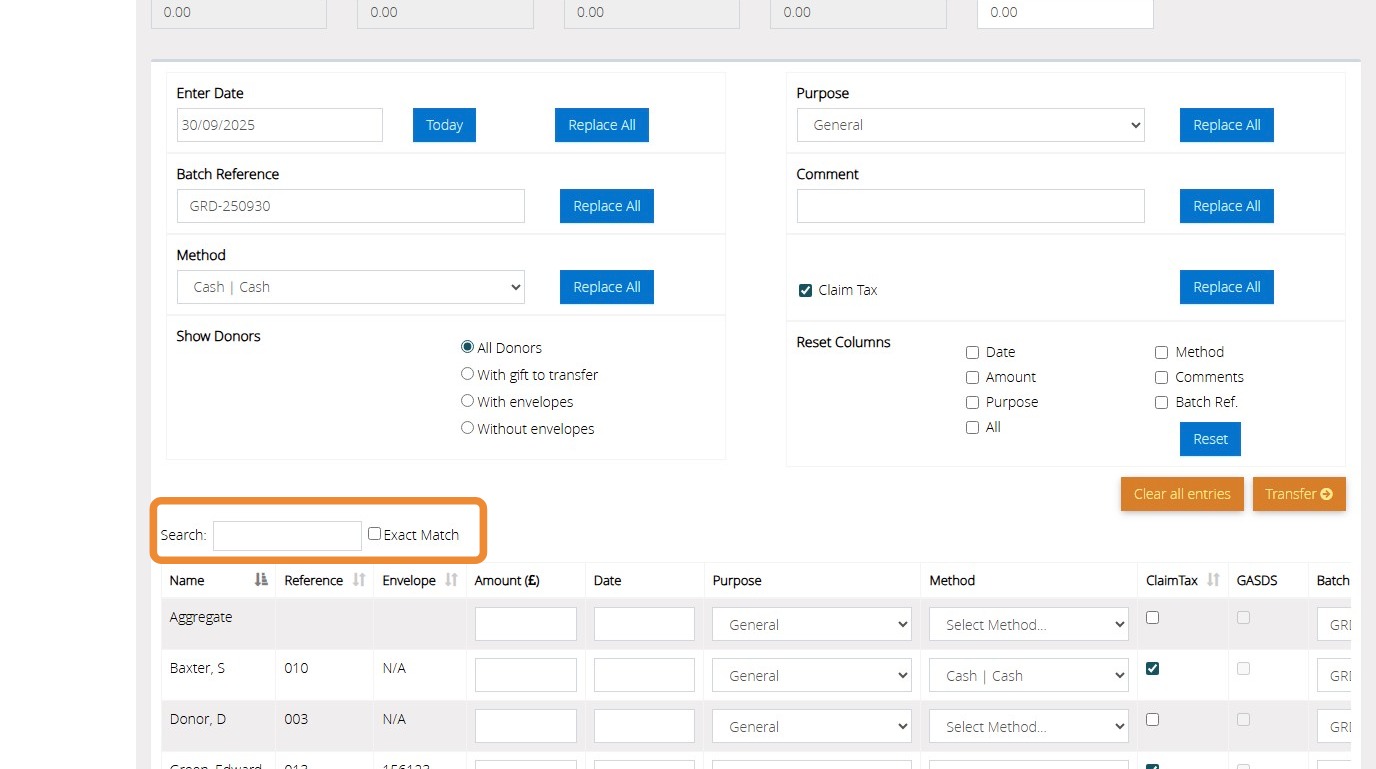
13. You can search for your donor by name, reference or envelope here.
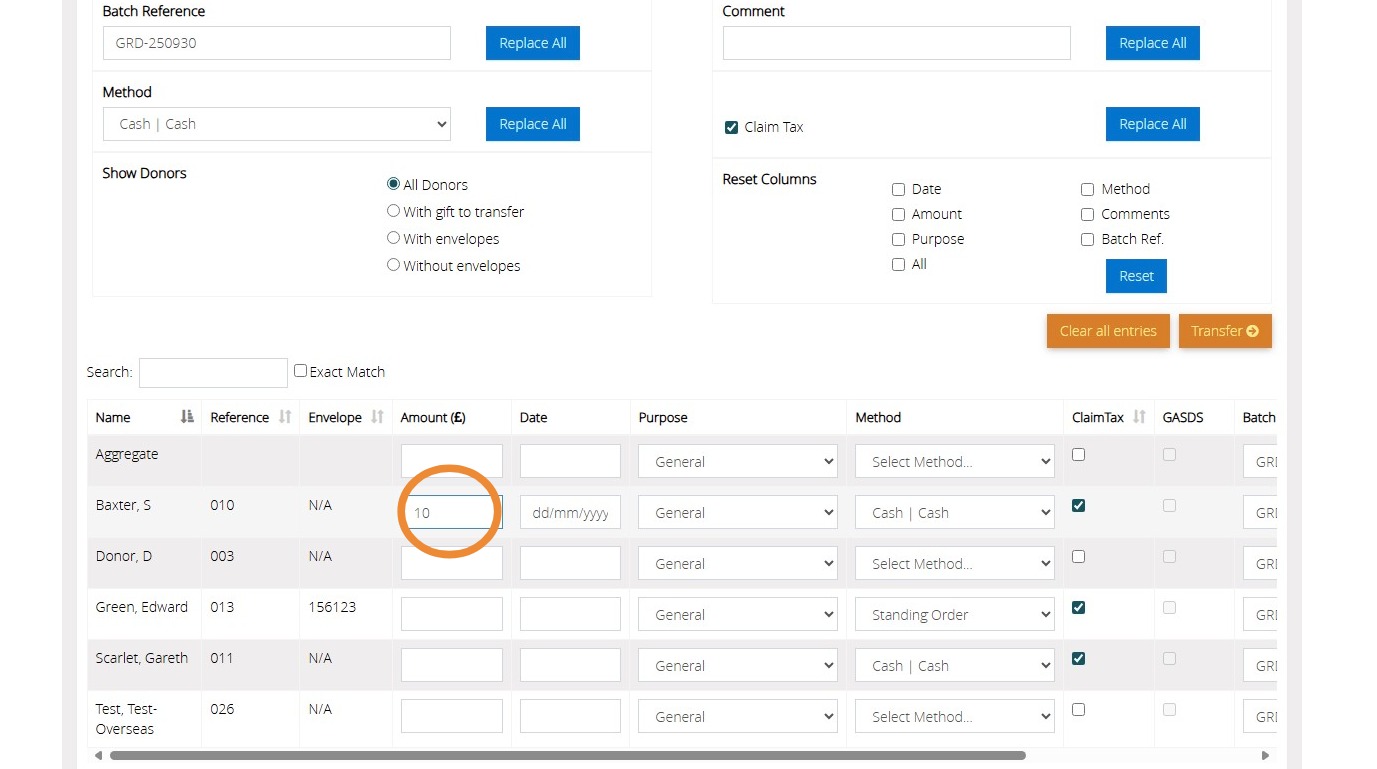
14. Next to each donor that has given enter the amount £
15. Enter the date of the donation
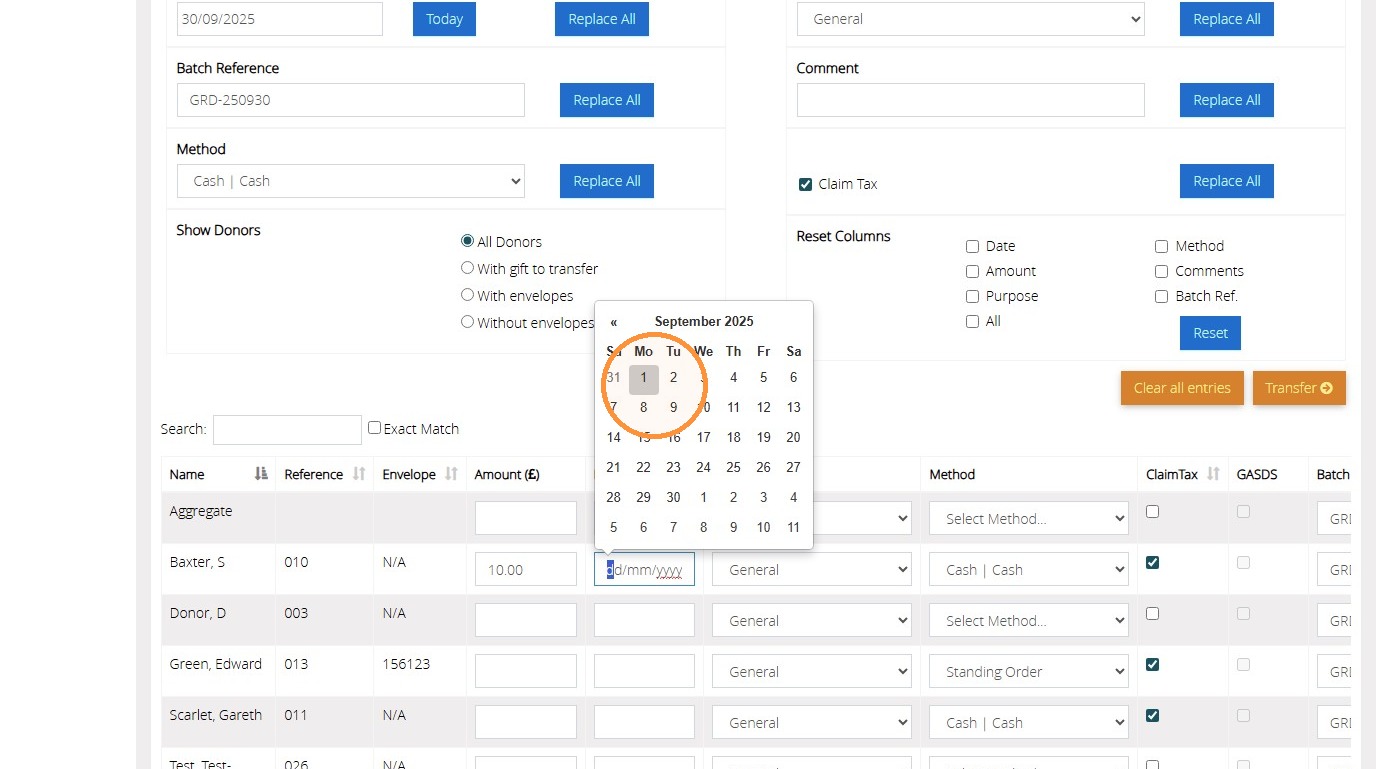
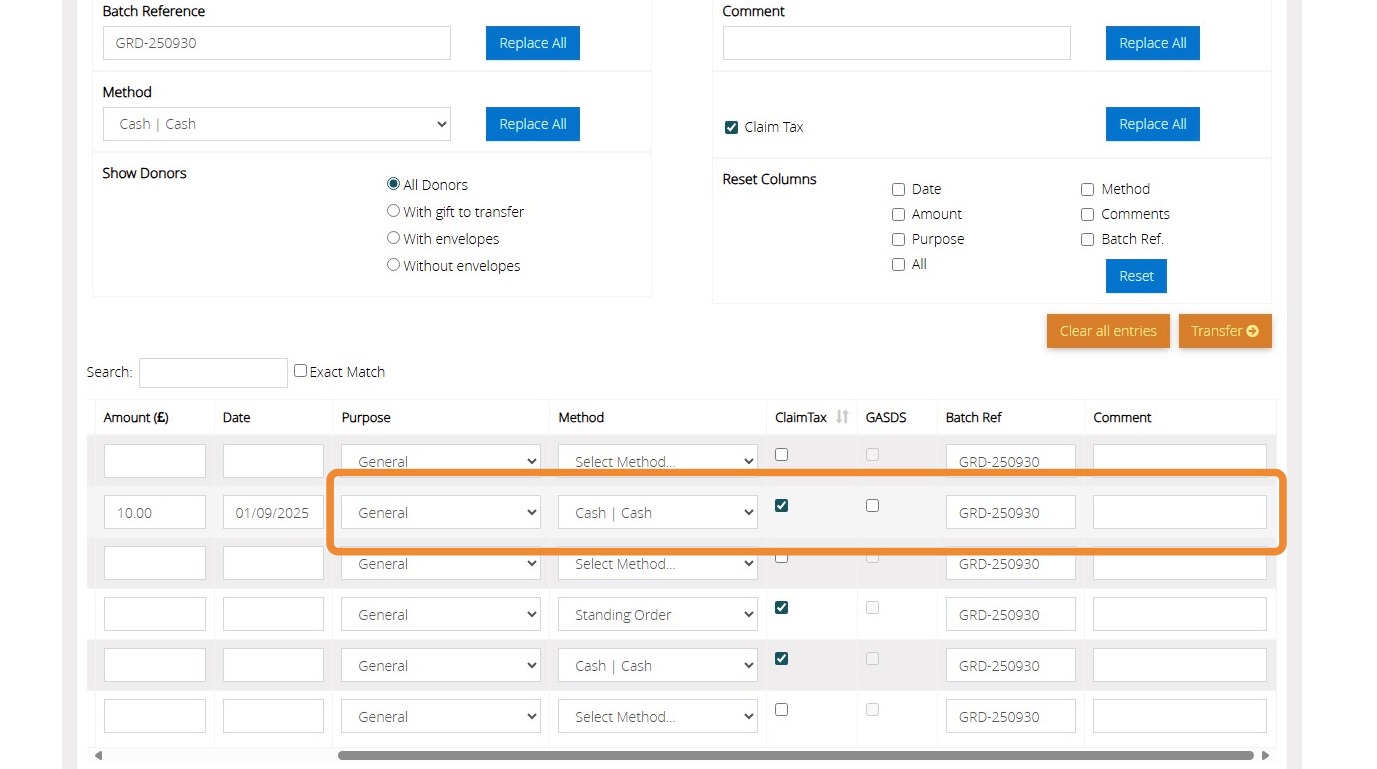
16. Select the purpose and method from the drop down provided. Tick to confirm if the entry is Tax claimable or GASDS. Enter a Batch reference and comment if required
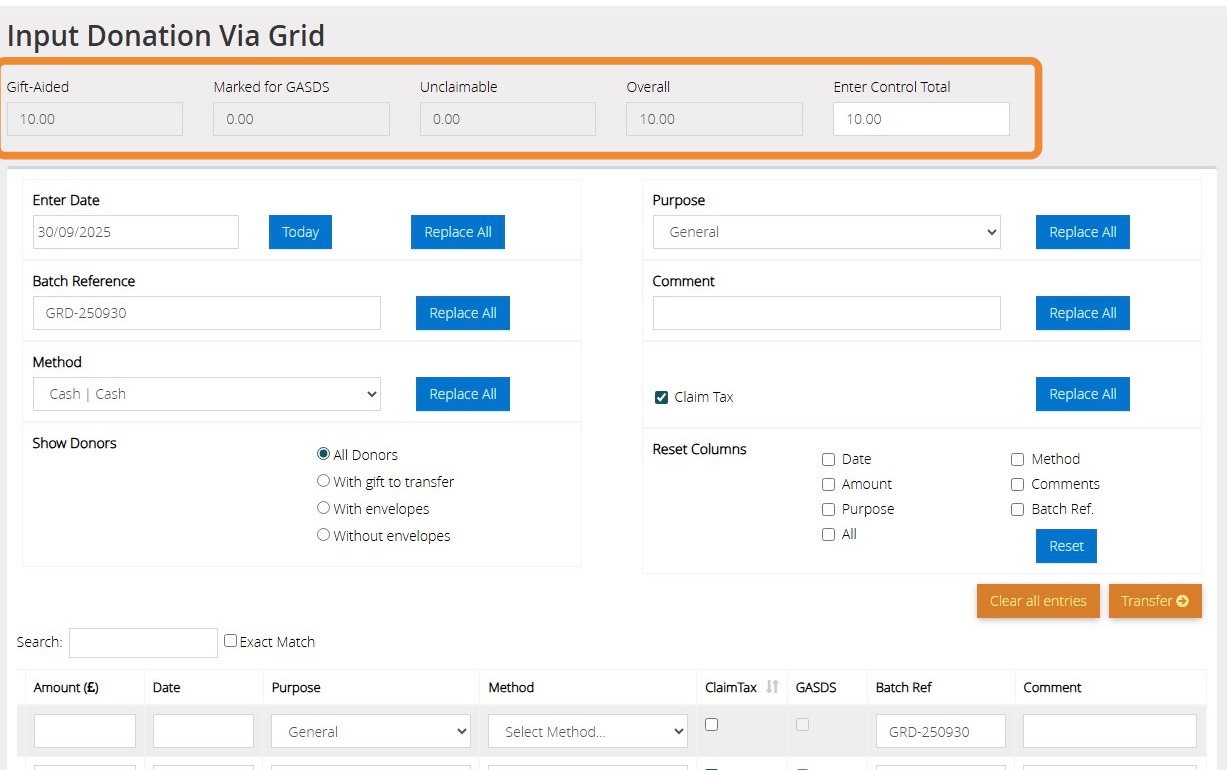
17. You can view a summary of the donations entered at the top of the page. Once the control total matches the overall box you will be able to transfer the donations to the donor records
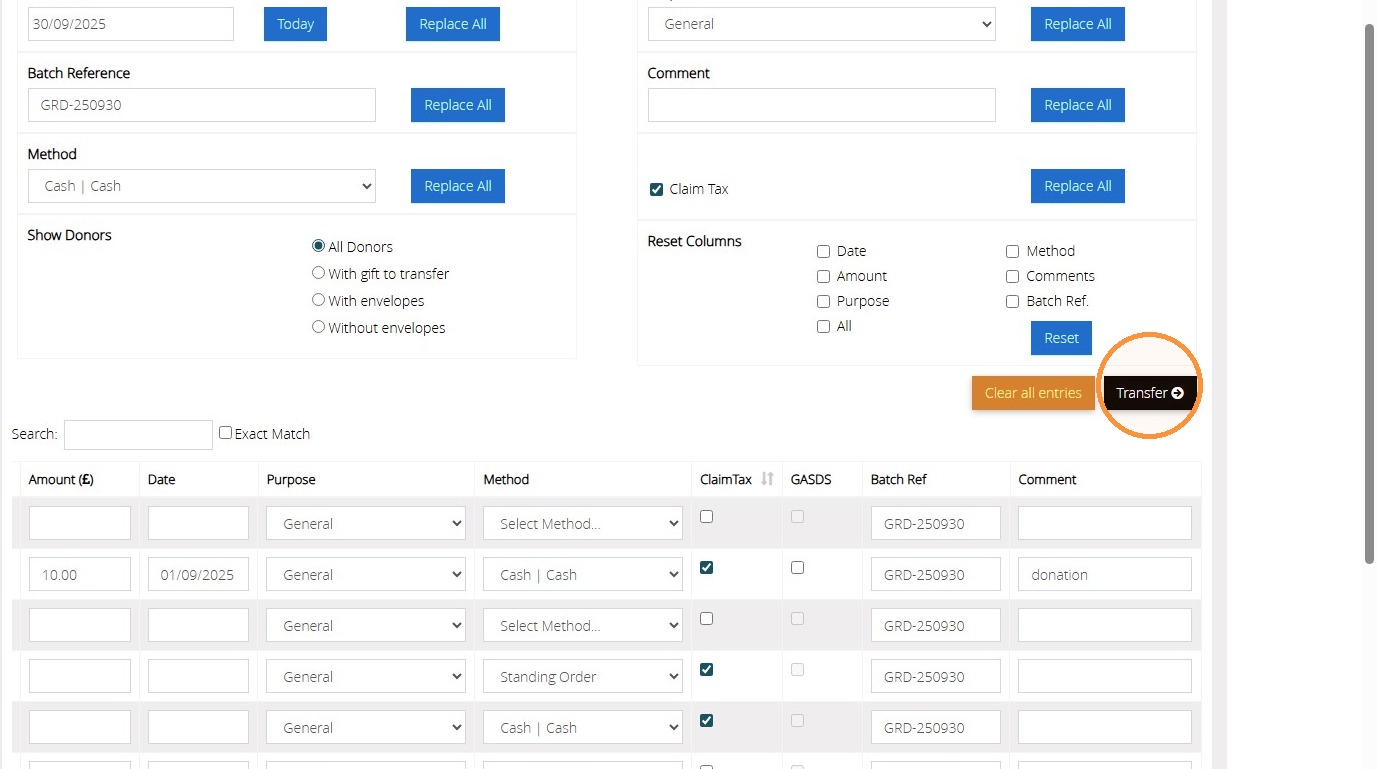
18. Click "Transfer"
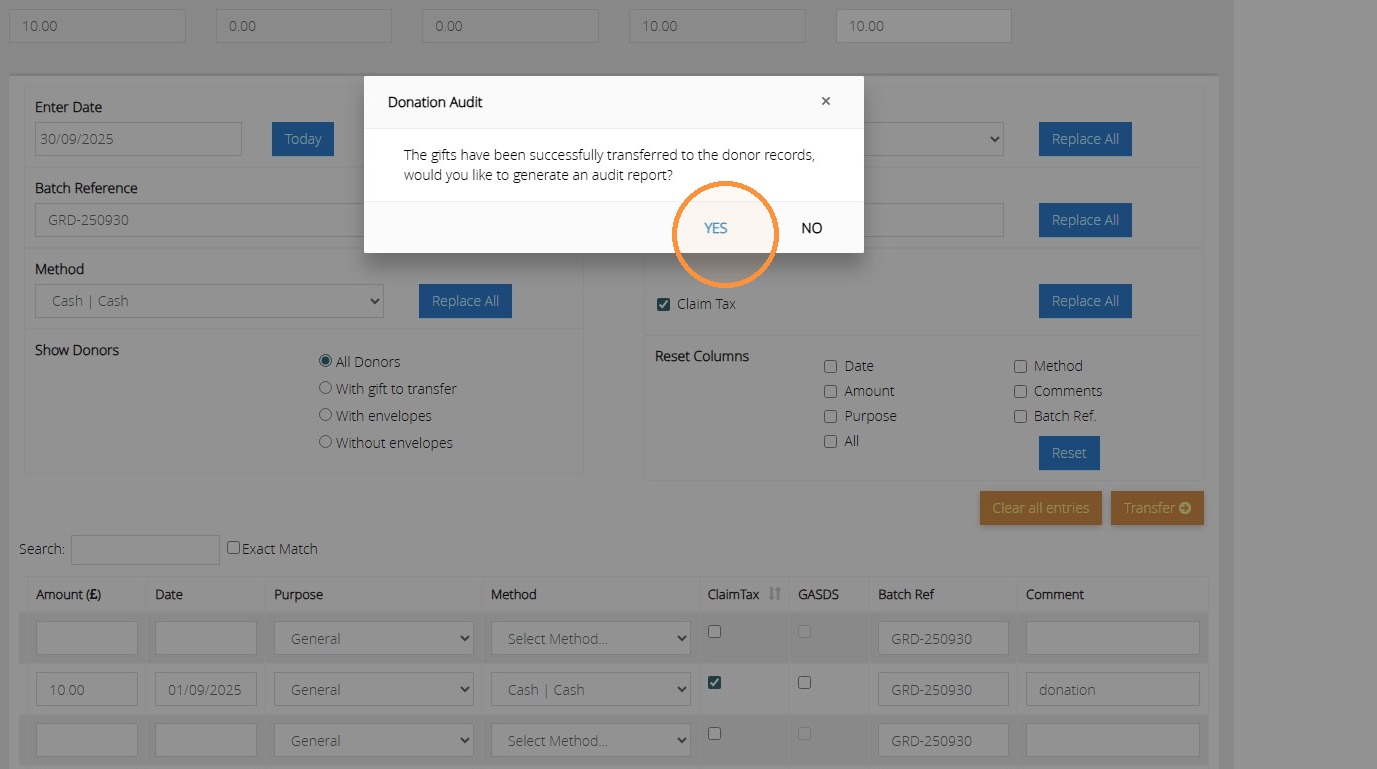
19. Click "Yes"
We hope you found this guide helpful and easy to follow. If you require any further assistance, please contact our support team by telephone on 01902 714030 or by email at support@datadevelopments.co.uk